




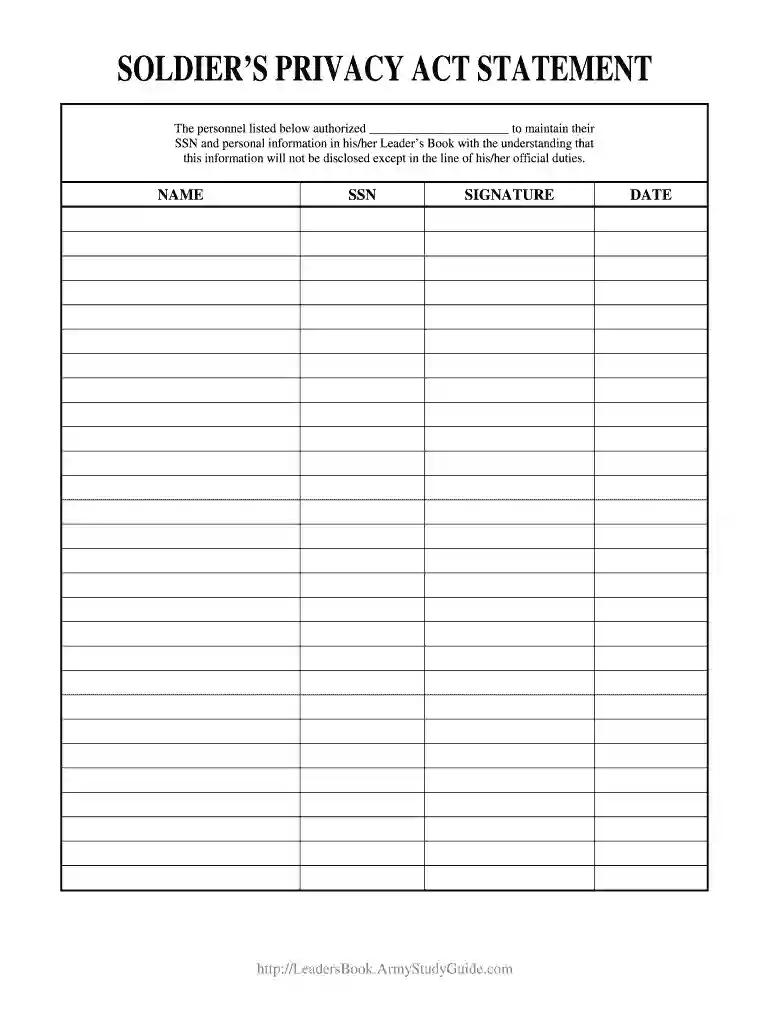
01. Edit your soldier privacy act statement online
Type text, add images, blackout confidential details, add comments, highlights and more.

Type text, add images, blackout confidential details, add comments, highlights and more.

Draw your signature, type it, upload its image, or use your mobile device as a signature pad.

Send trump advisor via email, link, or fax. You can also download it, export it or print it out.

Start using our platform today to easily fill out and manage your documents online for free!
At DocHub, your data security is our priority. We follow HIPAA, SOC2, GDPR, and other standards, so you can work on your documents with confidence.
Sep 13, 2022 Nature of Privacy Interest/Harm Examples of Substantial/De Minimis Privacy Interests Media Contact as Potential Harm Private Party AttemptingRead more
Jul 18, 2019 This system of records is comprised of Human Resources (HR) information required to manage a Soldiers career from initial accession through separation, andRead more
This all inclusive Privacy Act Statement will apply to all requests for personal information made by MHS health care treatment personnel or for medicalRead more


