




01. Edit your comptroller texas texas online
Type text, add images, blackout confidential details, add comments, highlights and more.

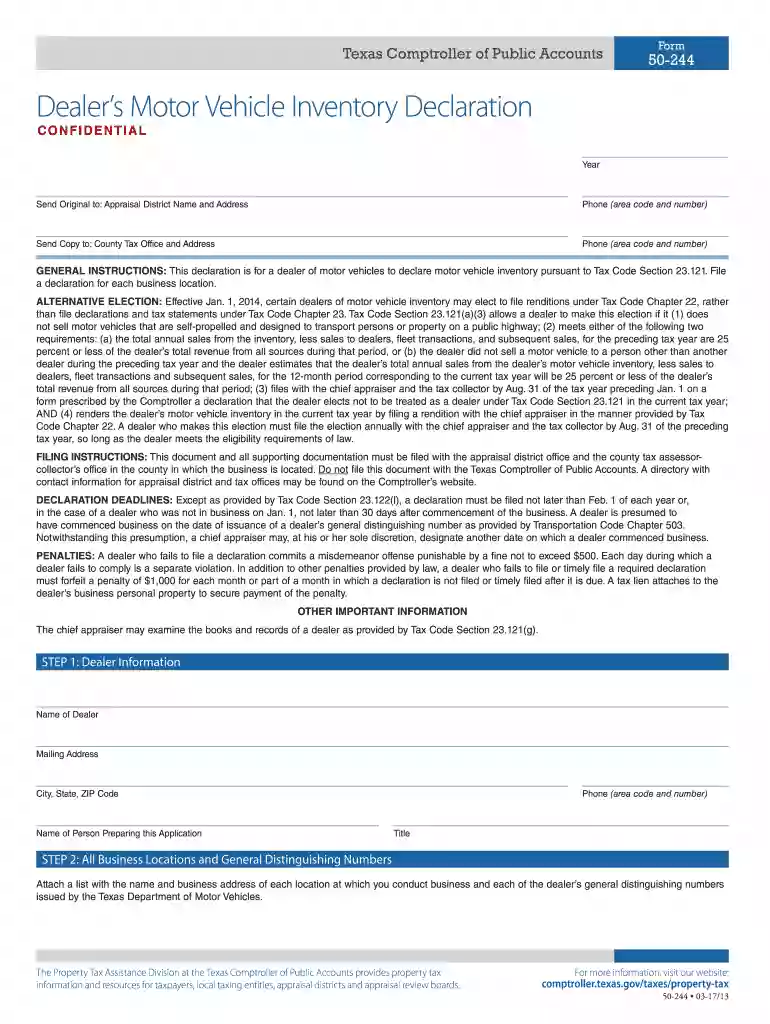
Type text, add images, blackout confidential details, add comments, highlights and more.

Draw your signature, type it, upload its image, or use your mobile device as a signature pad.

Send 50 244 texas via email, link, or fax. You can also download it, export it or print it out.

Start using our platform today to streamline your form completion process for free!
We've got more versions of the comptroller texas texas form. Select the right comptroller texas texas version from the list and start editing it straight away!
Many software applications are available out there for document modifying and signing. DocHub is one of the most popular online solutions that comply with all data protection and compliance standards and ensures your eSigned paperwork is legally enforceable. All you need to give it a try is to sign up for an account, add your 50 244, fill out the required details, and click Sign. Create your eSignature by typing, drawing it, uploading its image to your template, or scanning a unique QR code.
You can quickly fill out, edit, and even eSign your dealer's motor vehicle inventory using DocHub. Create a new profile and begin your free trial. After that, you can add the document with the form and easily make all the necessary edits. No need to print on paper or use a third-party application to sign it, as you can put your electronic signature on your document quicker via DocHub.
At DocHub, your data security is our priority. We follow HIPAA, SOC2, GDPR, and other standards, so you can work on your documents with confidence.
May 21, 2021 USAS is the Comptrollers accounting system. USAS provides GAAP (Generally Accepted Accounting Principles) and cash basis accounting, andRead more
Sep 30, 2019 This report is an integral part of an audit performed in accordance with Government Auditing. Standards in considering the entitys internalRead more
Comptroller.Texas.Gov is the website for the Texas Comptroller of Public Accounts.


