




01. Edit your liuna 183 vacation pay online
Type text, add images, blackout confidential details, add comments, highlights and more.

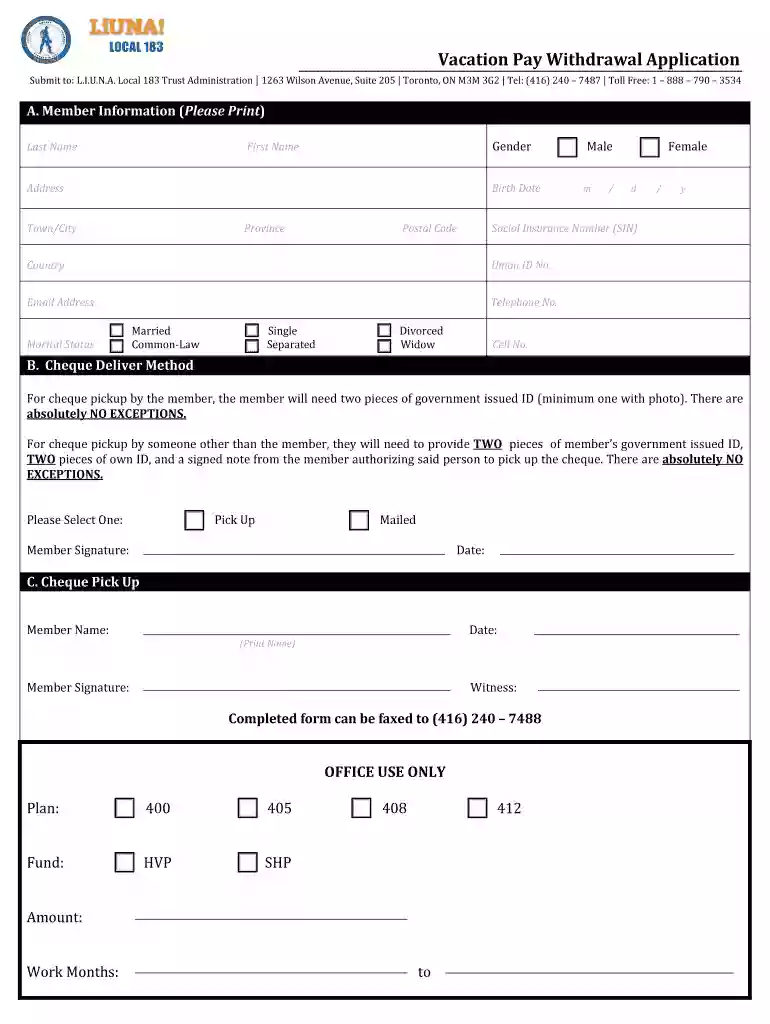
Type text, add images, blackout confidential details, add comments, highlights and more.

Draw your signature, type it, upload its image, or use your mobile device as a signature pad.

Send liuna vacation pay via email, link, or fax. You can also download it, export it or print it out.

Start using our platform today to easily fill out your local 183 vacation pay application for free!
At DocHub, your data security is our priority. We follow HIPAA, SOC2, GDPR, and other standards, so you can work on your documents with confidence.


Local 183 may report its vacation funds using either Item 47 (From Members for Disbursement on Their Behalf) and Item 64 (On Behalf of Individual Members), orRead more
The report distribution facility consists of a started task, the z/OS and OS/390 batch capture interface, CICS administration and monitoring facilities,Read more
May 11, 2024 Neither vacation time off nor pay in lieu of vacation shall be granted prior to eligibility for vacation pay. Section F. Payment in lieu ofRead more


