




Here's how it works

01. Edit your seller disclosure form indiana online
Type text, add images, blackout confidential details, add comments, highlights and more.

02. Sign it in a few clicks
Draw your signature, type it, upload its image, or use your mobile device as a signature pad.

03. Share your form with others
Send indiana state form 46234 via email, link, or fax. You can also download it, export it or print it out.
How to use or fill out Indiana real estate forms with our platform

- Click ‘Get Form’ to open the Seller's Residential Real Estate Sales Disclosure in the editor.
- Begin by entering the date at the top of the form. Ensure it is formatted correctly (month, day, year).
- Fill in the property address, including number and street, city, state, and ZIP code.
- In Section 1, indicate the condition of appliances and systems by selecting 'None/Not Included', 'Defective', 'Rented', or 'Do Not Know' for each item listed.
- Continue through Sections B to E, providing information on electrical systems, heating & cooling systems, hazardous conditions, and any additional comments as required.
- At the end of the form, ensure both seller and buyer sign and date where indicated to acknowledge receipt of this disclosure.
Start using our platform today to easily complete your Indiana real estate forms online for free!
Fill out indiana real estate forms online
It's free
It's free
See more indiana real estate forms versions
We've got more versions of the indiana real estate forms form. Select the right indiana real estate forms version from the list and start editing it straight away!
Security and compliance
At DocHub, your data security is our priority. We follow HIPAA, SOC2, GDPR, and other standards, so you can work on your documents with confidence.
Learn more


Related forms

Building Department Submittal Requirements - Town of Miami Lakes - miamilakes-fl
The document is a Building Permit Application for a property located at 6601 Main St, Miami Lakes, Florida. It includes ...
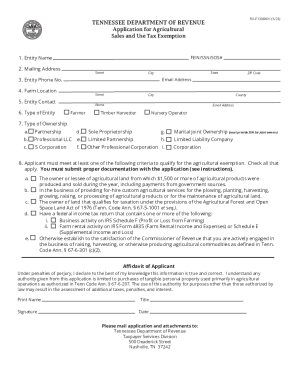
TENNESSEE DEPARTMENT OF REVENUE Application for ...
The document is an application form from the Tennessee Department of Revenue for obtaining an Agricultural Sales and Use ...

2023 Form 590 Withholding Exemption Certificate
The document is a California Withholding Exemption Certificate (Form 590) for the taxable year 2023. It is used by payee ...

NPS Form 10-930 Application for Special Use Permit for National Mall and Memorial Parks. Special Use Permits
NPS Form 10-930 Application for Special Use Permit for National Mall and Memorial Parks. Special Use Permits
The document is an application form (NPS Form 10-930) for a Special Use Permit from the National Park Service, specifica ...
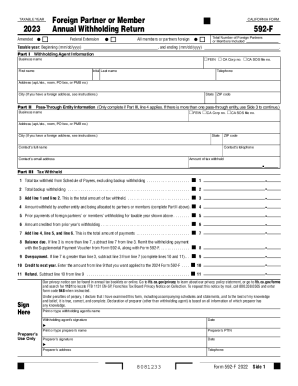
FTB 1123 - Forms of Ownership - California Franchise Tax ...
The document is the California Form 592-F, an Annual Withholding Return for foreign partners or members. It outlines the ...

Arizona Department of Revenue - AZDORState of Arizona Department of RevenueArizona Department of Revenue - AZDOR
Arizona Department of Revenue - AZDORState of Arizona Department of RevenueArizona Department of Revenue - AZDOR
The document is the Arizona Form A-4 for 2023, which allows employees to elect their Arizona income tax withholding perc ...

12-191 - HOLIDAY CVS, L.L.C. v. HOLDER et al PDF 211 KB
The document is a memorandum opinion from the United States District Court for the District of Columbia regarding the ca ...
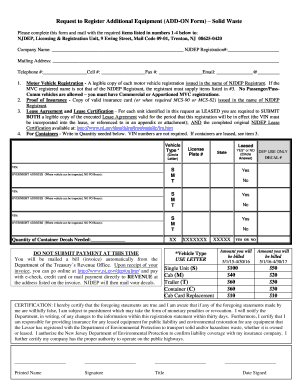
Request to register additional equipment add on form
The document is a request form for registering additional equipment related to solid waste management with the New Jerse ...