




01. Edit your form online
Type text, add images, blackout confidential details, add comments, highlights and more.

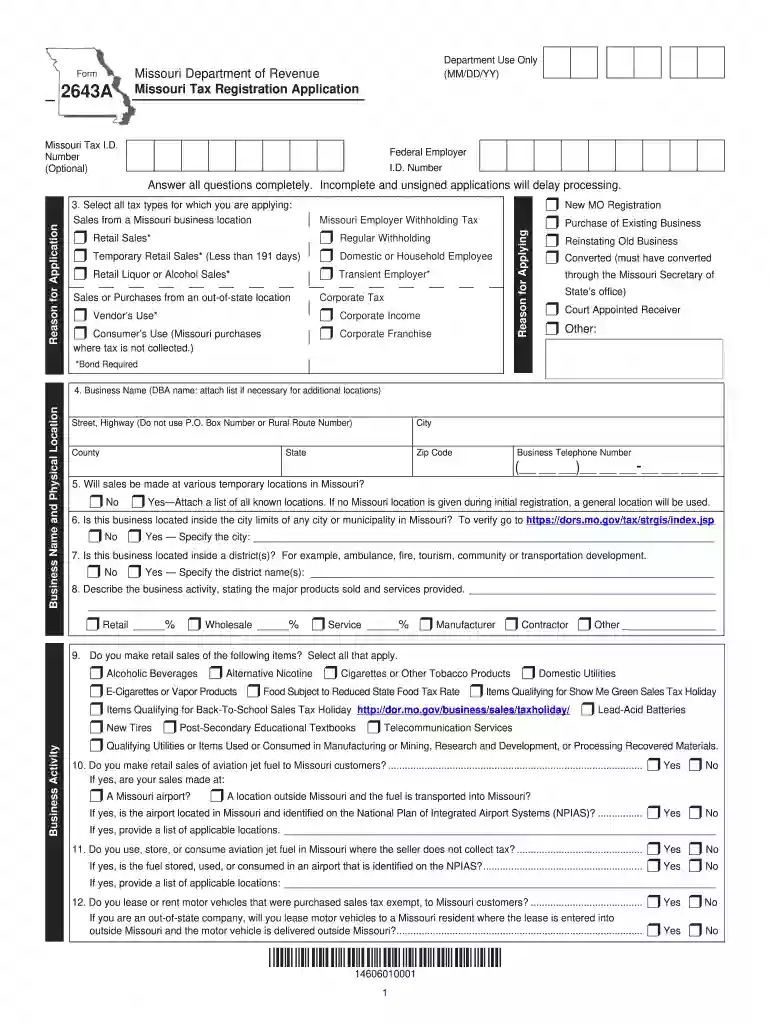
Type text, add images, blackout confidential details, add comments, highlights and more.

Draw your signature, type it, upload its image, or use your mobile device as a signature pad.

Send it via email, link, or fax. You can also download it, export it or print it out.

Start filling out your Missouri Tax Registration form today for free using our platform!
We've got more versions of the missouri tax registration 2016 form form. Select the right missouri tax registration 2016 form version from the list and start editing it straight away!
At DocHub, your data security is our priority. We follow HIPAA, SOC2, GDPR, and other standards, so you can work on your documents with confidence.
Section 137.115.17 RSMo. (2016) provides that any portion of real property that is available as reserve for strip, surface or coal mining, that hasRead more
Dec 30, 2021 The statute of limitations has expired for tax years through 2016 for SSE Holdings. Tax Receivable Agreement. Pursuant to our election underRead more
Forms and Manuals. Find Your Form. To search, type a keyword in the Form Number/Name box or choose a Category from the drop-down box below.Read more


