




Here's how it works

01. Edit your dochub com fillable form online
Type text, add images, blackout confidential details, add comments, highlights and more.

02. Sign it in a few clicks
Draw your signature, type it, upload its image, or use your mobile device as a signature pad.

03. Share your form with others
Send gift deed form texas via email, link, or fax. You can also download it, export it or print it out.
How to use or fill out printable gift deed form texas with our platform

- Click ‘Get Form’ to open the printable gift deed form in the editor.
- Begin by filling in the 'Prepared by' section at the top. Enter your name, firm/company, address, city, state, zip code, and phone number.
- In the 'Grantor' section, specify the name of the individual giving the gift and their marital status (married/unmarried).
- Next, fill in the 'Grantee' section with the recipient's name and marital status.
- Describe the property being gifted in detail. If necessary, attach a separate description document as indicated.
- Complete any prior instrument references if applicable. This includes book number, page number, and document number from previous records.
- Sign and date the document where indicated for both Grantor and witnesses. Ensure that a notary public acknowledges your signatures.
Start using our platform today to easily complete your printable gift deed form for free!
Fill out printable gift deed form texas online
It's free
Security and compliance
At DocHub, your data security is our priority. We follow HIPAA, SOC2, GDPR, and other standards, so you can work on your documents with confidence.
Learn more


Related forms

Instructions for Form CT-34-SH - Tax.NY.gov
The document is the New York S Corporation Shareholders’ Information Schedule (CT-34-SH), which outlines the necessary m ...
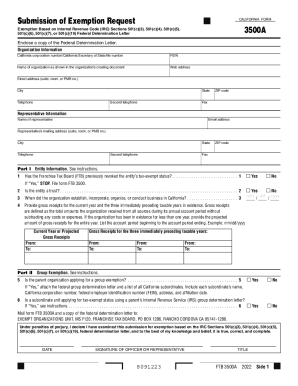
Exempt Purposes - Internal Revenue Code Section 501(c)(3)
The document is a California Form 3500A for submitting an exemption request based on various Internal Revenue Code (IRC) ...
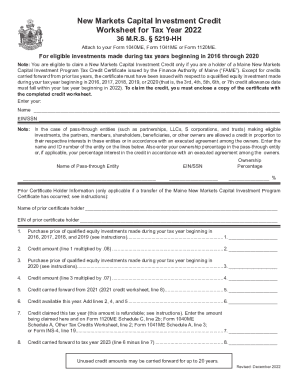
Credit claim forms for corporations (current year) - Tax.NY.gov
The document is a worksheet for claiming the New Markets Capital Investment Credit for tax year 2022 in Maine. It outlin ...
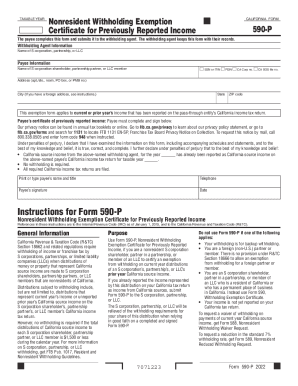
2023 Form 590-P Nonresident Withholding Exemption Certificate for Previously Reported Income
2023 Form 590-P Nonresident Withholding Exemption Certificate for Previously Reported Income
The document is California Form 590-P, a Nonresident Withholding Exemption Certificate for Previously Reported Income. I ...

New York Form IT-261 (Claim for Empire State Film Post ...
The document is a form (IT-261) from the Department of Taxation and Finance for claiming the Empire State Film Post-Prod ...
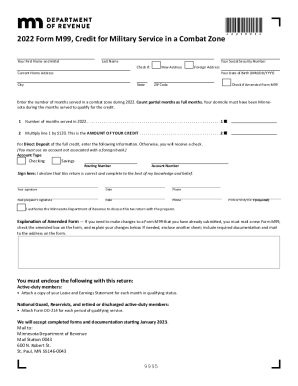
File Electronically for the Combat Zone Credit (Form M99)
The document provides instructions for completing the 2022 Form M99, which allows eligible individuals to claim a tax cr ...
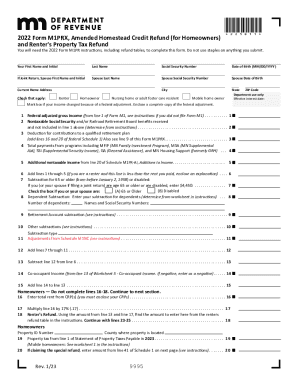
2022 Form M1PRX, Amended Homestead Credit Refund (for Homeowners)
The document is the 2022 Form M1PRX, which is used to amend the Homestead Credit Refund for homeowners and the Renter's ...
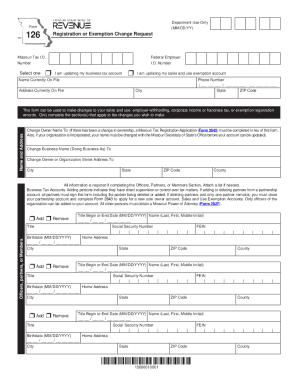
Select OnerI Am Updating My Business Tax Account RI ... - signNow
The document is a 'Registration or Exemption Change Request' form for Missouri businesses, allowing them to update their ...