




01. Edit your credit repair contract template online
Type text, add images, blackout confidential details, add comments, highlights and more.

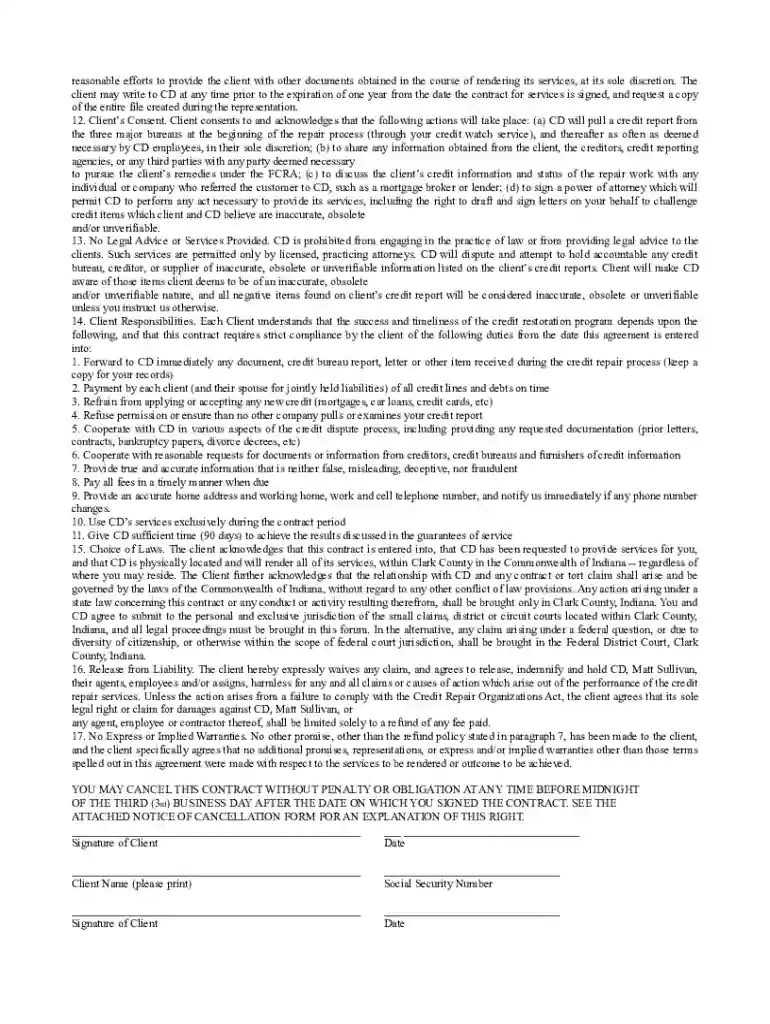
Type text, add images, blackout confidential details, add comments, highlights and more.

Draw your signature, type it, upload its image, or use your mobile device as a signature pad.

Send credit repair agreement template via email, link, or fax. You can also download it, export it or print it out.

Start using our platform today to easily fill out your credit repair contract for free!
If you frequently work with documents kept in your Google Drive, DocHub is an excellent solution for you to easily and quickly fill out, edit, and approve them. This editor integrates well with Google apps, so you can export your credit repair agreement from your Google Drive to the editor without the need of downloading and re-uploading it. Right-click on your document, choose Open With → DocHub PDF Sign and Edit. In our editor, add and assign Signature Fields for all parties involved, then click on the Menu button above → Send → choose how you want to share your paperwork.
With DocHub, there are several convenient methods to edit your credit repair intake form pdf online. You can drag and drop the form and edit it directly at the DocHub website or use our browser extension to fill out your form immediately. Additionally, you can edit your PDF on your smartphone, as DocHub is compatible with all the accessible mobile platforms.
At DocHub, your data security is our priority. We follow HIPAA, SOC2, GDPR, and other standards, so you can work on your documents with confidence.




This contract is between you, the Buyer of the credit repair services, and us, the Company providing the credit repair services. BUYER AUTHORIZATION:.Read more
by RJ Mann 2006 Cited by 120 The Essay begins in Part I with a summary of the problems presented by standardized terms in consumer transactions. Part II describes the contract ing practicesRead more
H.2 Authorized Users. 1. This contract is for the use of all Federal agencies; authorized Federal contractors; agency-sponsored universities andRead more


