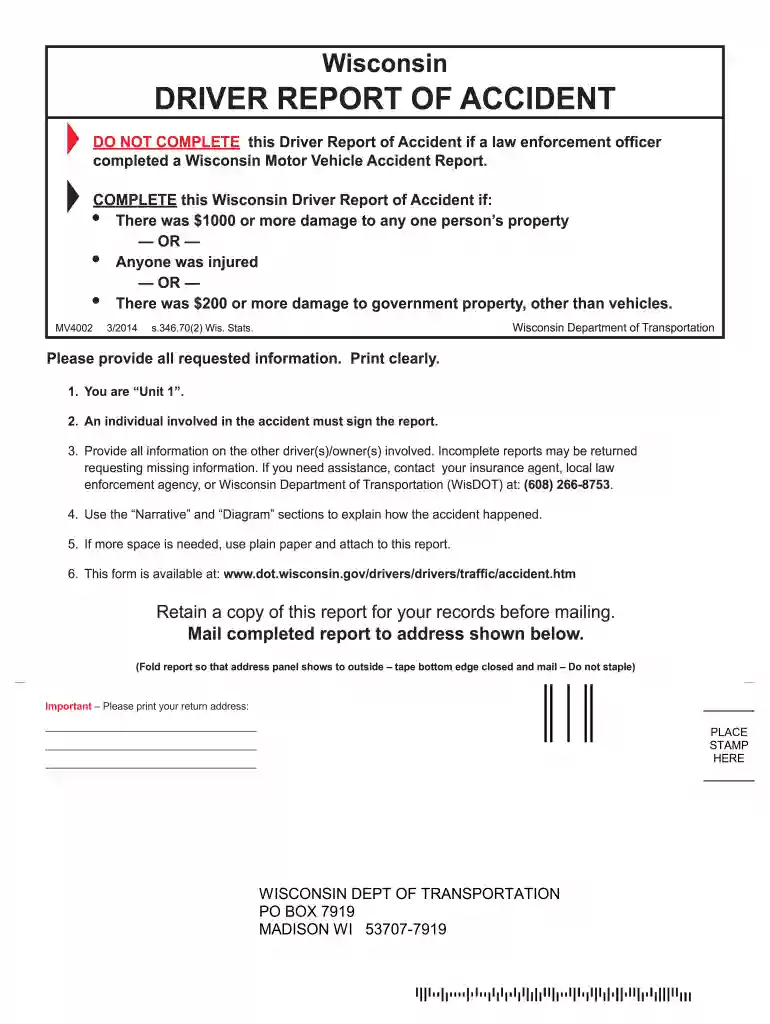
Wi driver report of accident 2025

Get Form
wisconsin dmv accident reports Preview on Page 1

Here's how it works

01. Edit your wisconsin dmv accident reports online
Type text, add images, blackout confidential details, add comments, highlights and more.

02. Sign it in a few clicks
Draw your signature, type it, upload its image, or use your mobile device as a signature pad.

03. Share your form with others
Send wisconsin dot accident report via email, link, or fax. You can also download it, export it or print it out.

How to use or fill out wi driver report of accident with our platform

Form edit decoration
9.5
Ease of Setup
DocHub User Ratings on G2
9.0
Ease of Use
DocHub User Ratings on G2
  1. Click ‘Get Form’ to open the Wisconsin Driver Report of Accident in the editor.
  2. Begin by filling in your details as 'Unit 1'. Include your full name, address, and daytime telephone number. Ensure all information is printed clearly.
  3. Provide details about the other drivers involved, including their names and insurance information. Remember that an individual involved must sign the report.
  4. In the 'Narrative' section, describe how the accident occurred. Use clear language to convey the events leading up to the incident.
  5. Utilize the 'Diagram' section to sketch a basic representation of the accident scene. Indicate directions clearly.
  6. If additional space is needed for injuries or damages, attach plain paper with relevant details.
  7. Review all entries for completeness before saving and printing your report for mailing.

Start using our platform today to easily complete your Wisconsin Driver Report of Accident online for free!

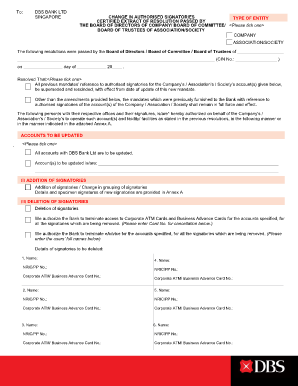
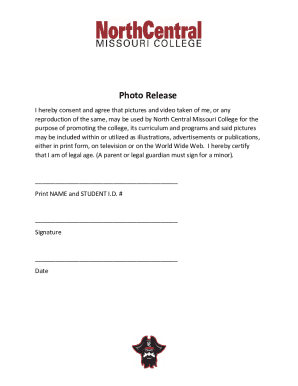
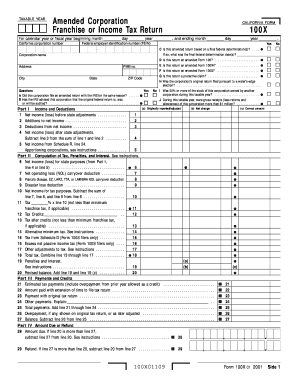
See more wi driver report of accident versions

We've got more versions of the wi driver report of accident form. Select the right wi driver report of accident version from the list and start editing it straight away!
Versions Form popularity Fillable & printable
2014 4.8 Satisfied (166 Votes)
2011 4 Satisfied (57 Votes)
1998 4.3 Satisfied (36 Votes)
be ready to get more

Complete this form in 5 minutes or less

Get form

Got questions?

We have answers to the most popular questions from our customers. If you can't find an answer to your question, please contact us.
Contact us
Visit the DOT website from which you can purchase your crash report. Non-reportable accidents are those without injuries and damage of less than $1000 to each vehicle.
Most insurers require you to report an accident within 24 to 48 hourseven if youre not making a claim.
If police dont respond, Wisconsin state rules say that you must file a Driver Report of Accident within ten days of an accident. Even if another driver offers to pay the damages and asks you not to file the report, you must file it anyway.
Go to: wisconsindot.gov/crashreporting 2. You need your driver license number, vehicle identification number (VIN) or social security number, and insurance information. 3. Follow the website instructions to complete your crash report.
5 Steps to Take After a Car Accident in South Africa Report the accident to the police. If anyone has been injured, immediately report the accident to the police. Collect information at the accident scene. Take photographs. Get medical treatment without delay. Contact an experienced personal injury attorney.

People also ask

The Importance of a Police Report when Filing a Wisconsin Auto Insurance Claim. It is almost always advisable to file a police report following a Wisconsin car accident. The Wisconsin personal injury attorneys of Hupy and Abraham provide some cases in which filing a police report is absolutely necessary.

wisconsin car accident report