




01. Edit your dea form 41 online
Type text, add images, blackout confidential details, add comments, highlights and more.

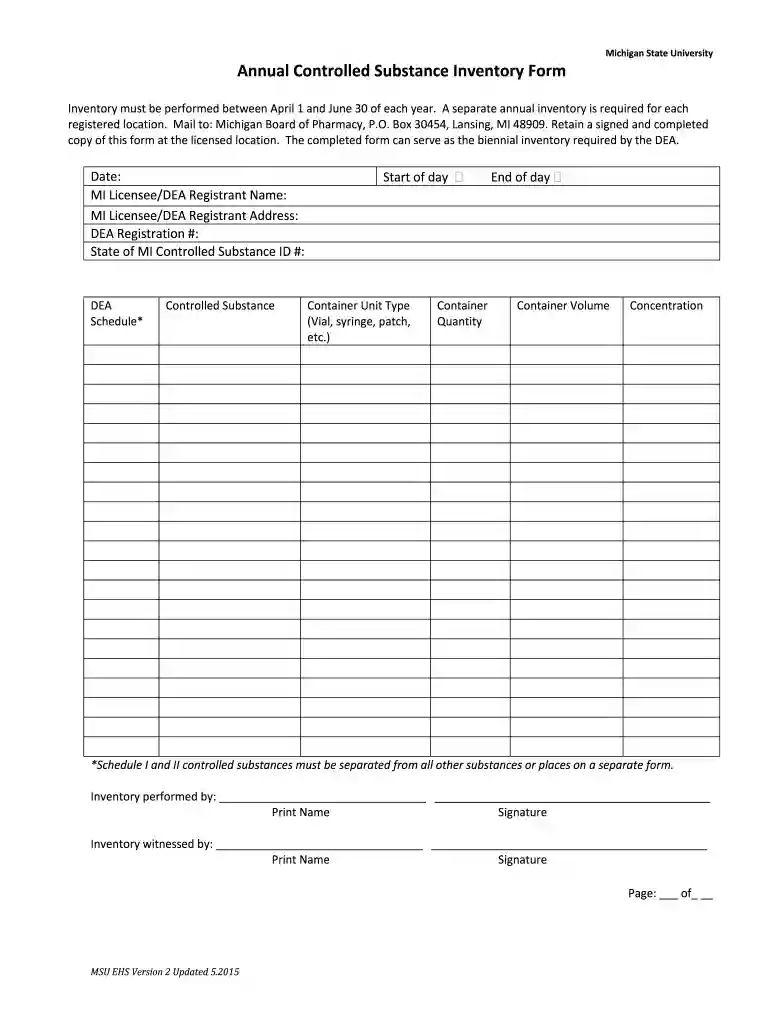
Type text, add images, blackout confidential details, add comments, highlights and more.

Draw your signature, type it, upload its image, or use your mobile device as a signature pad.

Send dea 41 via email, link, or fax. You can also download it, export it or print it out.

Start using our platform today for free to streamline your document editing and ensure a smooth inventory process!
At DocHub, your data security is our priority. We follow HIPAA, SOC2, GDPR, and other standards, so you can work on your documents with confidence.
NOTE: The inventory may be taken on any date which is within thirteen months of the previous inventory date. Please be advised that the rule still requires eachRead more
Mar 31, 2020 Unless otherwise stated, the information in this annual information form (the Annual Information. Form) is stated as at March 31, 2020.Read more
Annual Inventory Form (PDF) Dilution Cocktail Use Log (PDF) Use Administration Log (PDF) Initial Inventory (PDF) Receipt Log (PDF).Read more


