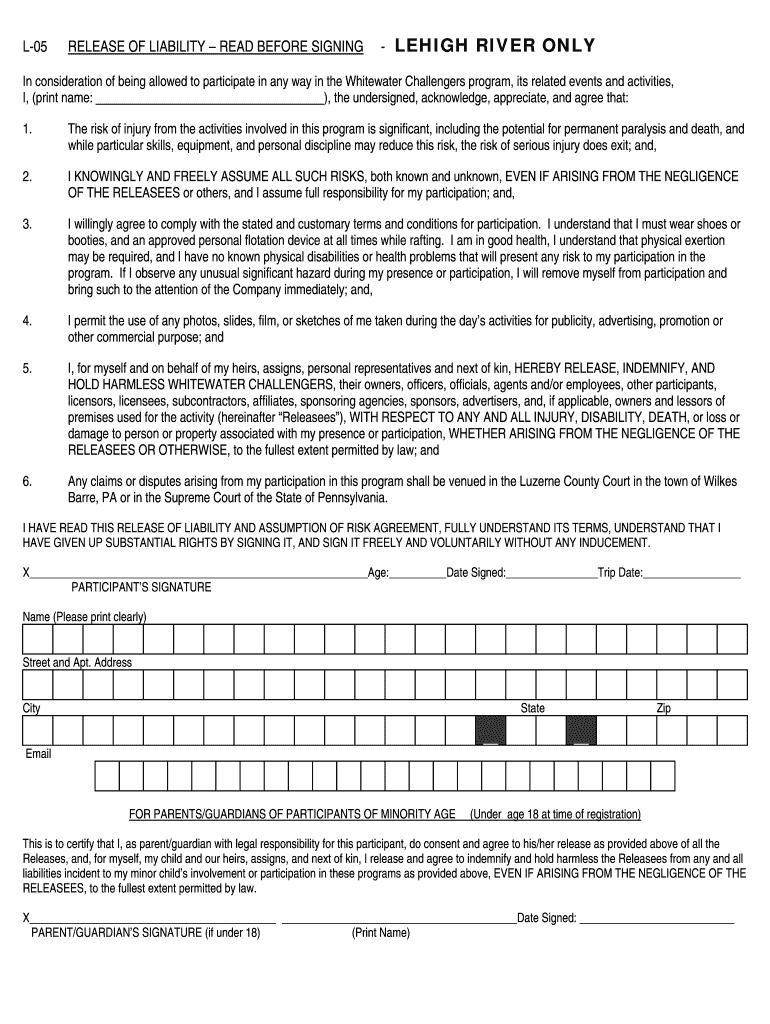
Lehigh river release waiver 2025

Get Form
whitewater challengers lehigh Preview on Page 1

Here's how it works

01. Edit your whitewater challengers lehigh online
Type text, add images, blackout confidential details, add comments, highlights and more.
02. Sign it in a few clicks
Draw your signature, type it, upload its image, or use your mobile device as a signature pad.
03. Share your form with others
Send it via email, link, or fax. You can also download it, export it or print it out.

How to use or fill out lehigh river release waiver with our platform

Form edit decoration
9.5
Ease of Setup
DocHub User Ratings on G2
9.0
Ease of Use
DocHub User Ratings on G2
  1. Click ‘Get Form’ to open the lehigh river release waiver in the editor.
  2. Begin by printing your name in the designated field at the top of the form. This identifies you as the participant.
  3. Carefully read through each section, especially the risk acknowledgment and assumption of risks. Ensure you understand what you are agreeing to.
  4. In the signature area, sign your name, indicating your agreement to the terms. Include your age and date signed for verification.
  5. If you are a parent or guardian signing for a minor, complete the additional section provided. Print your name and sign where indicated.
  6. Fill in your contact information, including address, city, state, zip code, and email to ensure proper communication.

Start filling out your lehigh river release waiver today for free using our platform!

be ready to get more

Complete this form in 5 minutes or less

Get form

Got questions?

We have answers to the most popular questions from our customers. If you can't find an answer to your question, please contact us.
Contact us
The often-used term Dam Release refers to water released above and beyond the usual amount.
Francis E. Walter Dam was constructed in 1961 by the U.S. Army Corps of Engineers. The dam was primarily built for flood risk management, but recreation became a Congressionally-authorized purpose in 1988.
Release of water from the downstream side of reservoirs at dams affects the ecology of the river downstream because there is little or no entrained sediment to replenish alluvial deposits along the river, and, in fact, the now sediment-starved river is more likely to erode existing bars, beaches, and riverbeds.
Water Releases are the somewhat awkward name given to Army Corps of Engineers programs that let extra water out of the dam at prescribed times.
Removing a Dam is a Slow, Careful Incremental Process The water must be released very slowly, typically dropping only six inches per day, at most. To people downstream in the river, the additional flow is largely negligible, but may look like a higher flow typically seen following a heavy rainstorm.