




01. Edit your counter offer form real estate online
Type text, add images, blackout confidential details, add comments, highlights and more.

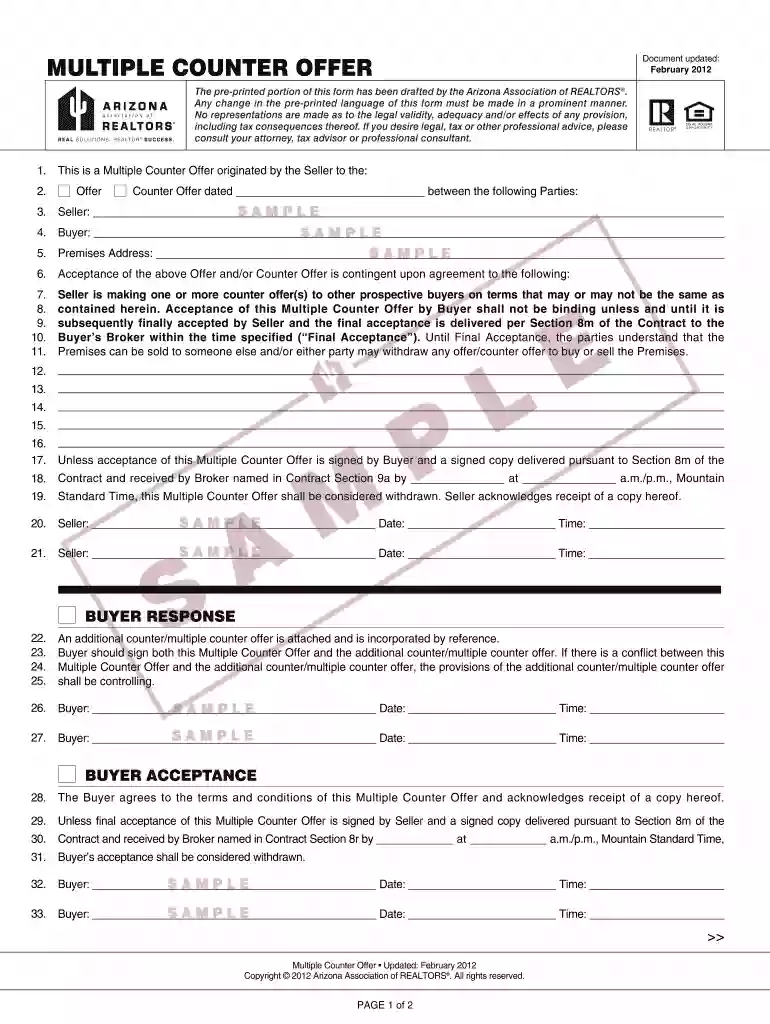
Type text, add images, blackout confidential details, add comments, highlights and more.

Draw your signature, type it, upload its image, or use your mobile device as a signature pad.

Send it via email, link, or fax. You can also download it, export it or print it out.

Start using our platform today for free to streamline your document editing and signing process!
At DocHub, your data security is our priority. We follow HIPAA, SOC2, GDPR, and other standards, so you can work on your documents with confidence.
Oct 28, 2024 Three statesArizona, California, and Nevadahave agreed on a plan to conserve at least 3 million acre-feet of water by 2026roughly theRead more
by CM Golde Cited by 21 The answers you get will allow you to negotiate from a more informed position, and if you receive multiple offers, you will be better able to decide which oneRead more


