




Here's how it works
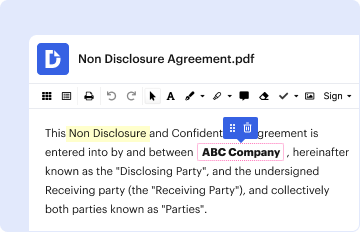
01. Edit your mvr 317 online
Type text, add images, blackout confidential details, add comments, highlights and more.
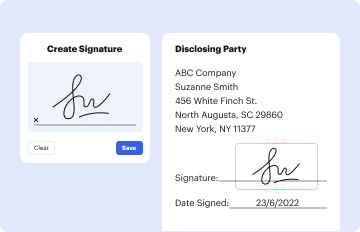
02. Sign it in a few clicks
Draw your signature, type it, upload its image, or use your mobile device as a signature pad.
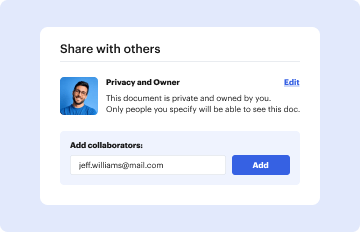
03. Share your form with others
Send mvr 317 nc via email, link, or fax. You can also download it, export it or print it out.
How to use or fill out mvr317 with our platform

- Click ‘Get Form’ to open the mvr317 in the editor.
- Begin by entering your personal information in the designated fields, including your name, address, and contact details. Ensure accuracy for seamless processing.
- Next, navigate to the section requiring your driver's license number and any relevant vehicle information. Double-check these entries to avoid errors.
- If applicable, complete any additional sections related to your driving history or specific requests outlined in the form. Use our platform's tools to highlight or annotate as needed.
- Once all fields are filled out, review the entire document for completeness. Utilize our editing features to make any necessary adjustments before finalizing.
- Finally, save your completed mvr317 and choose whether to print it or send it electronically through our platform for free.
Start using our platform today to effortlessly complete your mvr317 form!
Fill out mvr317 online
It's free
It's free
See more mvr317 versions
We've got more versions of the mvr317 form. Select the right mvr317 version from the list and start editing it straight away!
| Versions | Form popularity | Fillable & printable |
|---|---|---|
| 2006 | 4.8 Satisfied (122 Votes) |
Security and compliance
At DocHub, your data security is our priority. We follow HIPAA, SOC2, GDPR, and other standards, so you can work on your documents with confidence.
Learn more


Related forms

Missouri 4-H Recognition Form
The document outlines the application process for the Missouri 4-H Recognition Form for members aged 11-13. It details e ...
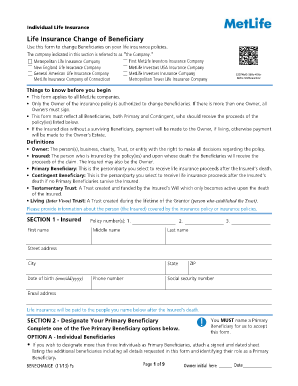
MetLife Life Insurance Beneficiary Change Form
The document is a form for changing beneficiaries on life insurance policies issued by various MetLife companies. It out ...

TOC Physician FAX Referral Form
The document is a referral form for scheduling appointments with various orthopedic surgeons, spine physiatrists, and pa ...
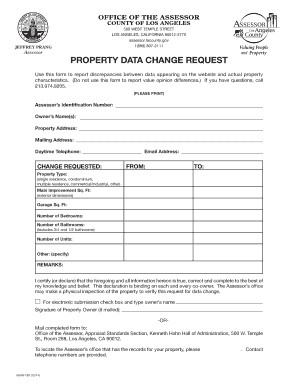
Property Data Change Request Form
The document is a 'Property Data Change Request' form used to report discrepancies between property data on a website an ...

Michigan Advice of Rights and Plea Information
The document outlines the rights and plea information for a defendant in a Michigan court facing misdemeanor charges. It ...

Academic Referee Report Form
The document is an Academic Referee Report Form for Graduate Research Degrees at the University of Melbourne. It provide ...
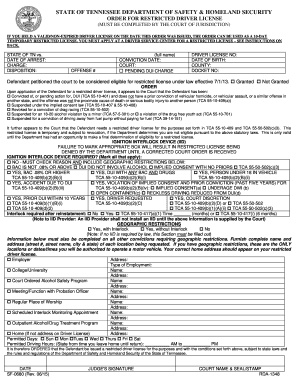
Tennessee Restricted Driver License Order
The document is an official order from the State of Tennessee Department of Safety & Homeland Security regarding the iss ...