




01. Edit your socrates medical history online
Type text, add images, blackout confidential details, add comments, highlights and more.

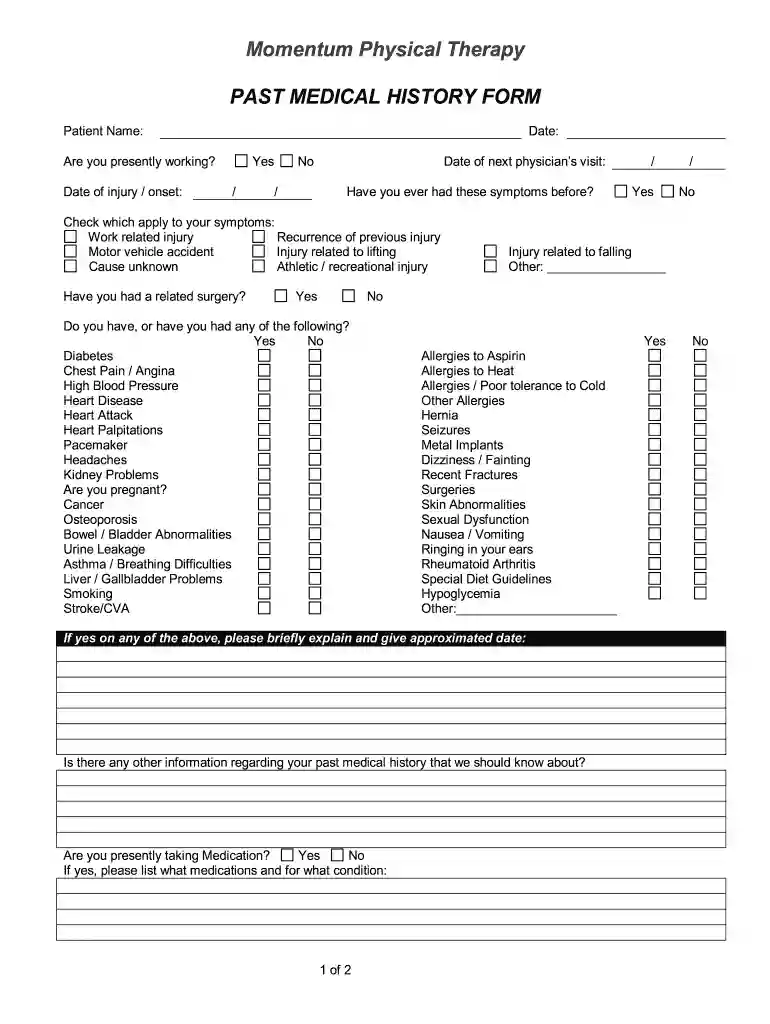
Type text, add images, blackout confidential details, add comments, highlights and more.

Draw your signature, type it, upload its image, or use your mobile device as a signature pad.

Send past health history via email, link, or fax. You can also download it, export it or print it out.

Start filling out your physical past medical history form online for free today!
At DocHub, your data security is our priority. We follow HIPAA, SOC2, GDPR, and other standards, so you can work on your documents with confidence.
PURPOSE: The information solicited from this form will assist in making a medical clearance decision for individuals eligible to participate in the. DepartmentRead more
May 12, 2021 Date of discharge from last hospital □ Discharge summary □ History and physical (HP) □ Neurology consult notes □ EMG report (if done).Read more
There is a family history of premature CAD. She does not know her cholesterol level. Past Medical History. Surgical . 1994: Total abdominal hysterectomy andRead more


