




Here's how it works

01. Edit your cremation certificate online online
Type text, add images, blackout confidential details, add comments, highlights and more.

02. Sign it in a few clicks
Draw your signature, type it, upload its image, or use your mobile device as a signature pad.

03. Share your form with others
Send certificate of cremation template via email, link, or fax. You can also download it, export it or print it out.
How to use or fill out cremation certificate online with our platform

- Click ‘Get Form’ to open the cremation certificate in the editor.
- Begin by entering the decedent’s legal name in the designated fields for first, middle, and last names. If applicable, include any known aliases.
- Fill in the date of death using the format month, day, year. Next, provide the age of the decedent at death in years, months, days, and hours.
- Indicate the sex of the decedent by selecting M (Male), F (Female), or Unknown.
- Enter the Social Security Number and county of death in their respective fields.
- Complete birth date and place sections accurately. Ensure you specify town/city and state or country.
- Select education level from the provided options and indicate Hispanic origin if applicable.
- Check all applicable races based on informant's input. Include details about military service if relevant.
- Provide decedent’s residence information including street address, city/town, county, state/country, and zip code.
- Fill out marital status at time of death and spouse’s name prior to first marriage if necessary.
Start filling out your cremation certificate online for free today!
Fill out cremation certificate online online
It's free
It's free
Security and compliance
At DocHub, your data security is our priority. We follow HIPAA, SOC2, GDPR, and other standards, so you can work on your documents with confidence.
Learn more


Related forms

DD Form 626, "MOTOR VEHICLE INSPECTION (TRANSPORTING HAZARDOUS and SENSITIVE MATERIALS)"
The document outlines the procedures and requirements for inspecting motor vehicles transporting hazardous and sensitive ...
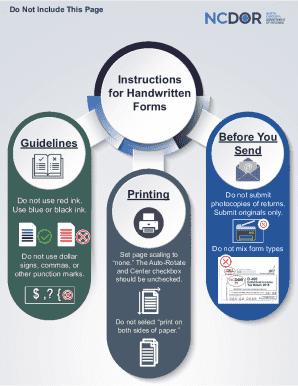
Filing Requirements - Corporate Income and Franchise Tax
The document provides detailed instructions for completing and submitting the North Carolina Corporate Income Tax Return ...

Q:K8'
The document is a request form (SC4868) for an extension of time to file the South Carolina Individual Income Tax Return ...
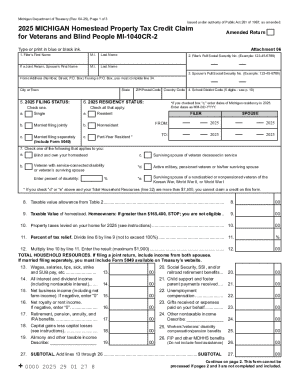
Michigan Homestead Property Tax Credit Claim
The document is the 2025 Michigan Homestead Property Tax Credit Claim form (MI-1040CR-2) for veterans and blind individu ...
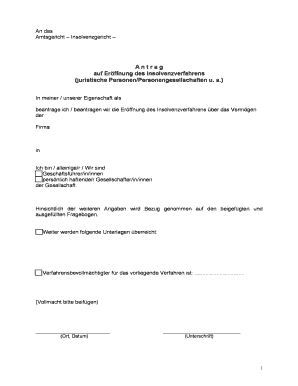
IN-Va 000b Antragsformular juristische Personen T 1 An das Amtsgericht Insolvenzgericht
The document is an application for the initiation of insolvency proceedings for a company, detailing the financial situa ...
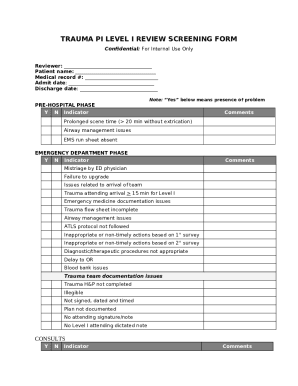
TRAUMA PERFORMANCE IMPROVEMENT REVIEW FORM
The document is a Trauma PI Level I Review Screening Form designed for internal use to evaluate trauma care processes ac ...

Fillable Online Oklahoma Capital Gain Deduction for Trusts and
The document outlines the Oklahoma Capital Gain Deduction process for trusts and estates, detailing the necessary forms ...
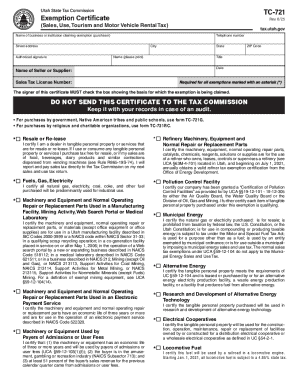
Fill Out Your Utah Tax Exemption Form
The document outlines the procedures and requirements for claiming sales tax exemptions in Utah for various categories, ...