




Here's how it works

01. Edit your hcsoalarmpermit online
Type text, add images, blackout confidential details, add comments, highlights and more.

02. Sign it in a few clicks
Draw your signature, type it, upload its image, or use your mobile device as a signature pad.

03. Share your form with others
Send hcso alarm permit via email, link, or fax. You can also download it, export it or print it out.
How to use or fill out hcso alarm system permit application form with our platform

- Click ‘Get Form’ to open the hcso alarm system permit application form in the editor.
- Begin by filling in the 'Location Information' section. Enter the name of the person or business, followed by the complete address where the alarm system will be operated, including street address, apartment number, city, and zip code.
- Provide your email address and mailing/billing address if it differs from the location information. Ensure all details are accurate to avoid delays.
- In the 'Telephone Numbers' section, input your home, work, and mobile numbers. Select the type of location by checking one of the boxes for house, apartment, or business.
- Indicate your choice of permit type by checking only one box: Security Alarm Permit Only, Fire Alarm Permit Only, or Security & Fire Alarm Permit.
- Complete the 'Permit Applicant' section with your name and driver's license/ID number. If applicable, provide your date of birth for senior exemptions.
- List two local emergency contacts who can respond within one hour if needed. Include their names and contact numbers.
- Review all entered information for accuracy before signing at the bottom of the form. Ensure you understand all terms and responsibilities outlined in this application.
Start using our platform today to fill out your hcso alarm system permit application form easily and for free!
Fill out hcso alarm system permit application form online
It's free
It's free
See more hcso alarm system permit application form versions
We've got more versions of the hcso alarm system permit application form form. Select the right hcso alarm system permit application form version from the list and start editing it straight away!
Security and compliance
At DocHub, your data security is our priority. We follow HIPAA, SOC2, GDPR, and other standards, so you can work on your documents with confidence.
Learn more


Related forms

Delaware life beneficiary change form
The document is a Beneficiary Change form for fixed and variable annuities, allowing owners to designate primary and con ...

Medicare part b income related monthly adjustment amount (irmaa) reimbursement application
Medicare part b income related monthly adjustment amount (irmaa) reimbursement application
The document is a reimbursement application for the Income Related Monthly Adjustment Amount (IRMAA) related to Medicare ...

Do You Qualify for This Tax Credit? - Choose Work!
The document provides information about the Earned Income Tax Credit (EITC) for working individuals earning less than $6 ...
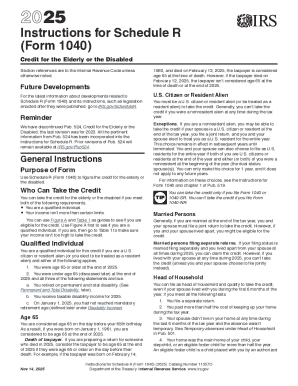
Schedule R Tax Credit for Elderly or Disabled
The document provides instructions for Schedule R (Form 1040) related to the Credit for the Elderly or Disabled for the ...
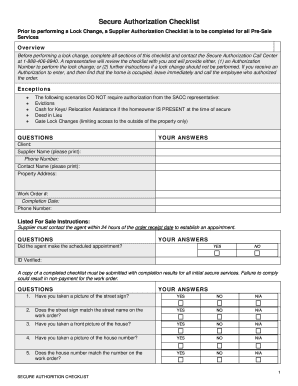
Secure Authorization Checklist - Safeguard Properties
The document outlines a Secure Authorization Checklist that must be completed before performing a lock change for Pre-Sa ...

Schedule mblex
The document is an ADA Accommodations Request Form for applicants seeking special accommodations due to disabilities whe ...
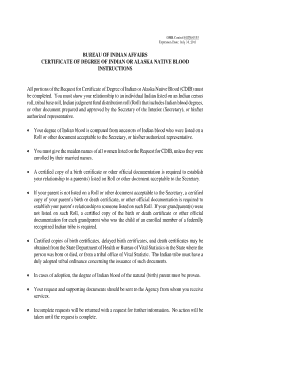
Request for certificate of degree of indian form
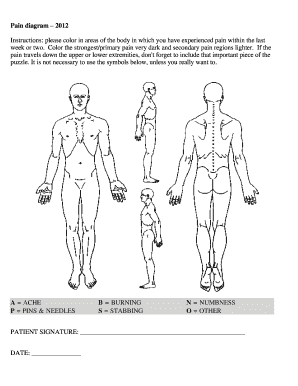
Printable body pain chart
The document is a pain diagram intended for patients to indicate areas of pain experienced in the last week or two. Pati ...