




01. Edit your rhode island tx17 online
Type text, add images, blackout confidential details, add comments, highlights and more.

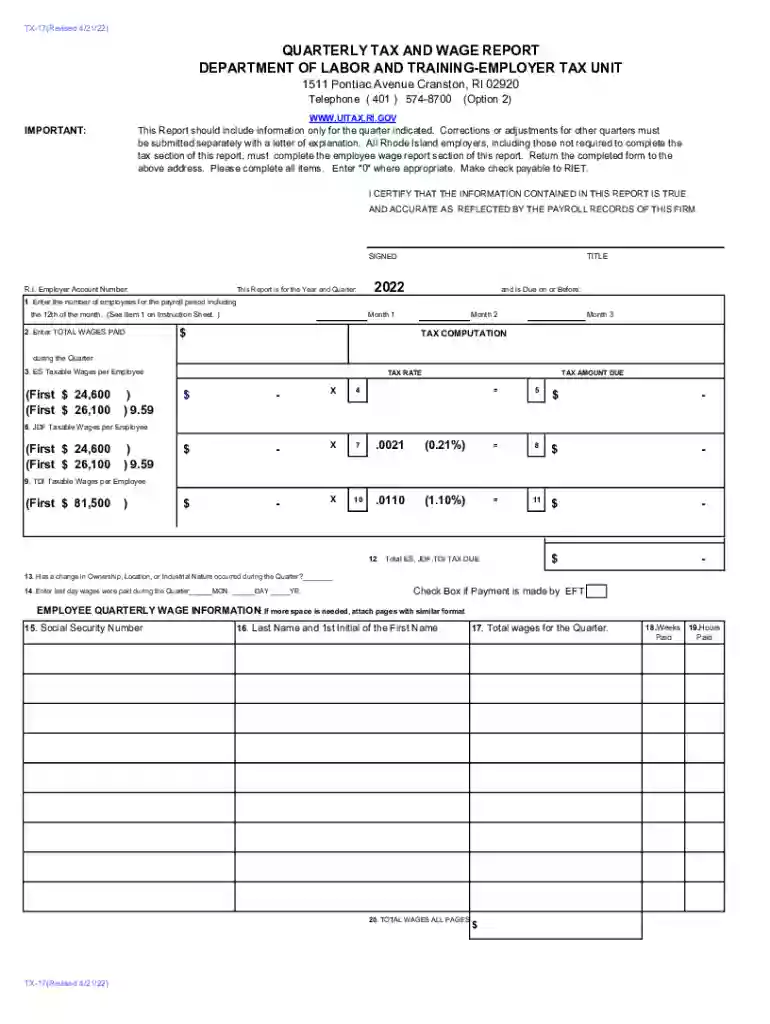
Type text, add images, blackout confidential details, add comments, highlights and more.

Draw your signature, type it, upload its image, or use your mobile device as a signature pad.

Send form tx17 via email, link, or fax. You can also download it, export it or print it out.

Start using our platform today to streamline your form completion process!
We've got more versions of the rhode island tx17 form. Select the right rhode island tx17 version from the list and start editing it straight away!
| Versions | Form popularity | Fillable & printable |
|---|---|---|
| 2022 | 4.9 Satisfied (44 Votes) | |
| 2022 | 4.8 Satisfied (71 Votes) | |
| 2021 | 4.4 Satisfied (53 Votes) | |
| 2020 | 4.4 Satisfied (61 Votes) | |
| 2019 | 4.3 Satisfied (237 Votes) | |
| 2018 | 4.4 Satisfied (204 Votes) | |
| 2017 | 4.3 Satisfied (172 Votes) | |
| 2017 | 4.3 Satisfied (234 Votes) | |
| 2016 | 4.4 Satisfied (371 Votes) | |
| 2012 | 4.3 Satisfied (49 Votes) |
At DocHub, your data security is our priority. We follow HIPAA, SOC2, GDPR, and other standards, so you can work on your documents with confidence.
(1) All liable employers are required to file tax and wage reports pursuant to these rules. Such reports shall be completed in accordance with theRead more
by OC Ashenfelter 1984 Cited by 2 In the postWar quarterly data, at least, there is fairly strong evidence that rational forecasts of real wage rate changes may be a negative function ofRead more
Each calendar quarter, the law requires liable employers to report their payroll and pay unemployment insurance contributions.Read more


