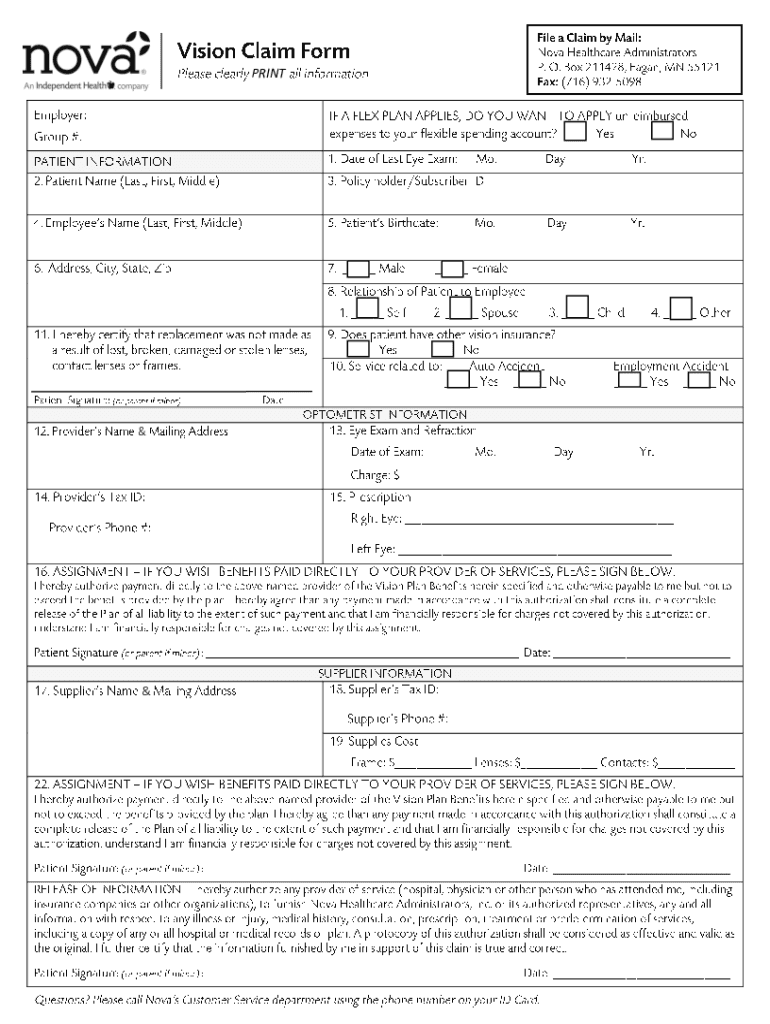
A - Instructions 2026

Get Form
A - Instructions Preview on Page 1

Here's how it works

01. Edit your form online
Type text, add images, blackout confidential details, add comments, highlights and more.
02. Sign it in a few clicks
Draw your signature, type it, upload its image, or use your mobile device as a signature pad.
03. Share your form with others
Send it via email, link, or fax. You can also download it, export it or print it out.

How to use or fill out A - Instructions with our platform

Form edit decoration
9.5
Ease of Setup
DocHub User Ratings on G2
9.0
Ease of Use
DocHub User Ratings on G2
  1. Click ‘Get Form’ to open A - Instructions in the editor.
  2. Begin by reviewing the introductory section of the form, which outlines the purpose and requirements. This will help you understand what information is needed.
  3. Proceed to fill out each field carefully. Start with your personal details, ensuring accuracy for effective processing.
  4. Next, navigate to any specific sections that require additional information or documentation. Use the text boxes provided to input your responses.
  5. If there are checkboxes or dropdown menus, select the options that apply to you. Make sure to double-check your selections before moving on.
  6. Once all fields are completed, review the entire form for any errors or omissions. Utilize our platform’s editing tools for corrections if necessary.
  7. Finally, save your progress and either download the completed form or share it directly from our platform for further processing.

Start using our platform today to effortlessly complete your A - Instructions form online for free!

See more A - Instructions versions

We've got more versions of the A - Instructions form. Select the right A - Instructions version from the list and start editing it straight away!
Versions Form popularity Fillable & printable
2018 4.7 Satisfied (57 Votes)
be ready to get more

Complete this form in 5 minutes or less

Get form

Got questions?

We have answers to the most popular questions from our customers. If you can't find an answer to your question, please contact us.
Contact us
Schedule A is used to itemize deductions when filing your federal income tax return. On Schedule A, youll detail all of your eligible expenses according to the categories listed. Once you have your total deduction, youll transfer it over to Form 1040.
If you itemize, you can deduct a part of your medical and dental expenses, and amounts you paid for certain taxes, interest, contributions, and other expenses. You can also deduct certain casualty and theft losses.
The Form 1095-A will tell you the dates of coverage, total amount of the monthly premiums for your insurance plan, the second lowest cost silver plan premium that you may use to determine the amount of your premium tax credit, and amounts of advance payments of the premium tax credit.
For individual taxpayers, Schedule A is used in conjunction with Form 1040 to report itemized deductions. If you choose to claim itemized deductions instead of the standard deduction, you would use Schedule A to list your deductions.
One element of Section 199A is that it allows a 20% deduction for dividends paid out from the profits of domestic REITs. When you receive Section 199A dividends, they will be reported on Form 1099-DIV in Box 5. These dividends are a subset of the total ordinary dividends reported in Box 1a.

Security and compliance

At DocHub, your data security is our priority. We follow HIPAA, SOC2, GDPR, and other standards, so you can work on your documents with confidence.

Learn more
ccpa2
pci-dss
gdpr-compliance
hipaa
soc-compliance

People also ask

Itemized deductions claimed on Schedule A, like charitable contributions, medical expenses, mortgage interest and state and local tax deductions. Unemployment income reported on a 1099-G. Business or 1099-NEC income (often reported by those who are self-employed, gig workers or freelancers)
Schedule A (Form 990) is used by an organization that files Form 990, Return of Organization Exempt From Income Tax, or Form 990-EZ, Short Form Return of Organization Exempt From Income Tax, to provide the required information about public charity status and public support.
If you want to itemize and take any of these popular tax deductions, youll need to file Schedule A: Mortgage interest deduction. Deduction for state and local income taxes paid. Medical expense deduction. Charitable donations deduction.

Related links