




01. Edit your form online
Type text, add images, blackout confidential details, add comments, highlights and more.

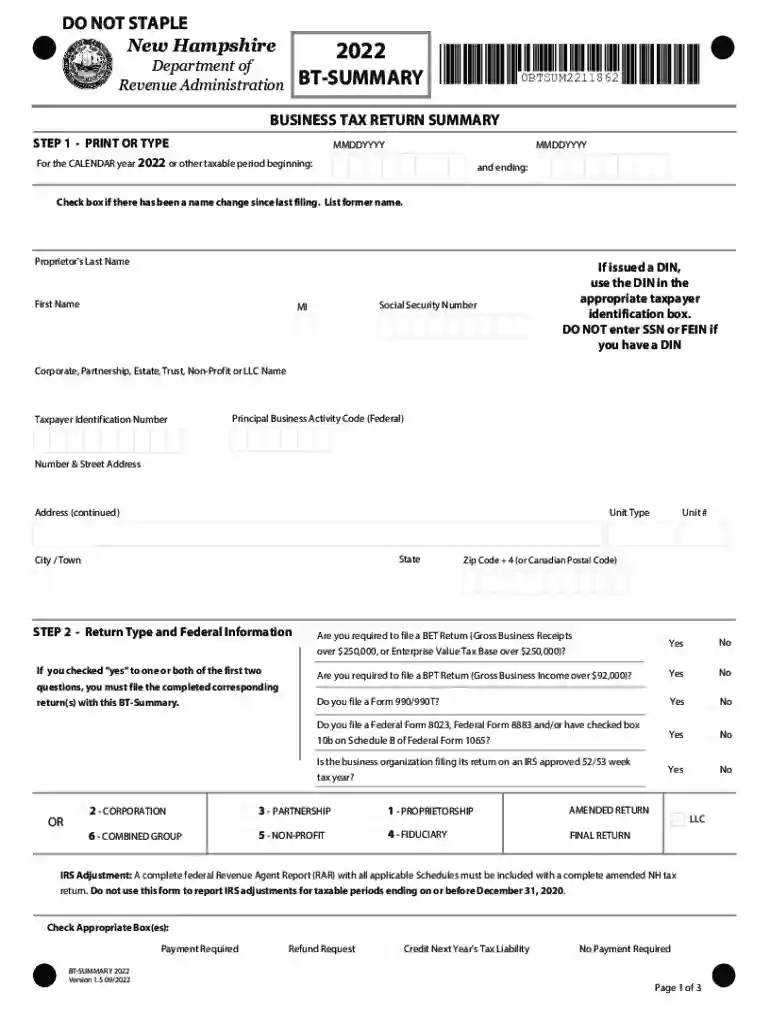
Type text, add images, blackout confidential details, add comments, highlights and more.

Draw your signature, type it, upload its image, or use your mobile device as a signature pad.

Send it via email, link, or fax. You can also download it, export it or print it out.

Start using our platform today for free to simplify your tax form completion!
We've got more versions of the Substantial Presence TestInternal Revenue Service form. Select the right Substantial Presence TestInternal Revenue Service version from the list and start editing it straight away!
| Versions | Form popularity | Fillable & printable |
|---|---|---|
| 2025 | 4.2 Satisfied (39 Votes) | |
| 2024 | 4.9 Satisfied (58 Votes) | |
| 2022 | 4.7 Satisfied (37 Votes) | |
| 2021 | 4.8 Satisfied (129 Votes) | |
| 2020 | 4.1 Satisfied (37 Votes) | |
| 2019 | 4.4 Satisfied (170 Votes) | |
| 2018 | 4.3 Satisfied (111 Votes) | |
| 2017 | 4.3 Satisfied (167 Votes) | |
| 2016 | 4 Satisfied (50 Votes) | |
| 2010 | 4.4 Satisfied (444 Votes) | |
| 2009 | 4 Satisfied (20 Votes) | |
| 2008 | 4.3 Satisfied (71 Votes) |
At DocHub, your data security is our priority. We follow HIPAA, SOC2, GDPR, and other standards, so you can work on your documents with confidence.
Feb 11, 2026 You are a resident of the United States for tax purposes if you meet either the green card test or the substantial presence test for the calendar year.Read more
A non-US citizen will be treated as a US resident for tax purposes if he is physically present in the United States for at least 31 days during the currentRead more


