







Definition and Meaning
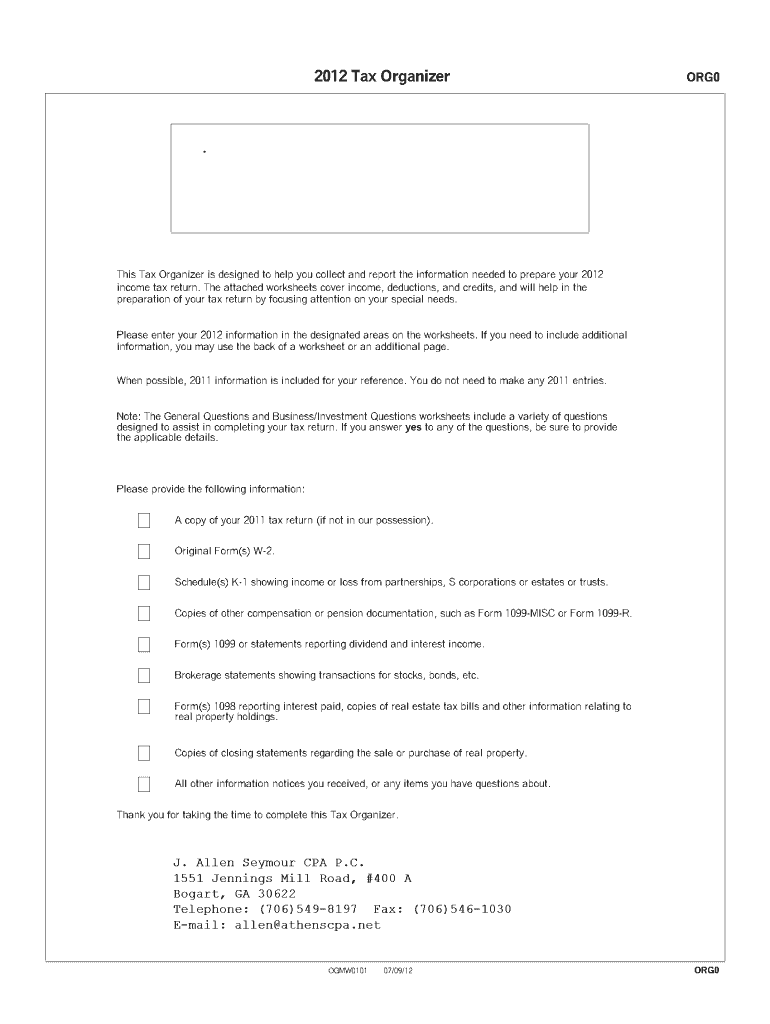
The 2012 Tax Organizer Fillable Form is a comprehensive document designed to facilitate the preparation of individual income tax returns for the year 2012. This worksheet-based form is an integral tool for taxpayers aiming to compile all necessary financial details, including income, deductions, and credits. By capturing relevant personal and business information, it simplifies compliance with tax reporting requirements established by the Internal Revenue Service (IRS).
How to Use the 2012 Tax Organizer Fillable Form
To effectively utilize the 2012 Tax Organizer Fillable Form, follow these guidelines:
-
Gather Previous Year's Data: Start by collecting financial records from the previous tax year to ensure accuracy.
-
Fill Out Income Sections: Input information related to wages, salaries, dividends, interest, and any other sources of income.
-
Document Deductions: Identify deductions that can be claimed, such as medical expenses, mortgage interest, and charitable contributions. Enter these details in the designated sections.
-
Credit and Exemption Entries: Note eligible credits and exemptions to maximize potential tax benefits.
-
Review for Accuracy: Double-check each section for completeness and correctness before submitting or using the form for tax filing.
Steps to Complete the 2012 Tax Organizer Fillable Form
-
Enter Personal Information
- Include your full name, Social Security Number, and contact information.
-
Report Income Sources
- Use the worksheets to list all income received during the tax year, such as wages from employment or income from self-employment.
-
List Deductions and Credits
- Accurately fill out fields corresponding to deductible expenses and available tax credits.
-
Finalize and Review
- Cross-verify every entry to ensure all necessary information is included and accurate before proceeding with tax preparation.
Key Elements of the 2012 Tax Organizer Fillable Form
- Personal Data Section: Collects taxpayer's basic identifying details.
- Income Worksheets: Categorizes all forms of income comprehensively.
- Deductions and Credits: Provides space to list deductible items and credits claimed.
- Tax Liability Summary: Offers an overview of potential tax obligations and refunds.
Required Documents
- W-2 Forms: For reporting wages and tax withholdings.
- 1099 Forms: For additional income such as freelance work or stock dividends.
- Receipts: Necessary for claims related to deductions like medical expenses or charitable donations.
- Employer and Investment Statements: For thorough reporting of income and holdings.
Examples of Using the 2012 Tax Organizer Fillable Form
- Self-Employed Individuals: Utilize the form to track business income and expenses, ensuring comprehensive reporting and deduction of eligible expenses.
- Retirees: Use the form to manage pension income and deductions related to health expenses to streamline tax reporting.
- Students: Leverage the form to organize income from part-time jobs or scholarships and determine eligibility for education-related credits.
How to Obtain the 2012 Tax Organizer Fillable Form
-
Online Platforms: Access digital versions from tax preparation websites like DocHub.
-
Tax Software: Download the form as part of a tax software package that includes historical tax forms.
-
Tax Professionals: Request a copy from a certified public accountant or tax advisor.
Who Typically Uses the 2012 Tax Organizer Fillable Form
- Individual Taxpayers: Essential for those who file annual federal tax returns independently.
- Tax Professionals: Useful for accountants in organizing clients' tax information.
- Small Business Owners: Beneficial for tracking income and expenses pertinent to their business operations.


Software Compatibility
The form is highly compatible with popular tax preparation software including, but not limited to, TurboTax and QuickBooks. Integration with such platforms allows for easy input and management of tax data, contributing to a streamlined tax filing process.




