




Here's how it works

01. Edit your dmv complaint form online
Type text, add images, blackout confidential details, add comments, highlights and more.

02. Sign it in a few clicks
Draw your signature, type it, upload its image, or use your mobile device as a signature pad.

03. Share your form with others
Send k 35 via email, link, or fax. You can also download it, export it or print it out.
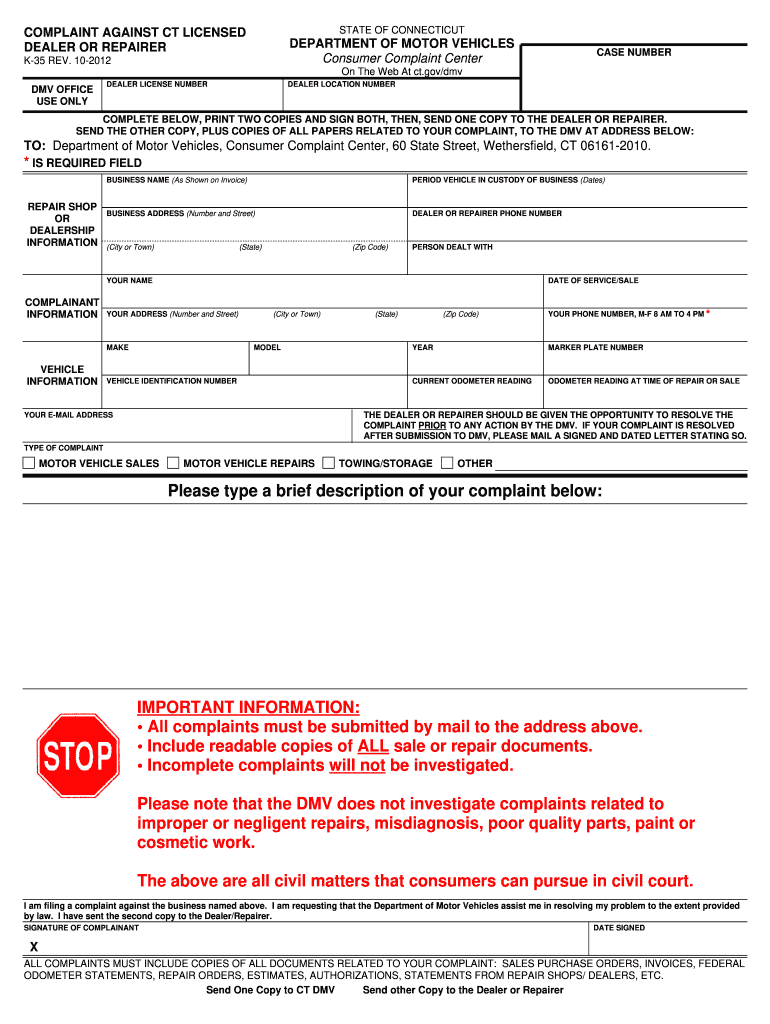
How to use or fill out complaint vehicle ct with our platform

- Click ‘Get Form’ to open the complaint vehicle ct in the editor.
- Begin by filling in the dealer or repairer information. Enter the business name as shown on your invoice, along with their license and location numbers.
- Provide your personal information in the complainant section. Include your name, address, phone number, and email address.
- Next, detail the vehicle information. Fill in the make, model, year, VIN (Vehicle Identification Number), marker plate number, and current odometer reading.
- Select the type of complaint you are filing: motor vehicle sales, repairs, towing/storage, or other. Then describe your complaint briefly in the designated area.
- Once all fields are completed, print two copies of the form. Sign both copies and send one to the dealer or repairer and another to the DMV at the provided address.
Start using our platform today for free to streamline your complaint process!
Fill out complaint vehicle ct online
It's free
See more complaint vehicle ct versions
We've got more versions of the complaint vehicle ct form. Select the right complaint vehicle ct version from the list and start editing it straight away!
| Versions | Form popularity | Fillable & printable |
|---|---|---|
| 2012 | 4.8 Satisfied (128 Votes) |
Security and compliance
At DocHub, your data security is our priority. We follow HIPAA, SOC2, GDPR, and other standards, so you can work on your documents with confidence.
Learn more


Related forms
PA REV-459B Consent to Transfer
The document outlines the process for filing the REV-459B form to transfer estimated personal income tax payments betwee ...
Form 5000 - Transaction Privilege Tax Exemption Certificate
The document is the Arizona Form 5000 Transaction Privilege Tax Exemption Certificate, which is used to claim tax deduct ...
Forms 1098-e and 1098-t
The document provides detailed instructions for filing Forms 1098-E and 1098-T for the year 2025, which are used to repo ...
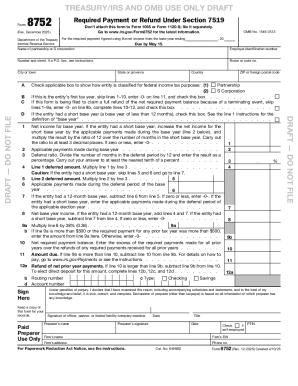
Form 8752 (Rev December 2025)
This document is an early release draft of IRS Form 8752, which pertains to required payments or refunds under Section 7 ...
Publication 557

Instructions for Form 7004 (Rev December 2025)
The document provides instructions for Form 7004, which is used to request an automatic extension of time to file certai ...
About Form 944, Employer's Annual Federal Tax Return
The document provides detailed instructions for completing Form 944, the Employer's Annual Federal Tax Return for 2025. ...

Good behavior bond
The document outlines the procedures and conditions for obtaining a Good Behavior Bond in situations where there is prob ...