




Here's how it works

01. Edit your aig surrender form online
Type text, add images, blackout confidential details, add comments, highlights and more.

02. Sign it in a few clicks
Draw your signature, type it, upload its image, or use your mobile device as a signature pad.

03. Share your form with others
Send dochub com fillable form via email, link, or fax. You can also download it, export it or print it out.
How to use or fill out AIG Surrender Application with our platform

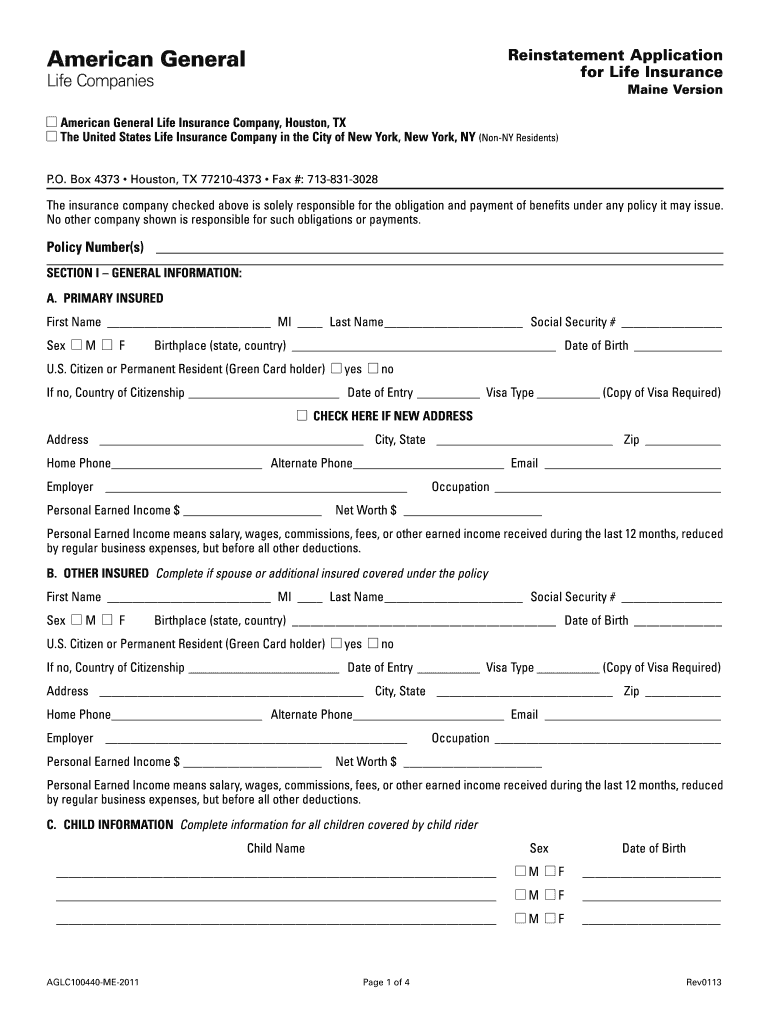
- Click ‘Get Form’ to open the AIG Surrender Application in the editor.
- Begin by filling out Section I – General Information. Enter the primary insured's first name, middle initial, last name, and social security number. Indicate their sex and birthplace, followed by the date of birth.
- Complete the U.S. Citizenship section by selecting 'yes' or 'no'. If 'no', provide details about country of citizenship and visa type.
- If there is a new address, check the box and enter the updated address information along with contact details such as home phone and email.
- Proceed to fill out information for any other insured individuals if applicable, following similar steps as for the primary insured.
- In Section II, answer all background questions regarding tobacco use, existing coverage, and medical history accurately. Ensure you provide details where necessary.
- Finally, review all entered information for accuracy before signing in the Authorization and Signatures section. Make sure to include dates and any required signatures.
Start using our platform today to easily complete your AIG Surrender Application online for free!
Fill out aig surrender application online
It's free
See more aig surrender application versions
We've got more versions of the aig surrender application form. Select the right aig surrender application version from the list and start editing it straight away!
| Versions | Form popularity | Fillable & printable |
|---|---|---|
| 2013 | 4.8 Satisfied (64 Votes) |
Security and compliance
At DocHub, your data security is our priority. We follow HIPAA, SOC2, GDPR, and other standards, so you can work on your documents with confidence.
Learn more


Related forms
Regular meeting 8-26-10pdf - The City of Titusville Florida
The document is the minutes of a regular City Council meeting held in Titusville, Florida on August 26, 2010. It include ...
Child Support Guidelines Worksheet Shared Custody DC-
The document is a Child Support Guidelines Worksheet used in Virginia, detailing the calculation of child support obliga ...
Health Examination Form - St Petersburg College Non-Credit
The document is a health examination form for applicants to health occupation programs at St. Petersburg College. It req ...

Fatca nordea
The document is an Individual Self-Certification form for customers of Nordea Bank, specifically for FATCA and CRS compl ...
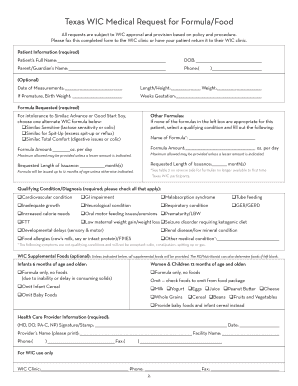
Texas wic medical request for formula food
The document outlines the Texas WIC Medical Request for Formula/Food process, detailing how to request specialized infan ...