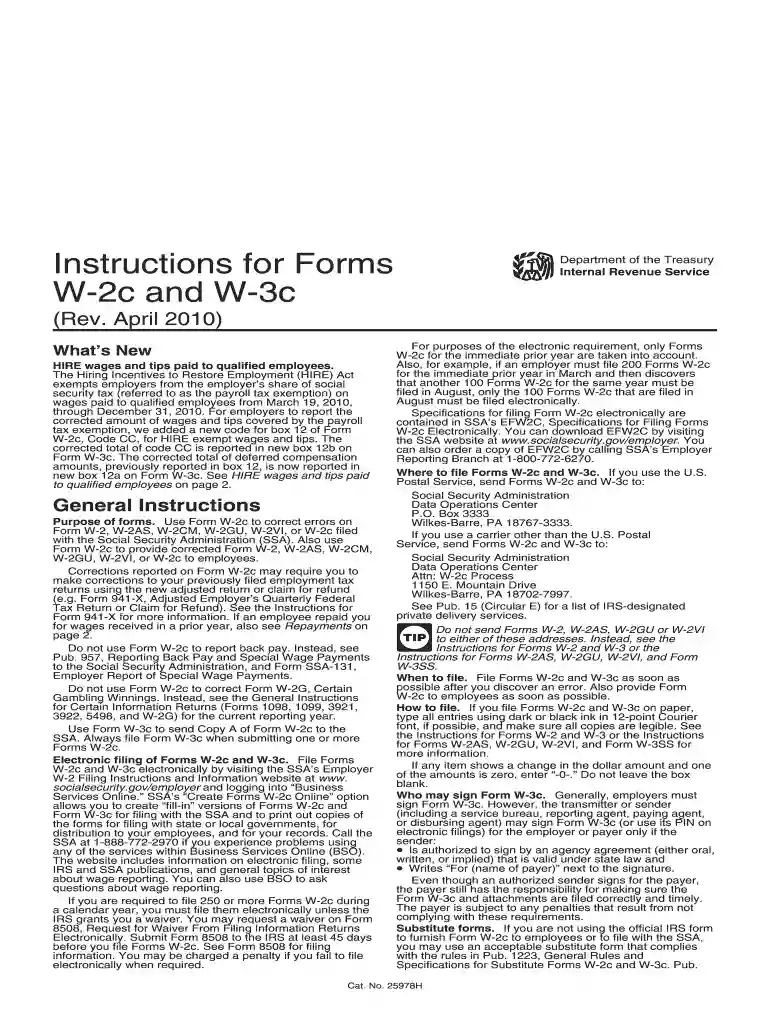
How to file form w 2c 2026

Get Form
file form w 2c Preview on Page 1

Here's how it works

01. Edit your file form w 2c online
Type text, add images, blackout confidential details, add comments, highlights and more.

02. Sign it in a few clicks
Draw your signature, type it, upload its image, or use your mobile device as a signature pad.

03. Share your form with others
Send w 2c and w 3c forms via email, link, or fax. You can also download it, export it or print it out.

How to use or fill out how to file form W-2c with our platform

Form edit decoration
9.5
Ease of Setup
DocHub User Ratings on G2
9.0
Ease of Use
DocHub User Ratings on G2
  1. Click ‘Get Form’ to open it in the editor.
  2. Begin by entering your employer's name, address, and ZIP code in Box a. Ensure this matches your Form 941 details.
  3. In Box b, input your correct Employer Identification Number (EIN) in the format 00-0000000.
  4. For Box c, specify the tax year and type of form you are correcting. For example, enter '2020' and 'c' for a W-2c correction.
  5. Complete Box d with the employee's correct Social Security Number (SSN) and check the appropriate box if correcting SSN or name in Box e.
  6. Fill out Boxes f through i with previously reported information as necessary, ensuring accuracy for all corrections.
  7. Finally, review all entries for accuracy before saving and submitting your completed form through our platform.

Start using our platform today to streamline your document editing and filing process for free!

See more how to file form w 2c versions

We've got more versions of the how to file form w 2c form. Select the right how to file form w 2c version from the list and start editing it straight away!
Versions Form popularity Fillable & printable
2010 4.9 Satisfied (52 Votes)
be ready to get more

Complete this form in 5 minutes or less

Get form

Got questions?

We have answers to the most popular questions from our customers. If you can't find an answer to your question, please contact us.
Contact us
Can I file my taxes if I only have one of my two Form W-2s? No, you must include all your W-2s when filing your taxes. Filing without one of your W-2s can lead to inaccurate reporting of your income and taxes, which may result in penalties from the IRS.
You dont actually file a Form W-2c in TurboTax. You use the information on it to modify the original W-2 thats being corrected. Assuming that youve already entered your original Form W-2 and you havent yet filed, go back and edit the W-2 with the information from your W-2c.
You must provide a copy of your Forms W-2 to the authorized IRS e-file provider before the provider sends the electronic return to the IRS. You dont need to send your Forms W-2 to the IRS. Keep them in a safe place with a copy of your tax return.
If you have received a W-2C form and you have already filed an income tax return for the year shown in box C, you may have to file an amended return. If you have not filed your return for the year shown in box c, use the corrected information on the W-2C to file your return.
The W-2C is required in order to accurately report income and taxes withheld for any corrections. The W-2C only reports information for the values that have changed. If a W-2C is issued, the employee must file both the original W-2 and the corrected W-2C together.

Security and compliance

At DocHub, your data security is our priority. We follow HIPAA, SOC2, GDPR, and other standards, so you can work on your documents with confidence.

Learn more
ccpa2
pci-dss
gdpr-compliance
hipaa
soc-compliance

People also ask

If you receive a corrected Form W-2 after you filed your return with Form 4852, and the information differs from the information reported on your return, you must amend your return by filing Form 1040-X, Amended U.S. Individual Income Tax Return.

filing a w2c