1099 general form-2026

Get Form
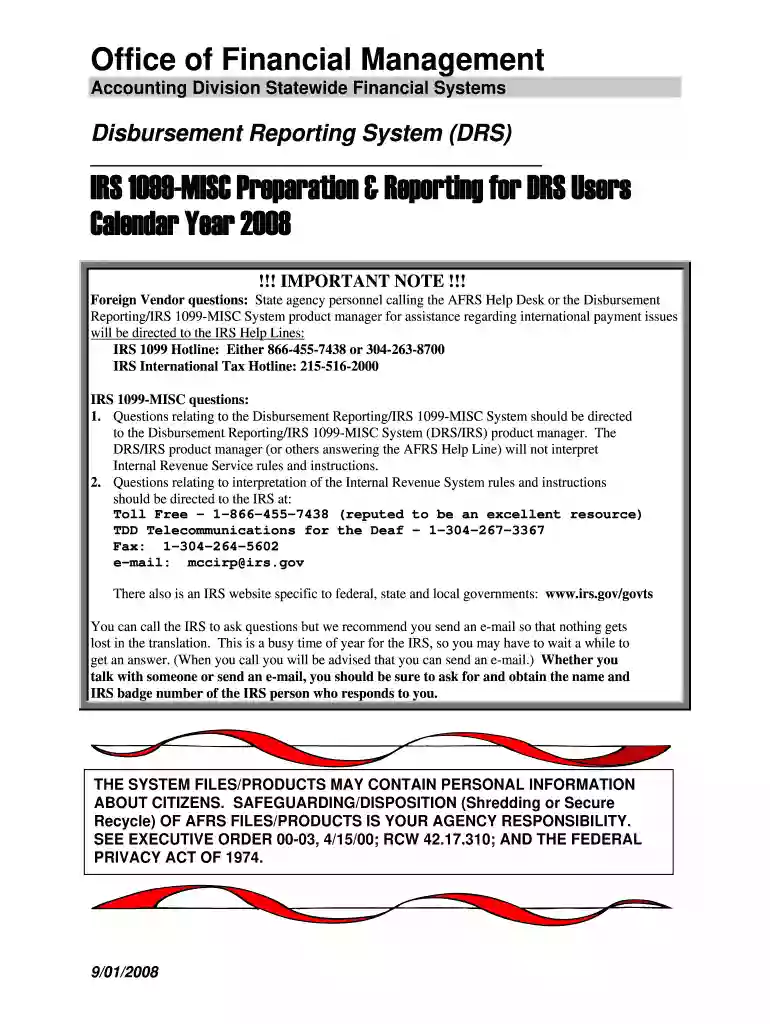
1099 preparation users get Preview on Page 1

Here's how it works

01. Edit your 1099 preparation users get online
Type text, add images, blackout confidential details, add comments, highlights and more.

02. Sign it in a few clicks
Draw your signature, type it, upload its image, or use your mobile device as a signature pad.

03. Share your form with others
Send 1099 preparation users pdf via email, link, or fax. You can also download it, export it or print it out.

How to use or fill out 1099 general form with DocHub

Form edit decoration
9.5
Ease of Setup
DocHub User Ratings on G2
9.0
Ease of Use
DocHub User Ratings on G2
  1. Click ‘Get Form’ to open the 1099 general form in our platform.
  2. Begin by entering the recipient's name and address in the designated fields. Ensure accuracy as this information is crucial for IRS reporting.
  3. Input the Taxpayer Identification Number (TIN) of the recipient. This can be a Social Security Number (SSN), Employer Identification Number (EIN), or Individual Taxpayer Identification Number (ITIN).
  4. Fill in the appropriate boxes based on the type of payments made, such as rents, royalties, or other income. Each box corresponds to specific types of payments that need to be reported.
  5. Review all entered information for accuracy. Use our editor’s features to make any necessary adjustments before finalizing.
  6. Once completed, utilize our platform’s signing feature to electronically sign the document if required.
  7. Finally, download or print your completed 1099 form for distribution to recipients and submission to the IRS.

Start using our platform today for free and streamline your 1099 form completion process!

See more 1099 general form versions

We've got more versions of the 1099 general form form. Select the right 1099 general form version from the list and start editing it straight away!
Versions Form popularity Fillable & printable
2008 4.8 Satisfied (140 Votes)
be ready to get more

Complete this form in 5 minutes or less

Get form

Got questions?

We have answers to the most popular questions from our customers. If you can't find an answer to your question, please contact us.
Contact us
These payments might be for interest, dividends, nonemployee compensation, retirement plan distributions. If you receive a 1099 form, its your responsibility to report the income earned on your tax return.
Form 1099-G is used to report government payments like unemployment compensation and state or local income tax refunds. Learn what details are included on the form, when you should expect to receive it, and how to report this income on your tax return.
Typically, any business that makes payments of $600 or more to an independent contractor or vendor during the year must file a Form 1099-NEC. This includes payments for services rendered, and the employer is responsible for filing.
A 1099-G form is a tax document used to report certain government payments, such as unemployment benefits, state tax refunds, or other grants. Its primary purpose is to inform both the taxpayer and the IRS about income received that may be taxable.
be ready to get more

Complete this form in 5 minutes or less

Get form