




Here's how it works

01. Edit your irs treas 310 tax ref online
Type text, add images, blackout confidential details, add comments, highlights and more.

02. Sign it in a few clicks
Draw your signature, type it, upload its image, or use your mobile device as a signature pad.

03. Share your form with others
Send irs tax refund deposit date 2025 via email, link, or fax. You can also download it, export it or print it out.
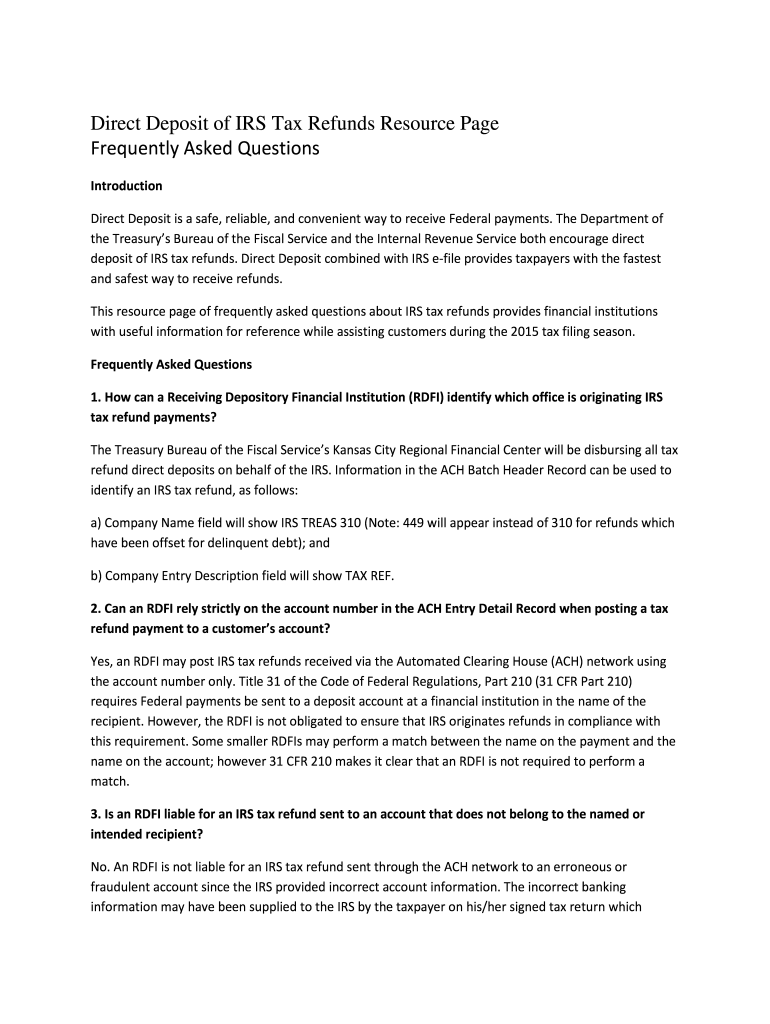
How to use or fill out tax refunds asked faq with our platform

- Click ‘Get Form’ to open the tax refunds asked FAQ document in the editor.
- Begin by reviewing the introduction section, which outlines the benefits of direct deposit for IRS tax refunds. This will help you understand the context and importance of the information provided.
- Navigate through each FAQ item. For example, when addressing how an RDFI can identify IRS tax refund payments, ensure you fill in any relevant details based on your institution's practices.
- For questions regarding liability and obligations, such as what to do if a refund is misdirected, make notes or highlight key points that are applicable to your operations.
- Utilize our platform’s annotation tools to add comments or questions directly on the document for future reference or team discussions.
- Once you have reviewed and filled out necessary sections, save your changes and share the document with your team for collaborative input.
Start using our platform today to streamline your document editing and enhance your workflow!
Fill out tax refunds asked faq online
It's free
It's free
Security and compliance
At DocHub, your data security is our priority. We follow HIPAA, SOC2, GDPR, and other standards, so you can work on your documents with confidence.
Learn more


