




01. Edit your maryland first time home buyer tax credit online
Type text, add images, blackout confidential details, add comments, highlights and more.

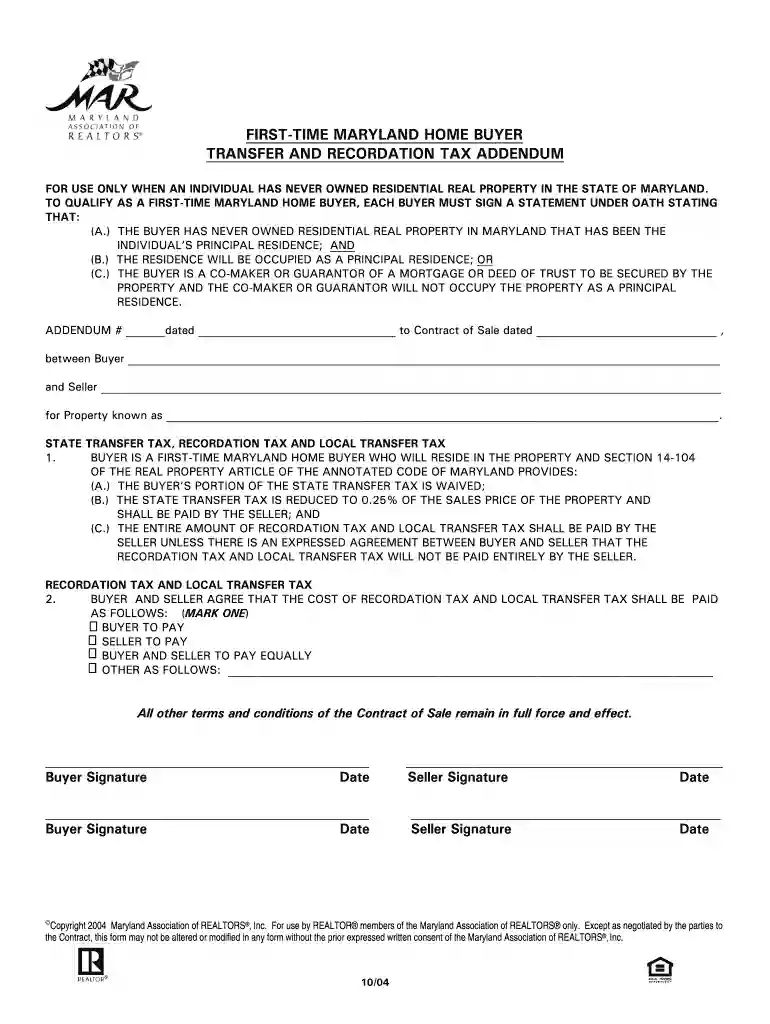
Type text, add images, blackout confidential details, add comments, highlights and more.

Draw your signature, type it, upload its image, or use your mobile device as a signature pad.

Send first time home buyer maryland via email, link, or fax. You can also download it, export it or print it out.

Start using our platform today to easily complete your Maryland First Time Home Buyer Addendum for free!
At DocHub, your data security is our priority. We follow HIPAA, SOC2, GDPR, and other standards, so you can work on your documents with confidence.
Apr 26, 2017 The EPAs final decision is expected some time in the first half of 2019. We expect that our future costs for Zone 1 will be contingent onRead more
Feb 17, 2022 FOR the purpose of altering the criteria for qualifying as a firsttime Maryland home buyer. 4 for purposes of payment of and exemptionsRead more
by NM Zell The contract included an ad- dendum designated Notice of. Purchasers Right to Property. Condition Disclosure Statement or Disclaimer Statement which.Read more


