




Here's how it works

01. Edit your who is qualified for pag ibig provident claim online
Type text, add images, blackout confidential details, add comments, highlights and more.

02. Sign it in a few clicks
Draw your signature, type it, upload its image, or use your mobile device as a signature pad.

03. Share your form with others
Send pag ibig provident claim via email, link, or fax. You can also download it, export it or print it out.
How to use or fill out pag ibig retirement claim online application with our platform

- Click ‘Get Form’ to open the pag ibig retirement claim online application in the editor.
- Begin by selecting the reason for your claim from the provided options, such as Membership Maturity or Retirement. Ensure you check the appropriate box.
- Fill in your personal details accurately, including your last name, first name, and Pag-IBIG MID No. Make sure to include your date of birth and marital status.
- Provide your contact details and current address. If applicable, include the claimant's information if different from yours.
- Detail your employment history since joining Pag-IBIG, including employer names and dates of employment.
- Authorize the transfer of benefits by filling in your bank account details where applicable.
- Review all entered information for accuracy before signing. Use our platform’s signature feature to sign electronically.
Start using our platform today to complete your pag ibig retirement claim application easily and for free!
Fill out pag ibig retirement claim online application online
It's free
It's free
See more pag ibig retirement claim online application versions
We've got more versions of the pag ibig retirement claim online application form. Select the right pag ibig retirement claim online application version from the list and start editing it straight away!
| Versions | Form popularity | Fillable & printable |
|---|---|---|
| 2011 | 4.8 Satisfied (141 Votes) |
Security and compliance
At DocHub, your data security is our priority. We follow HIPAA, SOC2, GDPR, and other standards, so you can work on your documents with confidence.
Learn more


Related forms
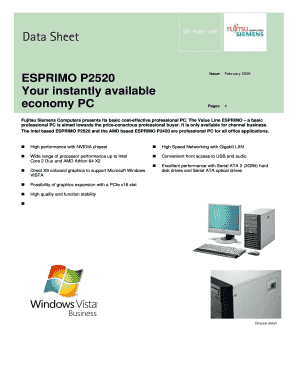
Your instantly available
The document provides a detailed data sheet for the Fujitsu Siemens ESPRIMO P2520, a cost-effective professional PC desi ...
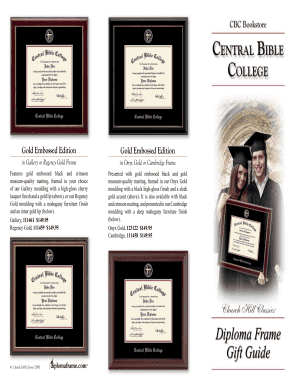
In Gallery or Regency Gold Frame
The document outlines various diploma frame options offered by Church Hill Classics, including the Gold Embossed Edition ...

Cordova Edition Satisfaction Guaranteed Embossed Edition
The document outlines various diploma frame options available for graduates of Greater Atlanta Christian School, includi ...
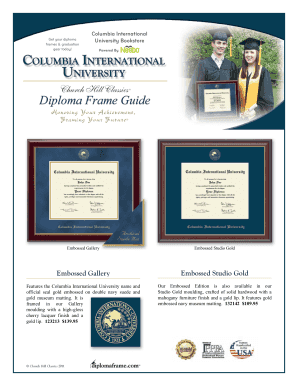
Embossed Gallery Embossed Studio Gold - Church Hill Classics
The document promotes diploma frames available for purchase at the Columbia International University Bookstore, featurin ...
ACE FAQs - KPMG
The document is a Frequently Asked Questions (FAQ) guide for the Automated Commercial Environment (ACE), aimed at provid ...

20110909 BC Hydro F2011 Net Metering Evaluation Report and Application to Amend Rate Schedule 1289 -
20110909 BC Hydro F2011 Net Metering Evaluation Report and Application to Amend Rate Schedule 1289 -
The document is a communication from BC Hydro to the British Columbia Utilities Commission (BCUC) regarding the F2011 Ne ...
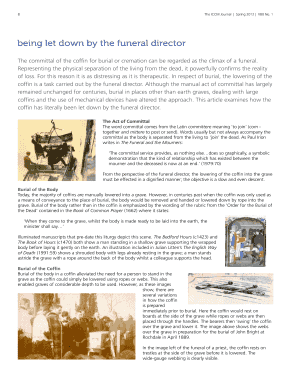
Being let down by the funeral director
The document discusses the act of committal during funerals, focusing on the role of funeral directors in the burial or ...
The Choice between Front-Loaded and Rear-Loaded Coupons for
The document analyzes the effectiveness of front-loaded versus rear-loaded coupons for new brands entering the market. T ...