




01. Edit your florida transaction broker notice online
Type text, add images, blackout confidential details, add comments, highlights and more.

Type text, add images, blackout confidential details, add comments, highlights and more.

Draw your signature, type it, upload its image, or use your mobile device as a signature pad.

Send no brokerage relationship via email, link, or fax. You can also download it, export it or print it out.

Start using our platform today to fill out your Florida Transaction Broker Relationship Disclosure Form online, for free!
At DocHub, your data security is our priority. We follow HIPAA, SOC2, GDPR, and other standards, so you can work on your documents with confidence.
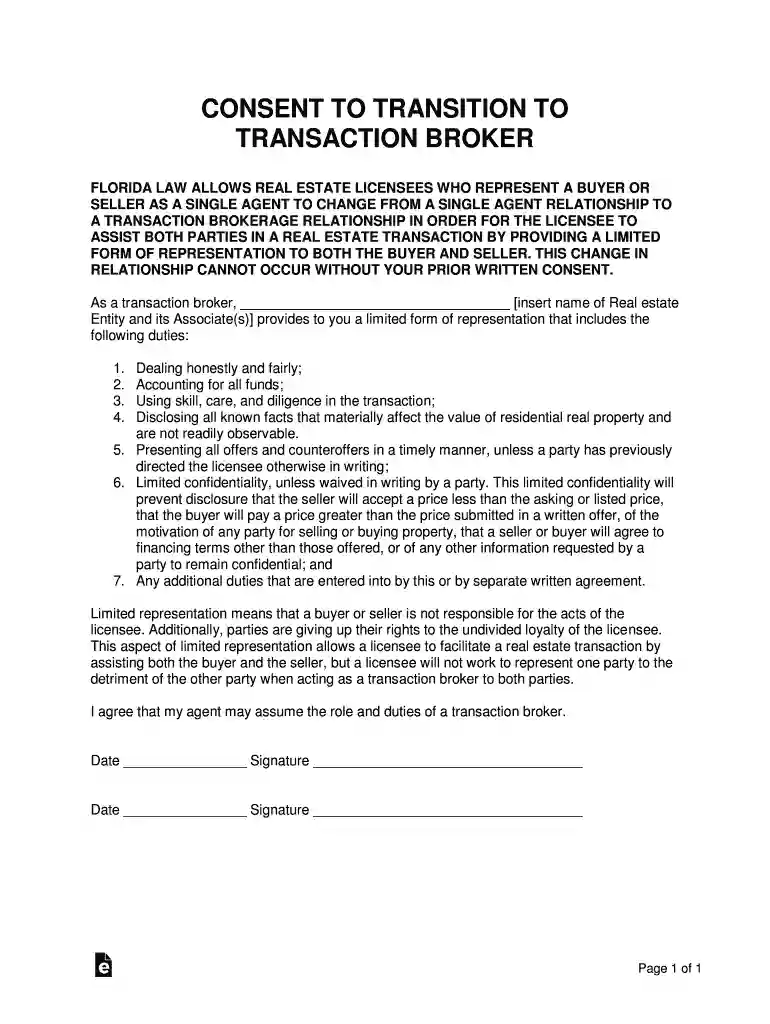
To create the transaction brokerage relationship, the statute provides the following disclosure form for use by licensees: FLORIDA LAW REQUIRES THAT REAL ESTATERead more
Transition to transaction broker disclosure.A single agent relationship may be changed to a transaction broker relationship at any time during the relationshipRead more
If a buyer desires to pursue specific performance of a contract for sale, the buyer needs to consider recording a notice of lis pendens against the property toRead more


