



01. Edit your thrivent beneficiary form online
Type text, add images, blackout confidential details, add comments, highlights and more.

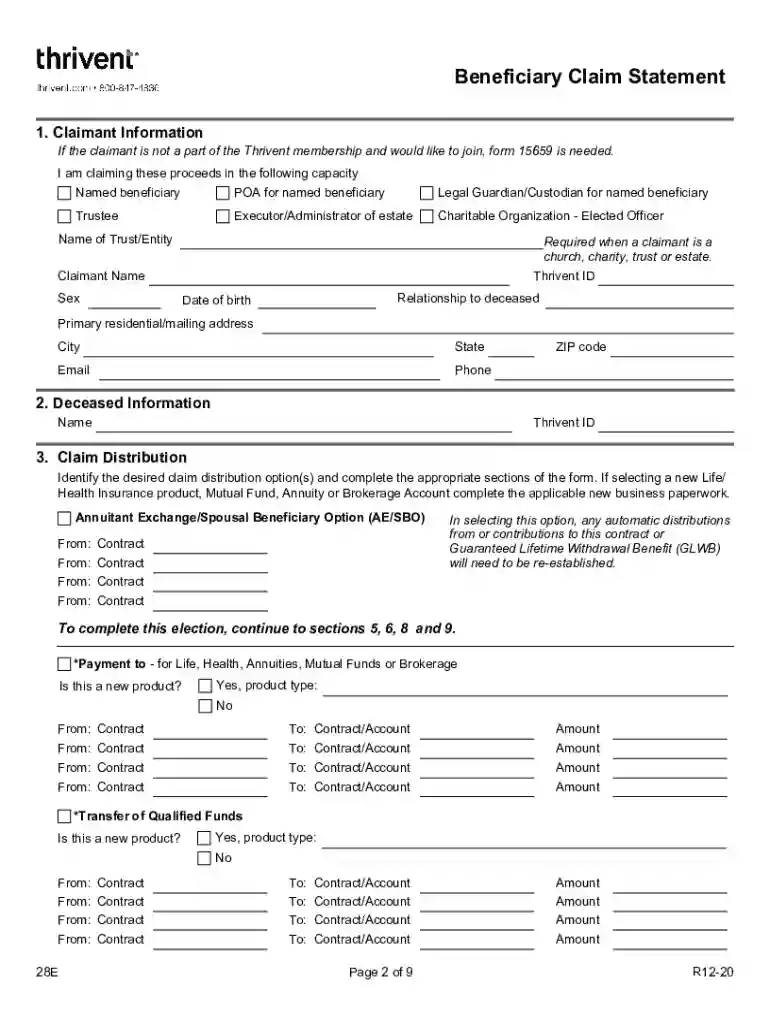
Type text, add images, blackout confidential details, add comments, highlights and more.

Draw your signature, type it, upload its image, or use your mobile device as a signature pad.

Send beneficiary claim statement via email, link, or fax. You can also download it, export it or print it out.

Start using our platform today for free to streamline your Thrivent form completion!
We've got more versions of the thrivent beneficiary form form. Select the right thrivent beneficiary form version from the list and start editing it straight away!
Many software solutions are available on the market for document editing and signing. DocHub is one of the most popular online solutions that comply with all security and compliance standards and guarantees your eSigned documentation is legally enforceable. All you need to try it out is to register an account, add your thrivent beneficiary claim statement, provide the required information, and click Sign. Generate your eSignature by typing, drawing it, uploading its image to your form, or scanning a unique QR code.
With DocHub, you have several convenient methods to edit your thrivent claim online. You can drag and drop the form and modify it straight at the DocHub website or use our browser extension to fill out your form right away. On top of that, you can modify your PDF on your phone, as DocHub works with all the accessible mobile platforms.
At DocHub, your data security is our priority. We follow HIPAA, SOC2, GDPR, and other standards, so you can work on your documents with confidence.
An ERA is required to file a report using Form ADV, but does not complete all items contained in Form ADV that a registered adviser must complete. OtherRead more
Mar 22, 2026 The ribbons then form the Thrivent symbol of the time, which is reminiscent of an infinity symbol, but shaped to resemble a heart. TheRead more


