



01. Edit your check homestead status wisconsin online
Type text, add images, blackout confidential details, add comments, highlights and more.

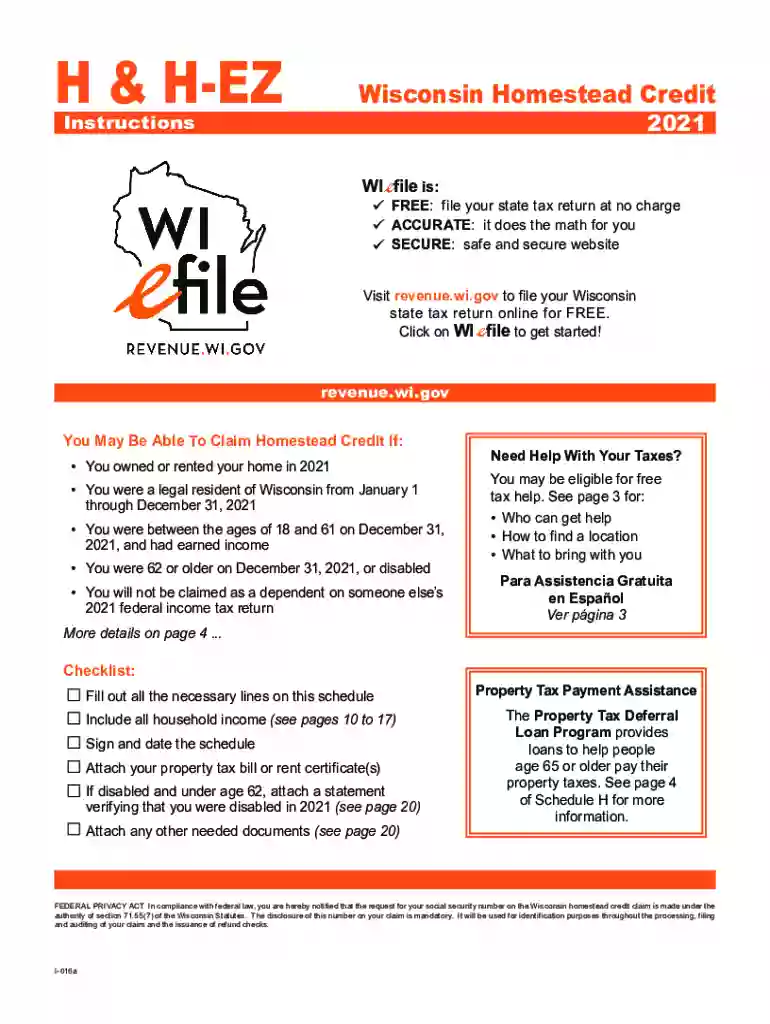
Type text, add images, blackout confidential details, add comments, highlights and more.

Draw your signature, type it, upload its image, or use your mobile device as a signature pad.

Send wisconsin homestead credit form 2022 via email, link, or fax. You can also download it, export it or print it out.

Start using our platform today for free to streamline your Wisconsin Homestead S completion!
We've got more versions of the check homestead status wisconsin form. Select the right check homestead status wisconsin version from the list and start editing it straight away!
| Versions | Form popularity | Fillable & printable |
|---|---|---|
| 2025 | 4.2 Satisfied (32 Votes) | |
| 2024 | 4.3 Satisfied (57 Votes) | |
| 2023 | 4.9 Satisfied (47 Votes) | |
| 2022 | 4.2 Satisfied (39 Votes) | |
| 2021 | 4.8 Satisfied (77 Votes) | |
| 2020 | 4.3 Satisfied (47 Votes) | |
| 2018 | 4.4 Satisfied (119 Votes) | |
| 2018 | 4.3 Satisfied (36 Votes) | |
| 2017 | 4.3 Satisfied (125 Votes) | |
| 2016 | 4.4 Satisfied (299 Votes) | |
| 2012 | 4.4 Satisfied (226 Votes) |
At DocHub, your data security is our priority. We follow HIPAA, SOC2, GDPR, and other standards, so you can work on your documents with confidence.
Wisconsin Homestead Tax Credit: File Schedule H or H-EZ along with a copy of your property tax bill or rent certificate signed by your landlord. Other TaxRead more
You must complete a Wisconsin Homestead Credit Claim, Schedule H or Schedule H-EZ, to determine the amount of any benefit available.
Our vision is to co-create an equitable and regenerative future together with our guests, partners and communities. We call our sustainability strategyRead more


