Type text, add images, blackout confidential details, add comments, highlights and more.
02. Sign it in a few clicks
Draw your signature, type it, upload its image, or use your mobile device as a signature pad.
03. Share your form with others
Send irs form 8283 printable via email, link, or fax. You can also download it, export it or print it out.
How to use or fill out IRS Form 8283 with DocHub
Ease of Setup
DocHub User Ratings on G2
Ease of Use
DocHub User Ratings on G2
Click ‘Get Form’ to open IRS Form 8283 in our platform's editor.
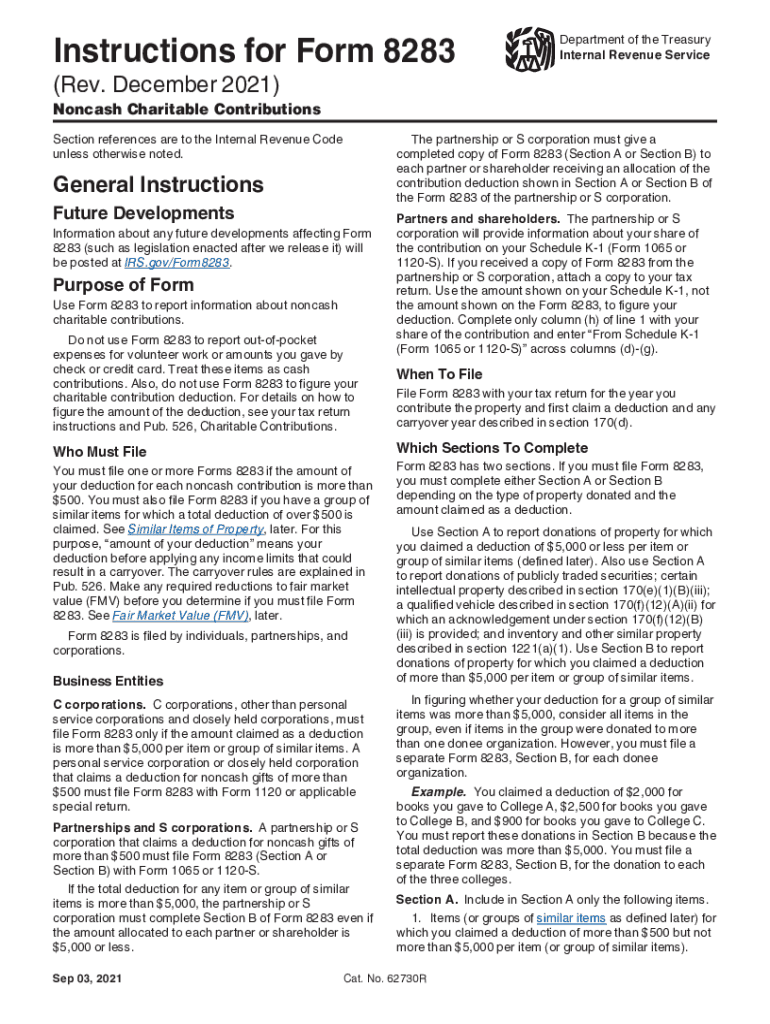
Begin with Section A or B, depending on your deduction amount. If it's $5,000 or less, complete Section A; for amounts over $5,000, use Section B.
In Part I of the selected section, provide detailed information about the donated property. Include specifics like the type of property and its condition.
For vehicles, check the box indicating it’s a qualified vehicle and enter the Vehicle Identification Number (VIN) if applicable.
Complete columns regarding acquisition date and fair market value (FMV). Ensure you have any required appraisals ready for submission.
Once all fields are filled out accurately, save your changes and download or share the completed form directly from our platform.
Start using our editor today to simplify your IRS Form 8283 completion process for free!
Irs form 8283 instructionsForm 8283 PDFIrs form 8283 printableIRS Form 8283 instructions PDFIRS Form 8283, noncash charitable contributionsWhen will IRS Form 8283 be availableIRS Form 8283 fillableIRS Form 8283 2026
Security and compliance
At DocHub, your data security is our priority. We follow HIPAA, SOC2, GDPR, and other standards, so you can work on your documents with confidence.
You must complete Section B of Form 8283 for each itemor group of similar non-cash itemsfor which you claim a deduction of over $5,000 except as provided inRead more
Apr 15, 1976 Increased section 179 deduction dollar limits. The maximum amount you can elect to deduct for most sec- tion 179 property you placedRead more
Jul 1, 2025 Enter the entity name and identifying number from the tax return where the noncash charitable contribution was originally reported, if.Read more
Cookie consent notice
This site uses cookies to enhance site navigation and personalize your experience.
By using this site you agree to our use of cookies as described in our Privacy Notice.
You can modify your selections by visiting our Cookie and Advertising Notice.