



01. Edit your form online
Type text, add images, blackout confidential details, add comments, highlights and more.

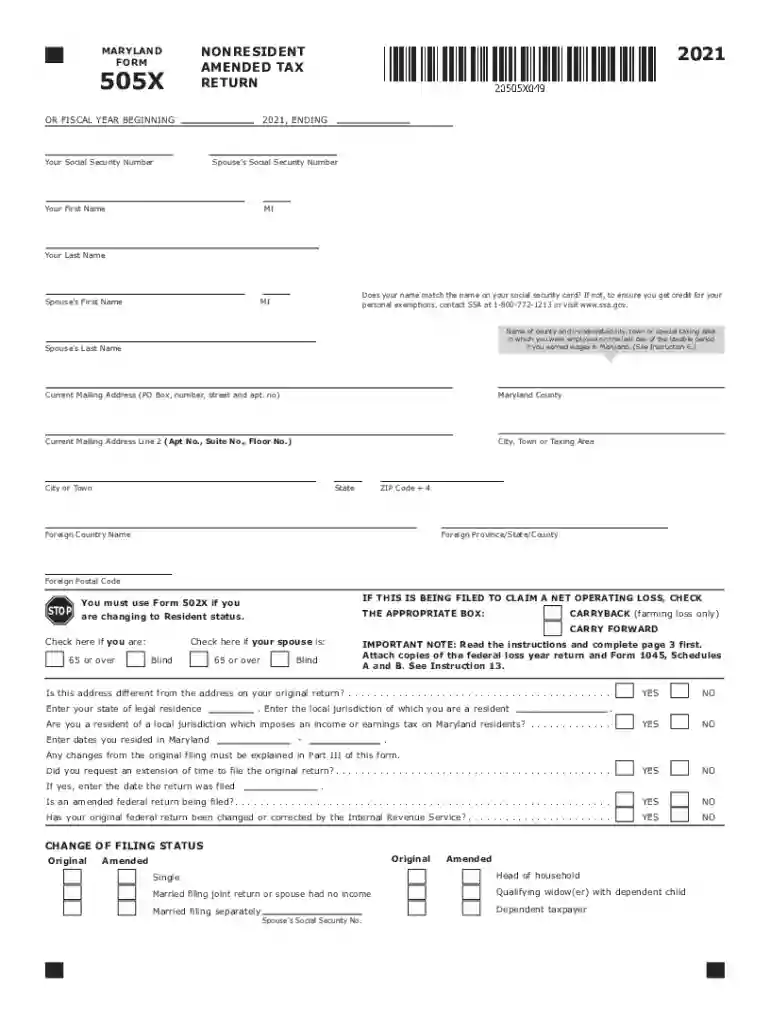
Type text, add images, blackout confidential details, add comments, highlights and more.

Draw your signature, type it, upload its image, or use your mobile device as a signature pad.

Send it via email, link, or fax. You can also download it, export it or print it out.

Start using our editor today to fill out your Maryland tax forms online for free!
We've got more versions of the maryland tax form. Select the right maryland tax version from the list and start editing it straight away!
| Versions | Form popularity | Fillable & printable |
|---|---|---|
| 2024 | 4.3 Satisfied (47 Votes) | |
| 2023 | 4.5 Satisfied (27 Votes) | |
| 2022 | 4.9 Satisfied (27 Votes) | |
| 2021 | 4.8 Satisfied (75 Votes) | |
| 2020 | 4.3 Satisfied (163 Votes) | |
| 2019 | 4.3 Satisfied (92 Votes) | |
| 2018 | 4.4 Satisfied (140 Votes) | |
| 2017 | 4.3 Satisfied (171 Votes) | |
| 2016 | 4.3 Satisfied (139 Votes) | |
| 2015 | 4.3 Satisfied (42 Votes) | |
| 2014 | 4.3 Satisfied (32 Votes) | |
| 2013 | 4 Satisfied (59 Votes) | |
| 2012 | 4 Satisfied (53 Votes) |
Many software solutions are available on the market for document editing and signing. DocHub is one of the most popular online solutions that comply with all data protection and compliance standards and ensures your electronically signed paperwork is legally enforceable. All you need to try it out is to create an account, upload your maryland tax, fill out the requested details, and click Sign. Create your electronic signature by typing, drawing it, uploading its picture to your form, or scanning a unique QR code.
It is a no-brainer on a computer or via a mobile device to fill out a maryland tax with DocHub. All you need to do is open any installed browser on your smartphone and go to the DocHub site. Once authenticated, add your file and open it in editing mode. Use our toolbar to make your edits and save changes. Optionally, keep your file in your files or send it to a recipient on the spot.
At DocHub, your data security is our priority. We follow HIPAA, SOC2, GDPR, and other standards, so you can work on your documents with confidence.
I claim exemption from Maryland local tax because I live in a local Pennsylvania jurisdiction that does not impose an earnings or income tax on MarylandRead more
Office of the Comptroller of Maryland, led by Comptroller Brooke E. Lierman. Working towards a more equitable, more resilient, and more prosperous Maryland.


