




01. Edit your pa 1000 form online
Type text, add images, blackout confidential details, add comments, highlights and more.

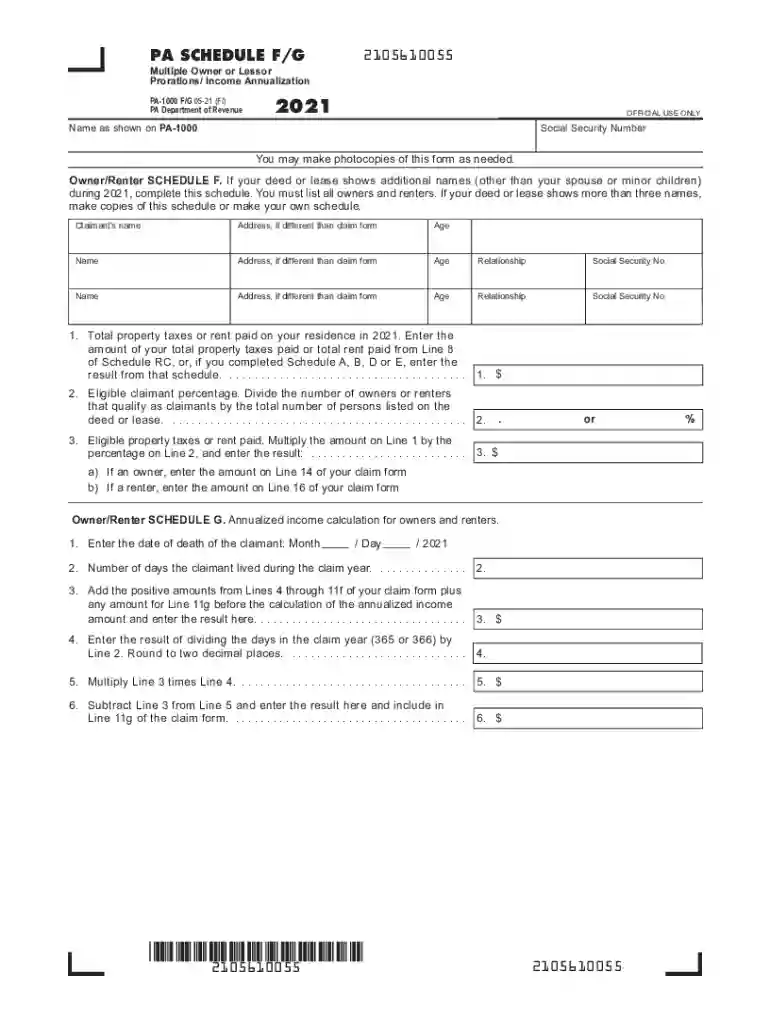
Type text, add images, blackout confidential details, add comments, highlights and more.

Draw your signature, type it, upload its image, or use your mobile device as a signature pad.

Send pa 1000 instructions via email, link, or fax. You can also download it, export it or print it out.

Start using our platform today to fill out your PA-1000 schedule easily and efficiently!
We've got more versions of the pa 1000 form form. Select the right pa 1000 form version from the list and start editing it straight away!
| Versions | Form popularity | Fillable & printable |
|---|---|---|
| 2025 | 4.7 Satisfied (21 Votes) | |
| 2024 | 4.9 Satisfied (20 Votes) | |
| 2023 | 4.6 Satisfied (44 Votes) | |
| 2022 | 4.8 Satisfied (142 Votes) | |
| 2021 | 4.8 Satisfied (156 Votes) | |
| 2020 | 4.4 Satisfied (200 Votes) | |
| 2019 | 4.4 Satisfied (230 Votes) | |
| 2018 | 4.3 Satisfied (72 Votes) | |
| 2017 | 4.3 Satisfied (118 Votes) | |
| 2015 | 4.4 Satisfied (477 Votes) | |
| 2014 | 4 Satisfied (46 Votes) |
At DocHub, your data security is our priority. We follow HIPAA, SOC2, GDPR, and other standards, so you can work on your documents with confidence.
Jun 30, 2022 IMPORTANT: If you receive income from the rental of a portion of your own home, you must complete and submit a PA-1000 Schedule E (enclosed inRead more
PA-1000 PS -- PA Schedule PS. If an applicant is disabled, a physician must complete this form to confirm permanent and total disability ; DEX-41. If youRead more
P1-1091. Philology. Linguistics. P1-85. General. P87-96. Communication. Mass media. P94.7. Interpersonal communication. P95-95.6. Oral communication. Speech.Read more


