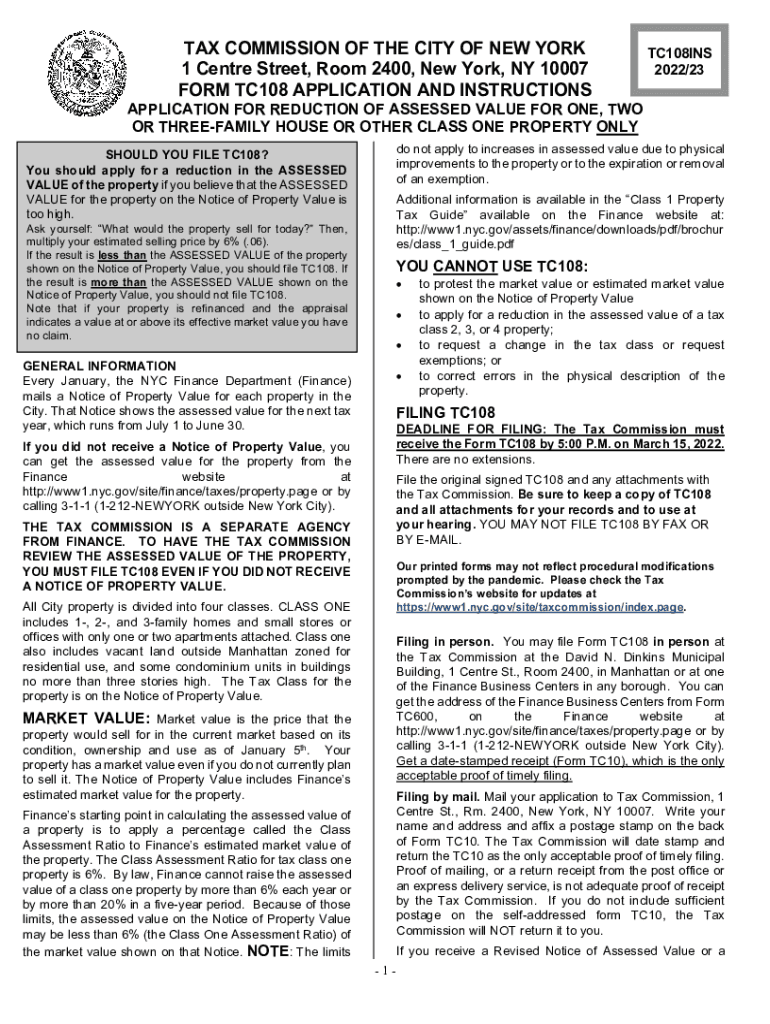
Type text, add images, blackout confidential details, add comments, highlights and more.
02. Sign it in a few clicks
Draw your signature, type it, upload its image, or use your mobile device as a signature pad.
03. Share your form with others
Send it via email, link, or fax. You can also download it, export it or print it out.
How to use or fill out tc108 with our platform
Ease of Setup
DocHub User Ratings on G2
Ease of Use
DocHub User Ratings on G2
Click ‘Get Form’ to open the TC108 in the editor.
Begin with Section 1, 'Property Identification.' Enter the block and lot numbers from your Notice of Property Value. Ensure you file a separate form for each lot.
In Section 2, 'Applicant,' provide your name and contact information. If you're not the owner or tenant paying taxes, remember to include Form TC200.
Proceed to Section 4, 'Claim of Market Value.' Here, input your estimate of the market value and calculate the assessed value based on the provided formula.
In Section 5, indicate whether you want an in-person hearing or prefer a review based solely on submitted documents.
Complete Sections 6 through 10 by providing detailed descriptions of your property, any recent sales information, and ensure all required signatures are included.
Start using our platform today for free to streamline your TC108 application process!
Identification of pseudospin partner bands in Tc108
by Q Xu 2008 Cited by 70 Abstract. High-spin structures in the neutron-rich Tc108 nucleus have been reinvestigated by measuring the prompt -rays from spontaneous fission of Cf252.Read more
Cookie consent notice
This site uses cookies to enhance site navigation and personalize your experience.
By using this site you agree to our use of cookies as described in our Privacy Notice.
You can modify your selections by visiting our Cookie and Advertising Notice.