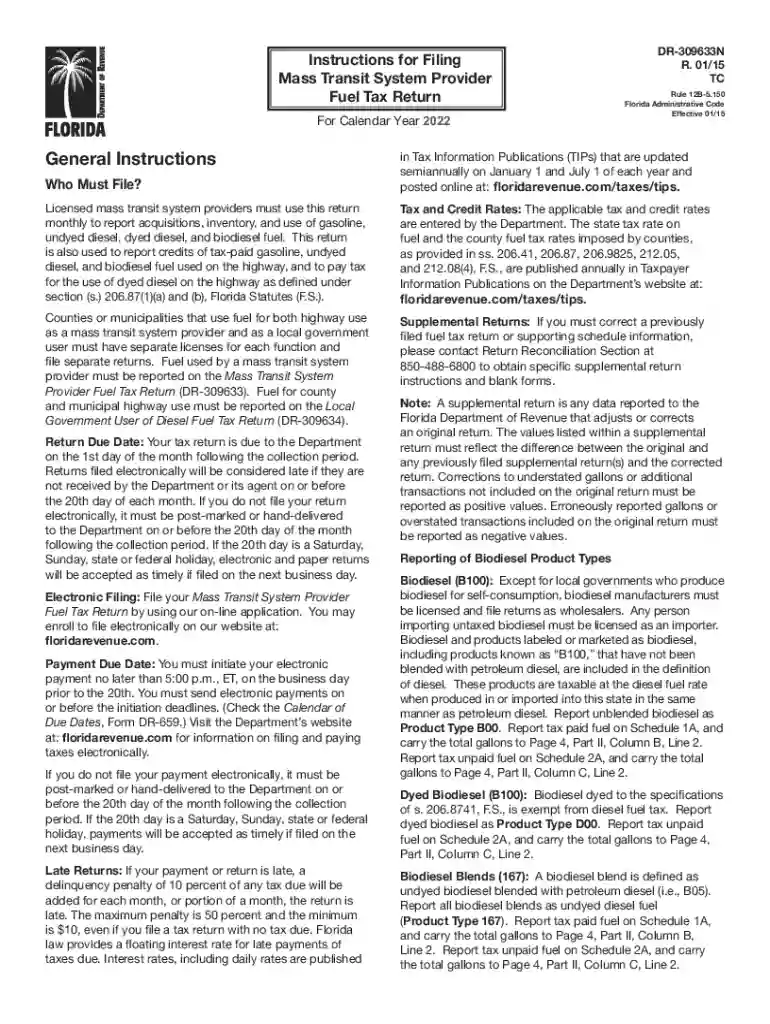
fl dr instructions Preview on Page 1

Fl dr instructions 2026

Here's how it works

  • 01. Edit your form online

    Type text, add images, blackout confidential details, add comments, highlights and more.

  • 02. Sign it in a few clicks

    Draw your signature, type it, upload its image, or use your mobile device as a signature pad.

  • 03. Share your form with others

    Send it via email, link, or fax. You can also download it, export it or print it out.

How to use or fill out fl dr instructions with our platform

Form edit decoration
9.5
Ease of Setup
DocHub User Ratings on G2
9.0
Ease of Use
DocHub User Ratings on G2
  1. Click ‘Get Form’ to open the fl dr instructions in the editor.
  2. Begin by reviewing the 'General Instructions' section. Ensure you understand who must file and the due dates for both returns and payments.
  3. Fill out Part I – Gasoline. Start with Line 1, entering your beginning physical inventory, which should match your previous month's ending inventory.
  4. Continue to Line 2, where you will report total gallons of gasoline received during the reporting period. Make sure to include only relevant transactions.
  5. Proceed to Line 3 for disbursements. Report gallons of gasoline used, distinguishing between off-highway and on-highway uses as necessary.
  6. Complete Part II – Diesel similarly, starting with your beginning physical inventory on Line 1 and following through each line until you reach the total due.
  7. Finally, ensure all schedules are completed accurately and sign your return before submission.

Start using our platform today for free to streamline your fl dr instructions completion!

See more fl dr instructions versions

We've got more versions of the fl dr instructions form. Select the right fl dr instructions version from the list and start editing it straight away!

VersionsForm popularityFillable & printable
20244.6 Satisfied (37 Votes)
20234.7 Satisfied (21 Votes)
20224.8 Satisfied (62 Votes)
20214.4 Satisfied (165 Votes)
20204.2 Satisfied (64 Votes)
20194.3 Satisfied (188 Votes)
20174.3 Satisfied (50 Votes)
20154.3 Satisfied (118 Votes)

be ready to get more

Complete this form in 5 minutes or less

Security and compliance

At DocHub, your data security is our priority. We follow HIPAA, SOC2, GDPR, and other standards, so you can work on your documents with confidence.

Related links

Medical Doctor (MD) - Florida Board of Medicine

Read instructions before and while you complete the application. The application process may take between two to six months to complete. Click on the

Learn more
IMPORTANT SAFETY INSTRUCTIONS

Do not expose this unit to rain, moisture, dripping or splashing. Do not place objects filled with liquids, such as vases, on this unit. Use only the

Learn more
If you believe that this page should be taken down, please follow our DMCA take down process here