




01. Edit your mw506 online
Type text, add images, blackout confidential details, add comments, highlights and more.

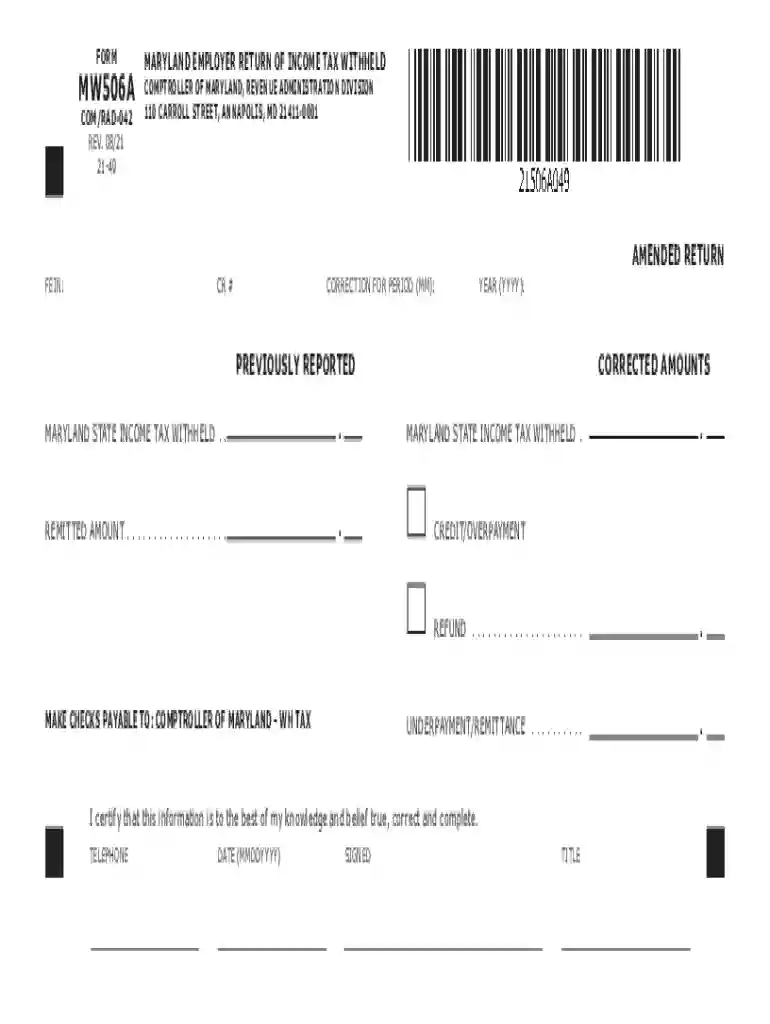
Type text, add images, blackout confidential details, add comments, highlights and more.

Draw your signature, type it, upload its image, or use your mobile device as a signature pad.

Send mw506m via email, link, or fax. You can also download it, export it or print it out.

Start using our platform today to fill out md form 506 easily and for free!
We've got more versions of the mw506 form. Select the right mw506 version from the list and start editing it straight away!
| Versions | Form popularity | Fillable & printable |
|---|---|---|
| 2024 | 4.1 Satisfied (23 Votes) | |
| 2023 | 4.6 Satisfied (34 Votes) | |
| 2022 | 4.9 Satisfied (32 Votes) | |
| 2021 | 4.9 Satisfied (55 Votes) | |
| 2020 | 4.3 Satisfied (176 Votes) | |
| 2019 | 4.1 Satisfied (58 Votes) | |
| 2017 | 4.2 Satisfied (61 Votes) | |
| 2016 | 4.3 Satisfied (43 Votes) | |
| 2016 | 4.4 Satisfied (160 Votes) | |
| 2015 | 4 Satisfied (46 Votes) | |
| 2014 | 4 Satisfied (41 Votes) | |
| 2011 | 4 Satisfied (29 Votes) | |
| 2007 | 4 Satisfied (42 Votes) | |
| 2002 | 4 Satisfied (48 Votes) |
At DocHub, your data security is our priority. We follow HIPAA, SOC2, GDPR, and other standards, so you can work on your documents with confidence.
MARYLAND EMPLOYER RETURN OF INCOME TAX WITHHELD. COMPTROLLER OF MARYLAND, REVENUE ADMINISTRATION DIVISION. 110 CARROLL STREET, ANNAPOLIS, MD 21411-0001.Read more
The due date for filing an annual Form MW506 is the last day of January following the year to which such withholding applies. In addition, annual filersRead more
by S Bhagwat 2013 Cited by 398 Flavonoid content of 506 food items. This table contains values for individual flavonoid compounds for 506 foods.


