Type text, add images, blackout confidential details, add comments, highlights and more.
02. Sign it in a few clicks
Draw your signature, type it, upload its image, or use your mobile device as a signature pad.
03. Share your form with others
Send rp 5217 instructions via email, link, or fax. You can also download it, export it or print it out.
How to use or fill out rp 5217 instructions with our platform
Ease of Setup
DocHub User Ratings on G2
Ease of Use
DocHub User Ratings on G2
Click ‘Get Form’ to open the RP-5217 Real Property Transfer Report in the editor.
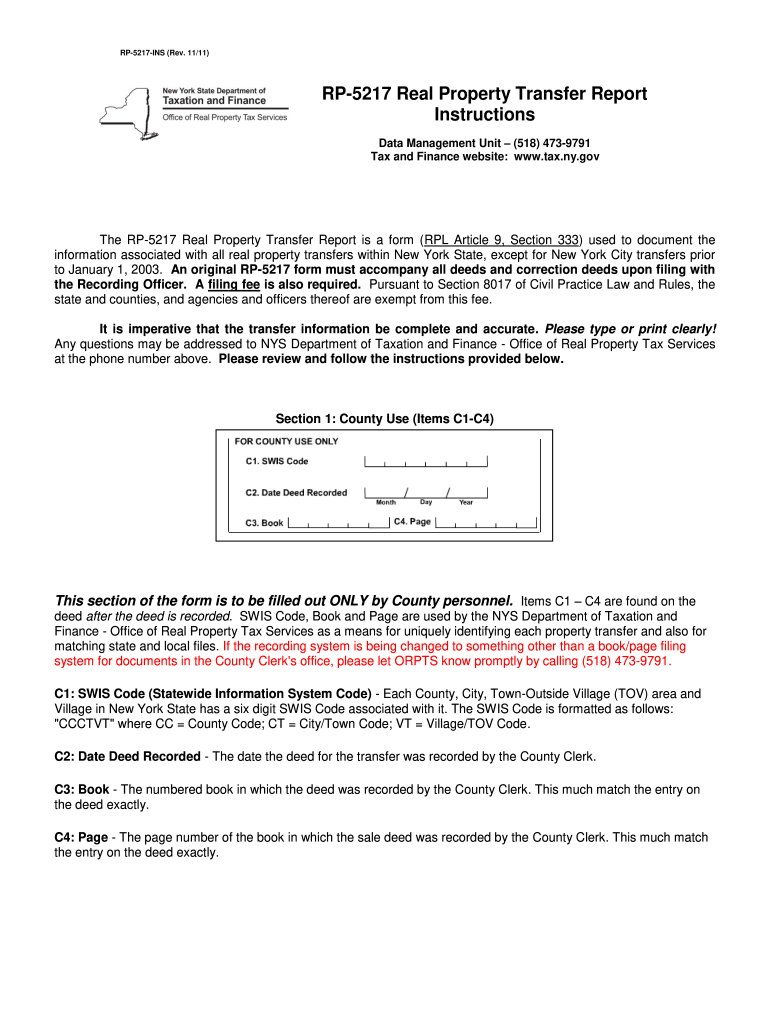
Begin with Section 1, which is for County Use. This section should be completed by County personnel only, including SWIS Code, Date Deed Recorded, Book, and Page.
Move to Section 2: Property Information. Fill in the property location, buyer name, tax billing address, number of parcels, and property size. Ensure accuracy as this information is crucial for the transfer.
In Section 3: Sale Information, enter the sale contract date, date of sale/transfer, full sale price, personal property value included in the sale, and any conditions affecting the sale.
Proceed to Section 4: Assessment Information. Input assessment roll year, total assessed value, property class code, school district name, and tax map identifiers.
Finally, complete Section 5: Certification by signing and dating the form. Ensure both buyer and seller signatures are present along with contact information.
Start using our platform today to simplify your RP-5217 form completion process for free!
This form is necessary to commence a civil court action. When preparing this new version, enter the The form includes instructions, property information, saleRead more
Installation instructions are included with this kit. Table Mount. BARCO offers a heavy-duty projection table with adjustable height which allows the projectorRead more
Instructions for Completing Form RP-5217-PDF, Real Property
Dec 13, 2024 The information below will help you download and submit Form RP-5217-PDF. For detailed, line-by-line instructions, see Form RP-5217-PDF-INS, Real PropertyRead more
Cookie consent notice
This site uses cookies to enhance site navigation and personalize your experience.
By using this site you agree to our use of cookies as described in our Privacy Notice.
You can modify your selections by visiting our Cookie and Advertising Notice.