Form unemployed 2026

Get Form
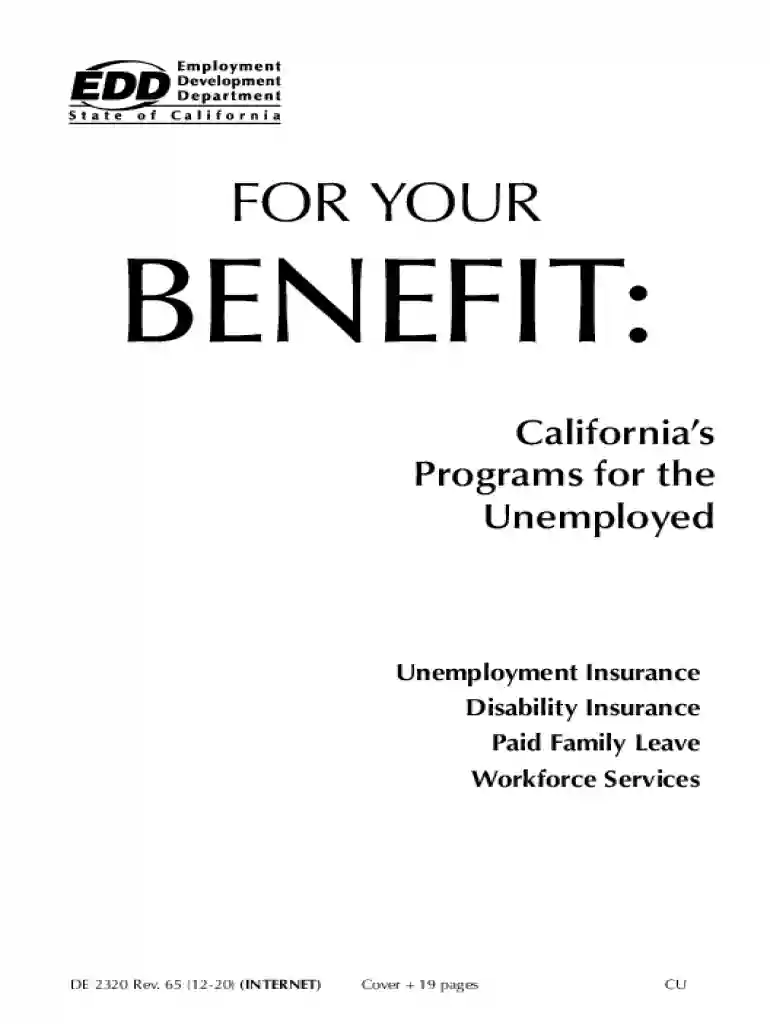
unemployed form Preview on Page 1

Here's how it works

01. Edit your unemployed form online
Type text, add images, blackout confidential details, add comments, highlights and more.

02. Sign it in a few clicks
Draw your signature, type it, upload its image, or use your mobile device as a signature pad.

03. Share your form with others
Send form unemployed via email, link, or fax. You can also download it, export it or print it out.

How to use or fill out form unemployed with our platform

Form edit decoration
9.5
Ease of Setup
DocHub User Ratings on G2
9.0
Ease of Use
DocHub User Ratings on G2
  1. Click ‘Get Form’ to open the form unemployed in the editor.
  2. Begin by entering your personal information, including your full name and Social Security number. Ensure accuracy as this is crucial for processing your claim.
  3. Provide your mailing and residence address, along with a contact phone number. If these differ, clearly indicate both addresses.
  4. Fill in details about your last employer, including their complete name, address, and phone number. This information is vital for verifying your employment history.
  5. Indicate the last day you worked and the reason for leaving—whether you were laid off, quit, or fired. Be honest to avoid complications.
  6. List your work history for the past 18 months, detailing all employers' names, dates of employment, and wages earned. This helps establish eligibility for benefits.
  7. Review all entered information carefully before submitting to ensure everything is correct and complete.

Start filling out your form unemployed today on our platform for free!

See more form unemployed versions

We've got more versions of the form unemployed form. Select the right form unemployed version from the list and start editing it straight away!
Versions Form popularity Fillable & printable
2020 4.8 Satisfied (56 Votes)
2019 4.3 Satisfied (107 Votes)
2018 4.3 Satisfied (120 Votes)
2017 4.4 Satisfied (91 Votes)
2013 4.3 Satisfied (192 Votes)
2012 4.4 Satisfied (432 Votes)
be ready to get more

Complete this form in 5 minutes or less

Get form

Security and compliance

At DocHub, your data security is our priority. We follow HIPAA, SOC2, GDPR, and other standards, so you can work on your documents with confidence.

Learn more
ccpa2
pci-dss
gdpr-compliance
hipaa
soc-compliance