




Here's how it works

01. Edit your uob security documents online
Type text, add images, blackout confidential details, add comments, highlights and more.

02. Sign it in a few clicks
Draw your signature, type it, upload its image, or use your mobile device as a signature pad.

03. Share your form with others
Send uob tt form via email, link, or fax. You can also download it, export it or print it out.
How to use or fill out UOB Liability with our platform

- Click ‘Get Form’ to open the UOB Liability application in the editor.
- Begin by selecting your preferred card type under the 'Choice of Card' section. Make sure to tick the appropriate box for either VISA, Mastercard, or any other options available.
- Fill in the 'Particulars of the Applicant' section with your registered business name, registration number, and address. Ensure all fields are completed accurately to avoid processing delays.
- In the 'Statement Recipient' section, provide the name and position of the individual who will receive monthly statements. This ensures that important information reaches the right person.
- Complete the 'Statement of CardMember' by having authorized persons sign and date where indicated. This confirms your understanding and agreement to the terms outlined.
- Review all entered information for accuracy before submitting. Use our platform's features to save your progress or make edits as needed.
Start filling out your UOB Liability application today for free using our platform!
Fill out uob liability online
It's free
See more uob liability versions
We've got more versions of the uob liability form. Select the right uob liability version from the list and start editing it straight away!
Security and compliance
At DocHub, your data security is our priority. We follow HIPAA, SOC2, GDPR, and other standards, so you can work on your documents with confidence.
Learn more


Related forms

Louisiana Sales and Use Tax - Society of Louisiana CPAs
The document is a Sales Tax Exemption Certificate for the leasing and renting of tangible personal property related to o ...

Form IT-607 Claim for Excelsior Jobs Program Tax Credit Tax
The document is a tax form (IT-607) for claiming the Excelsior Jobs Program Tax Credit in New York. It outlines the nece ...
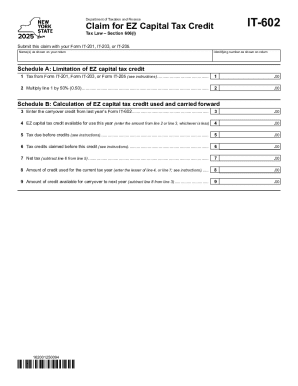
Instructions for Form IT-602, Claim for EZ Capital Tax Credit
The document provides instructions for claiming the EZ Capital Tax Credit on tax forms IT-201, IT-203, or IT-205. It out ...

Mc507
The document is a 'Request for E-Service by MiFILE' form used in the State of Michigan's judicial system. It allows indi ...

Einsatzprotokoll - Die Johanniter
The document is an Einsatzprotokoll (operation protocol) for a school first aid service, detailing the incident data inc ...
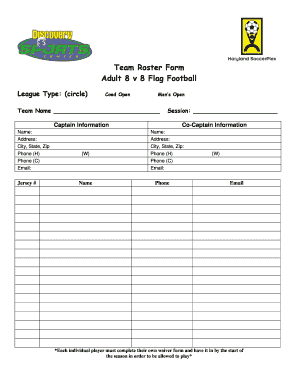
Team Roster Form Adult 8 v 8 Flag Football - mdsoccerplex
The document is a Team Roster Form for an Adult 8 v 8 Flag Football league, requiring information about the team name, s ...
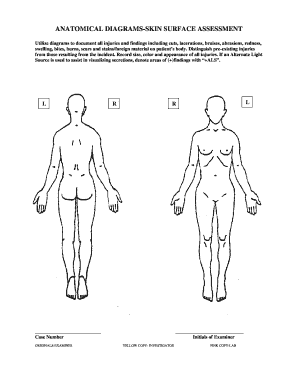
ANATOMICAL DIAGRAMS-SKIN SURFACE ASSESSMENT
The document outlines the procedure for conducting a skin surface assessment using anatomical diagrams to record various ...
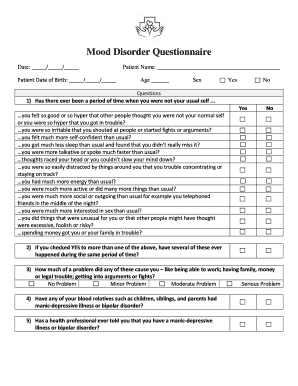
Mood disorder questionnaire
The document is a Mood Disorder Questionnaire designed to assess symptoms related to mood disorders, particularly bipola ...