




01. Edit your sf200 form online
Type text, add images, blackout confidential details, add comments, highlights and more.

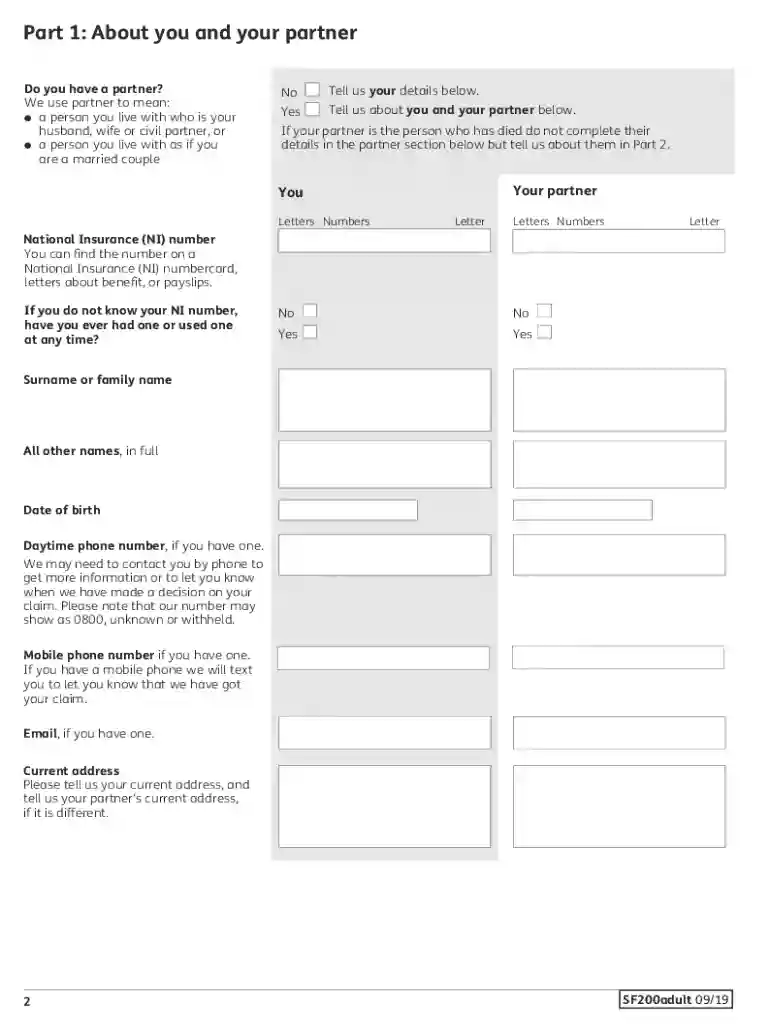
Type text, add images, blackout confidential details, add comments, highlights and more.

Draw your signature, type it, upload its image, or use your mobile device as a signature pad.

Send freepost dwp funeral payments postcode via email, link, or fax. You can also download it, export it or print it out.

Start filling out your sf200 funeral payment form today on our platform for free!
We've got more versions of the sf200 form form. Select the right sf200 form version from the list and start editing it straight away!
You need to use only trustworthy software solutions with strong security compliance to sign your documents electronically. DocHub is just the type of service you need! It stores data on Amazon Web Servers and complies with all required security criteria and eSignature laws, so it’s a trustworthy way to electronically sign your dwp funeral payments postal address or other documents with this tool.
If you edit your funeral grant form with DocHub, you only need a stable internet connection and virtually any web browser installed on your device. No need to install any third-party applications or study guides. Just open a tab with DocHub, drag and drop your file, and modify it immediately.
At DocHub, your data security is our priority. We follow HIPAA, SOC2, GDPR, and other standards, so you can work on your documents with confidence.
Oct 21, 1998 Payment will be made on checldng out of the hotel. N.B. Places are your form. This years Section golf match against the East ofRead more
Standard Forms are used governmentwide for various employment and benefits program purposes. Browse the listing below to download your choice of form(s).Read more


