




Here's how it works

01. Edit your form 12c online
Type text, add images, blackout confidential details, add comments, highlights and more.

02. Sign it in a few clicks
Draw your signature, type it, upload its image, or use your mobile device as a signature pad.

03. Share your form with others
Send be 12c form via email, link, or fax. You can also download it, export it or print it out.
How to use or fill out be 12c form with our platform

- Click ‘Get Form’ to open the BE-12C form in the editor.
- Begin by entering the name and address of your U.S. business enterprise in the designated fields. Ensure accuracy as this information is crucial for identification.
- In the Identification Number section, input your BE-12 Identification Number. Remember, do not enter your Social Security Number here.
- Proceed to Part I and provide details about your fiscal year ending in 2017, including total assets, sales, and net income. If any of these figures exceed $60 million, you may need a different form.
- Complete the certification section at the end of the form by providing the name and signature of an authorized official along with their title and contact information.
Start filling out your BE-12C form today using our platform for free!
Fill out be 12c form online
It's free
It's free
Security and compliance
At DocHub, your data security is our priority. We follow HIPAA, SOC2, GDPR, and other standards, so you can work on your documents with confidence.
Learn more


Related forms
Printable tax exempt form iowa

Ohio Lease Agreement Template

Medical Treatment Authorization Form - Polk County Public Schools - polk-fl

Budget Template: Innovation Project

Certificate of registered particulars
Affidavit Of Financial Information - Mohave County Courts
Rcc academic renewal
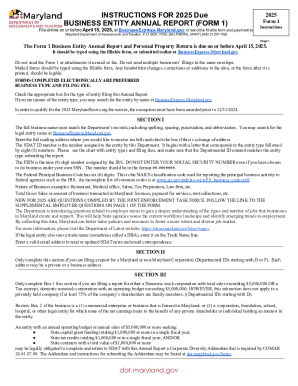
2025 BUSINESS ENTITY ANNUAL REPORT (FORM 1)


