





Here's how it works

01. Edit your form online
Type text, add images, blackout confidential details, add comments, highlights and more.

02. Sign it in a few clicks
Draw your signature, type it, upload its image, or use your mobile device as a signature pad.

03. Share your form with others
Send it via email, link, or fax. You can also download it, export it or print it out.
How to use or fill out notary i psers template with our platform

- Click ‘Get Form’ to open the notary i psers template in the editor.
- Begin by entering the PSERS Member’s Name in the designated field. Ensure accuracy as this is crucial for identification.
- In the section labeled 'I,_________,' input the Name of Agent who is certifying under penalty of perjury.
- Fill in the date of the Power of Attorney in the provided space to confirm its validity.
- Complete the Agent’s Signature, Printed Name, Phone Number, and Address fields to provide your contact information.
- Leave the Notary section blank for completion by a Notary Public. This includes their signature, printed name, and commission expiration date.
Start using our platform today to easily fill out your notary i psers template for free!
Fill out notary i psers template online
It's free
See more notary i psers template versions
We've got more versions of the notary i psers template form. Select the right notary i psers template version from the list and start editing it straight away!
Security and compliance
At DocHub, your data security is our priority. We follow HIPAA, SOC2, GDPR, and other standards, so you can work on your documents with confidence.
Learn more


Related forms
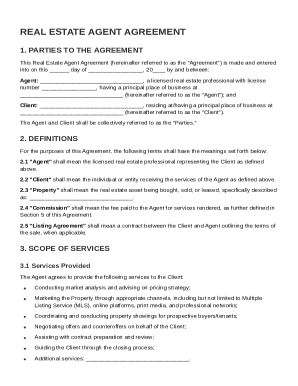
Real Estate Agent Contract Template
The Real Estate Agent Agreement outlines the terms and conditions between a licensed real estate agent and a client seek ...
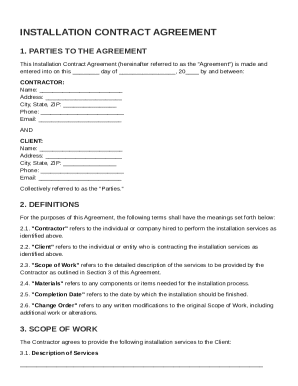
Installation Contract Template
The document is an Installation Contract Agreement between a Contractor and a Client, outlining the terms and conditions ...
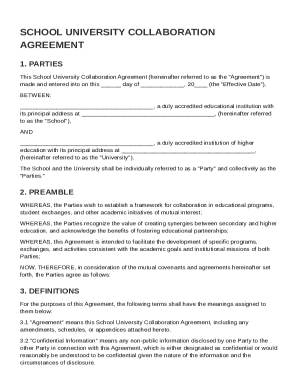
School Uni Contract Template
The School University Collaboration Agreement establishes a framework for partnership between a school and a university ...
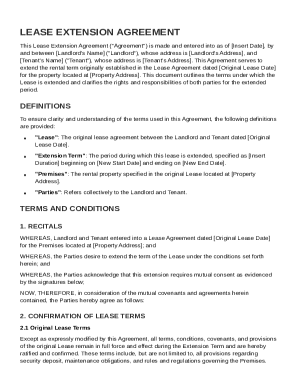
Lease Extension Agreement Template
The Lease Extension Agreement is a legal document between a Landlord and Tenant that extends the rental term of an exist ...
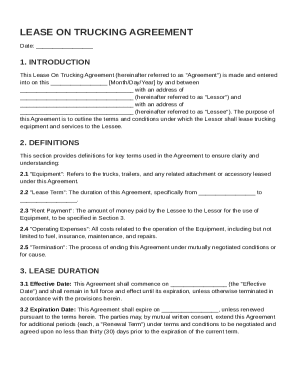
Lease On Trucking Agreement Template
The Lease On Trucking Agreement outlines the terms and conditions for leasing trucking equipment from a Lessor to a Less ...
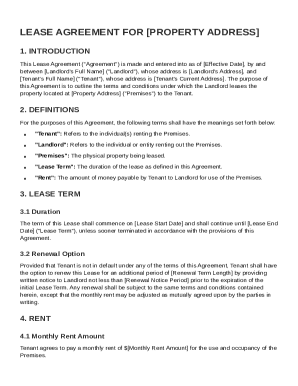
Lease for Property Agreement Template
This Lease Agreement outlines the terms and conditions for renting a property between the Landlord and Tenant, including ...
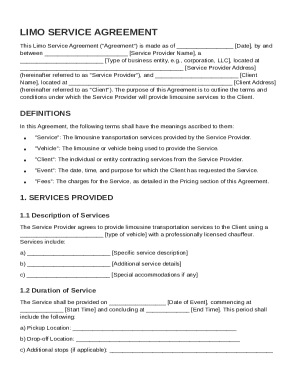
Limo Service Contract Template
The Limo Service Agreement outlines the terms and conditions for limousine services provided by a service provider to a ...
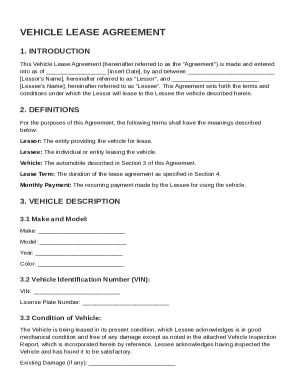
Lease for Vehicle Agreement Template
The Vehicle Lease Agreement outlines the terms and conditions for leasing a vehicle between the Lessor and Lessee, inclu ...