




Here's how it works

01. Edit your car accident insurance claim paperwork online
Type text, add images, blackout confidential details, add comments, highlights and more.

02. Sign it in a few clicks
Draw your signature, type it, upload its image, or use your mobile device as a signature pad.

03. Share your form with others
Send insurance claim paperwork accident via email, link, or fax. You can also download it, export it or print it out.
How to use or fill out Illinois Accident Claim Form with DocHub

- Click ‘Get Form’ to open the Illinois Accident Claim Form in our editor.
- Begin by entering your Policy Number, Claim Number, and the Date at the top of the form.
- In the CLAIMANT’S INFORMATION section, fill in your Name, select your Gender and Marital Status, and provide your Date of Birth. Indicate your Relationship to the Policyowner.
- Next, complete the POLICYOWNER’S INFORMATION section with the necessary details including Name, Address, Phone Numbers, and Email.
- In the ACCIDENT INFORMATION section, specify the Date of Accident and whether it was an On-Job or Off-Job Accident. Provide a description of the accident and date of initial medical treatment.
- Review the REQUIRED DOCUMENTATION list carefully. Ensure you have all necessary bills and reports ready for submission.
- Finally, sign and date the form at the bottom. If applicable, include any additional information regarding supplemental benefits.
Start using our platform today to fill out your Illinois Accident Claim Form easily and for free!
Fill out illinois accident claim form online
It's free
It's free
See more illinois accident claim form versions
We've got more versions of the illinois accident claim form form. Select the right illinois accident claim form version from the list and start editing it straight away!
Security and compliance
At DocHub, your data security is our priority. We follow HIPAA, SOC2, GDPR, and other standards, so you can work on your documents with confidence.
Learn more


Related forms
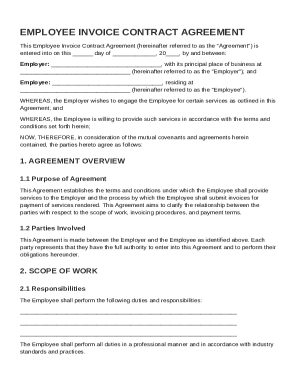
Employee Invoice Contract Template
The Employee Invoice Contract Agreement outlines the terms and conditions under which an employee provides services to a ...
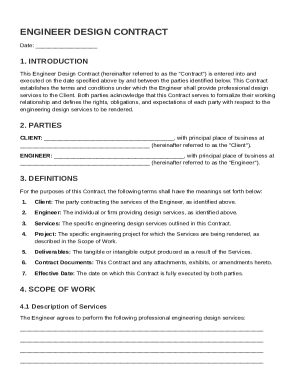
Engineer Design Contract Template
The Engineer Design Contract outlines the terms and conditions under which an Engineer provides professional design serv ...
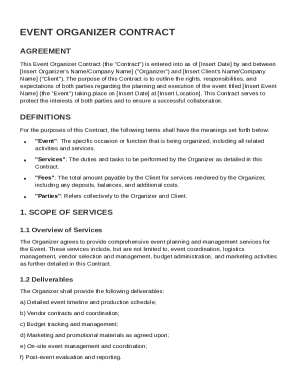
Event Organizer Contract Template
The Event Organizer Contract outlines the agreement between an event organizer and a client for the planning and executi ...

Eviction Notice For Breach Of Contract Template
The document is an Eviction Notice for Breach of Contract, informing tenants of their violation of the rental agreement. ...
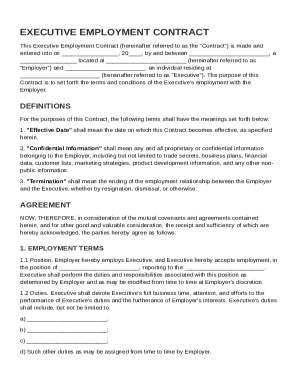
Executive Contract Template
The document is an Executive Employment Contract outlining the terms and conditions of employment between an Employer an ...
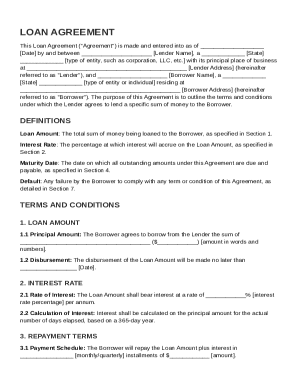
Financial Loan Contract Template
This Loan Agreement outlines the terms and conditions under which a Lender provides a specified sum of money to a Borrow ...
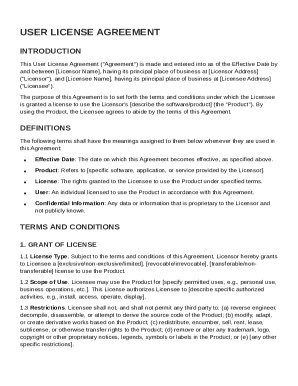
User License Agreement Template
The User License Agreement outlines the terms and conditions under which a Licensee is granted a license to use a Licens ...
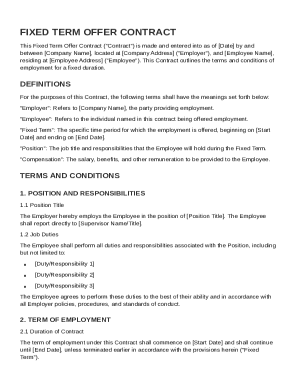
Fixed Term Offer Contract Template
The Fixed Term Offer Contract outlines the employment terms between an Employer and an Employee for a specified duration ...