




Here's how it works

01. Edit your et 2320 online
Type text, add images, blackout confidential details, add comments, highlights and more.

02. Sign it in a few clicks
Draw your signature, type it, upload its image, or use your mobile device as a signature pad.

03. Share your form with others
Send wisconsin beneficiary form via email, link, or fax. You can also download it, export it or print it out.
How to use or fill out Wisconsin Tax with our platform

- Click ‘Get Form’ to open the Wisconsin Tax Beneficiary Designation form in the editor.
- Begin by entering your personal information at the top of the form. This includes your name, address, Social Security number, birth date, and telephone number. Ensure all details are accurate and printed clearly.
- Designate your primary beneficiaries by listing their names, relationships to you, birth dates or trust dates, and Social Security numbers. If you have multiple beneficiaries, ensure they are listed in equal shares unless specified otherwise.
- Next, fill out the secondary beneficiary section in a similar manner. This is crucial in case all primary beneficiaries predecease you.
- If applicable, specify any particular benefit plans or accounts for which this designation applies in the designated space provided on the form.
- Finally, sign and date the form at the bottom. Remember that unsigned or undated forms will be rejected.
Start using our platform today to easily complete your Wisconsin Tax forms online for free!
Fill out wisconsin tax online
It's free
It's free
See more wisconsin tax versions
We've got more versions of the wisconsin tax form. Select the right wisconsin tax version from the list and start editing it straight away!
Security and compliance
At DocHub, your data security is our priority. We follow HIPAA, SOC2, GDPR, and other standards, so you can work on your documents with confidence.
Learn more


Related forms
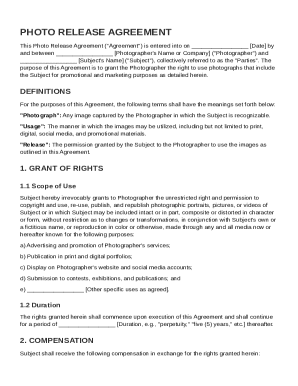
Photo Release Contract Template
The Photo Release Agreement is a legal document between a photographer and a subject that grants the photographer the ri ...
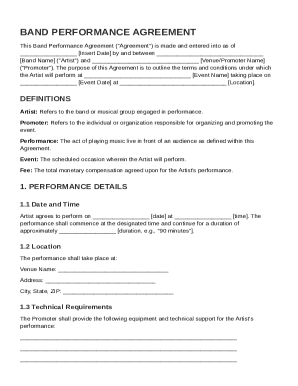
Band Performance Contract Template
The Band Performance Agreement outlines the terms and conditions for a musical performance by an Artist at a specified e ...
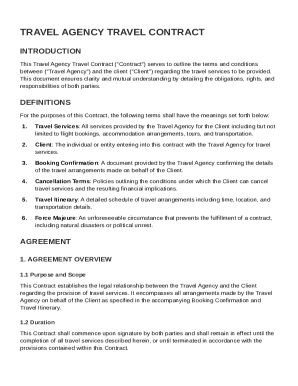
Travel Agency Travel Contract Template
The Travel Agency Travel Contract outlines the terms and conditions between a travel agency and a client for travel serv ...
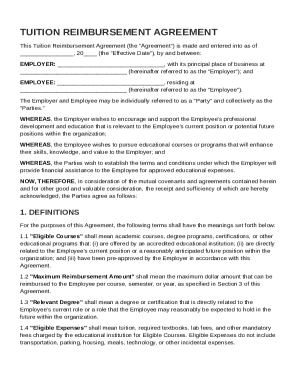
Tuition Reimbursement Contract Template
The Tuition Reimbursement Agreement outlines the terms under which an employer will financially support an employee's ed ...
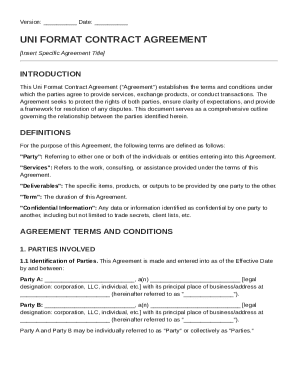
Uni Format Contract Template
The Uni Format Contract Agreement outlines the terms and conditions for services, product exchanges, or transactions bet ...
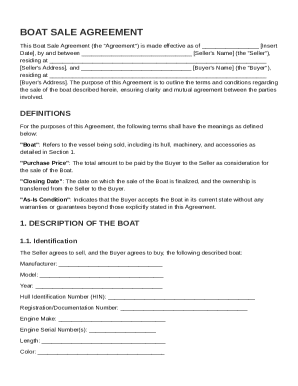
Boat Sale Contract Template
The Boat Sale Agreement outlines the terms and conditions for the sale of a boat between a Seller and a Buyer, including ...

Brand Management Contract Template
The Brand Management Contract outlines the terms and conditions for a brand management service provider to operate on be ...
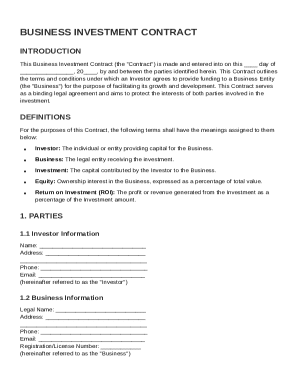
Business Investment Contract Template
The Business Investment Contract outlines the terms and conditions under which an Investor provides funding to a Busines ...