




Here's how it works

01. Edit your 512 463 4561 online
Type text, add images, blackout confidential details, add comments, highlights and more.

02. Sign it in a few clicks
Draw your signature, type it, upload its image, or use your mobile device as a signature pad.

03. Share your form with others
Send 5124634561 via email, link, or fax. You can also download it, export it or print it out.
How to use or fill out form 74 221 tax refund direct deposit authorization with our platform

- Click ‘Get Form’ to open it in the editor.
- In Section 1, enter your 11-digit Texas taxpayer number, business phone, and mailing address. Ensure all details are accurate for proper processing.
- In Section 2, place an 'X' beside the appropriate tax type(s) that apply to your refund. This helps categorize your request correctly.
- Select the transaction type in Section 3. Choose from options like 'New setup' or 'Change account number' based on your needs.
- For new setups or changes, complete Section 4 with your financial institution's name, routing transit number, and account details. It's advisable to confirm this information with your bank.
- If applicable, fill out Section 5 with existing account information for verification when making changes.
- In Section 6, indicate whether payments will be forwarded internationally by checking 'YES' or 'NO'. If 'YES', complete the additional form required.
- Finally, authorize the setup in Section 7 by signing and printing your name. Ensure all sections are completed before submission.
Start using our platform today to easily fill out and submit your form for free!
Fill out form 74 221 tax refund direct deposit authorization online
It's free
It's free
See more form 74 221 tax refund direct deposit authorization versions
We've got more versions of the form 74 221 tax refund direct deposit authorization form. Select the right form 74 221 tax refund direct deposit authorization version from the list and start editing it straight away!
Security and compliance
At DocHub, your data security is our priority. We follow HIPAA, SOC2, GDPR, and other standards, so you can work on your documents with confidence.
Learn more


Related forms

Promise Contract Template
The document is a Promise Contract between two parties, the Promisor and the Promisee, outlining their mutual obligation ...
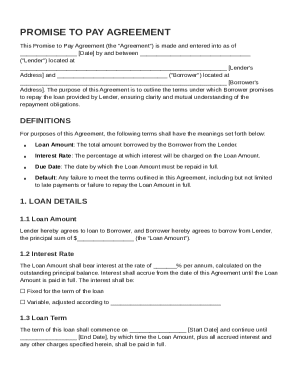
Promise To Pay Contract Template
The document is a Promise to Pay Agreement between a Lender and a Borrower, outlining the terms of a loan including the ...
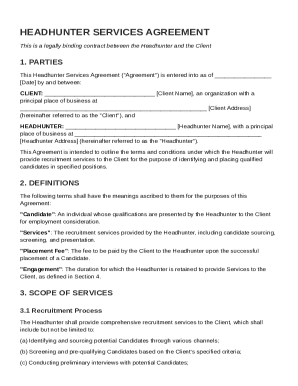
Headhunter Contract Template
The Headhunter Services Agreement is a legally binding contract between a Client and a Headhunter outlining the terms fo ...
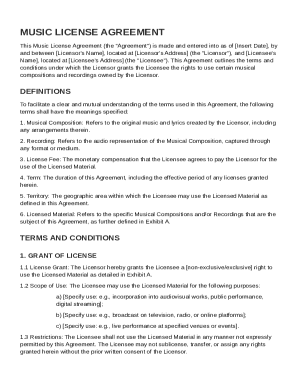
Music Licens Contract Template
The Music License Agreement outlines the terms under which a Licensor grants a Licensee rights to use specific musical c ...
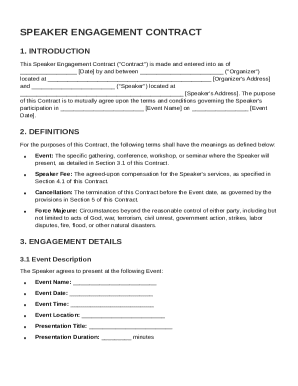
Speaker Engagement Contract Template
The Speaker Engagement Contract outlines the terms and conditions for a speaker's participation in an event, detailing r ...
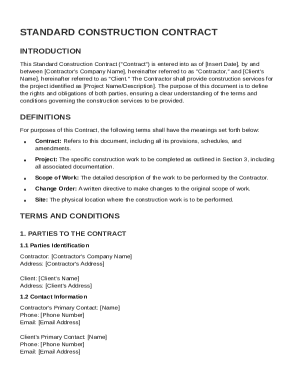
Standard Construction Contract Template
The Standard Construction Contract outlines the agreement between a Contractor and a Client for construction services on ...
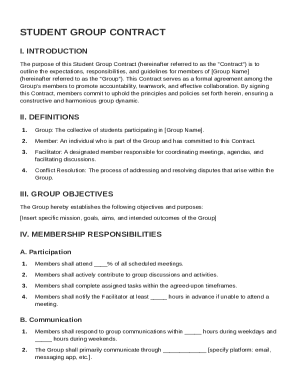
Student Group Contract Template
The Student Group Contract outlines the expectations, responsibilities, and guidelines for members of a student group. I ...
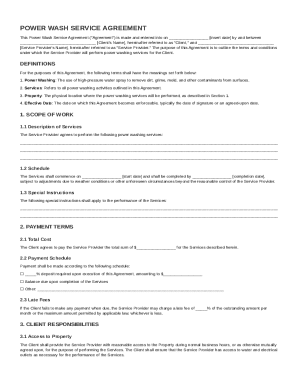
Power Wash Contract Template
The Power Wash Service Agreement outlines the terms and conditions between a Client and a Service Provider for power was ...