




Here's how it works

01. Edit your uscg documentation application online
Type text, add images, blackout confidential details, add comments, highlights and more.

02. Sign it in a few clicks
Draw your signature, type it, upload its image, or use your mobile device as a signature pad.

03. Share your form with others
Send us coast guard documentation phone number via email, link, or fax. You can also download it, export it or print it out.
How to use or fill out U.S. Coast Guard APPLICATION FOR INITIAL, EXCHANGE ... with our platform

- Click ‘Get Form’ to open the U.S. Coast Guard APPLICATION FOR INITIAL, EXCHANGE ... in the editor.
- Begin by entering the 'VESSEL NAME' in the designated field. This is crucial for identifying your vessel.
- Next, input the 'OFFICIAL NUMBER OR OTHER UNIQUE IDENTIFIER' such as the hull identification number to ensure accurate documentation.
- Fill in the 'NAME(S) AND ADDRESS(ES) OF MORTGAGOR(S)' and 'NAME(S) AND ADDRESS(ES) OF MORTGAGEE(S)' sections with relevant details.
- Provide the 'DATE OF MORTGAGE', 'AMOUNT OF MORTGAGE', and 'DATE FILED' to complete the mortgage information accurately.
- In the purpose section, clearly state your reasons for applying for withdrawal or exchange of documentation.
- Finally, ensure that you sign and date the form at the bottom to validate your application before submission.
Start using our platform today to streamline your document editing and signing process for free!
Fill out U.S. Coast Guard APPLICATION FOR INITIAL, EXCHANGE ... online
It's free
It's free
See more U.S. Coast Guard APPLICATION FOR INITIAL, EXCHANGE ... versions
We've got more versions of the U.S. Coast Guard APPLICATION FOR INITIAL, EXCHANGE ... form. Select the right U.S. Coast Guard APPLICATION FOR INITIAL, EXCHANGE ... version from the list and start editing it straight away!
Security and compliance
At DocHub, your data security is our priority. We follow HIPAA, SOC2, GDPR, and other standards, so you can work on your documents with confidence.
Learn more


Related forms

Bob Spencer (excused)
The minutes from the Plain City Planning Commission meeting on February 25, 2010, detail discussions regarding the Fourm ...
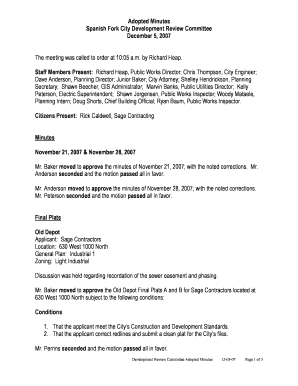
By Richard Heap - spanishfork
The document contains the adopted minutes of the Spanish Fork City Development Review Committee meeting held on December ...
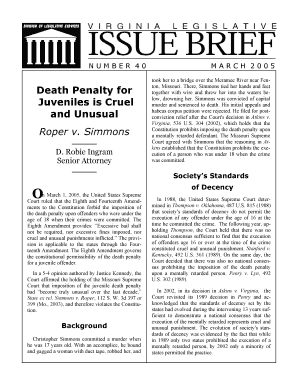
Death Penalty for
The document discusses the U.S. Supreme Court's ruling in Roper v. Simmons, which declared that the death penalty for of ...
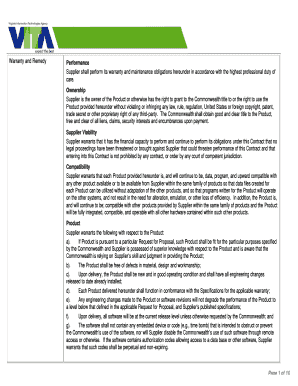
IT Contract Terms and Conditions (pdf) - Division of Legislative - dls virginia
The document outlines the warranty and remedy obligations of a Supplier to the Commonwealth regarding the performance, o ...

2013 Real Property Tax Relief for Veterans
The document outlines the 2013 Real Property Tax Relief program for veterans in Alexandria, Virginia, who have a 100% se ...

Senior Taxi Yellow Card Program
The Senior Taxi Yellow Card Program provides discounted taxi rides for residents of Alexandria aged 60 and older with a ...
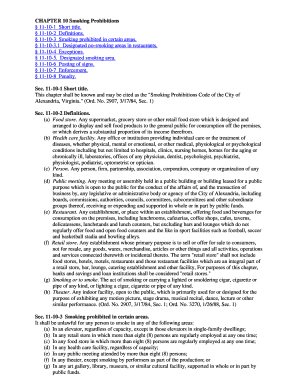
CHAPTER 10 Smoking Prohibitions
Chapter 10 of the Smoking Prohibitions Code for the City of Alexandria, Virginia outlines regulations regarding smoking ...
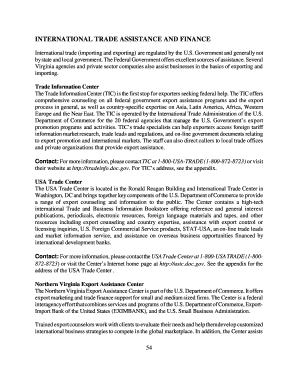
INTERNATIONAL TRADE ASSISTANCE AND FINANCE
The document provides an overview of various federal and state resources available to assist businesses in international ...