




Here's how it works

01. Edit your home form edmonton online
Type text, add images, blackout confidential details, add comments, highlights and more.

02. Sign it in a few clicks
Draw your signature, type it, upload its image, or use your mobile device as a signature pad.

03. Share your form with others
Send alberta rental agreement via email, link, or fax. You can also download it, export it or print it out.
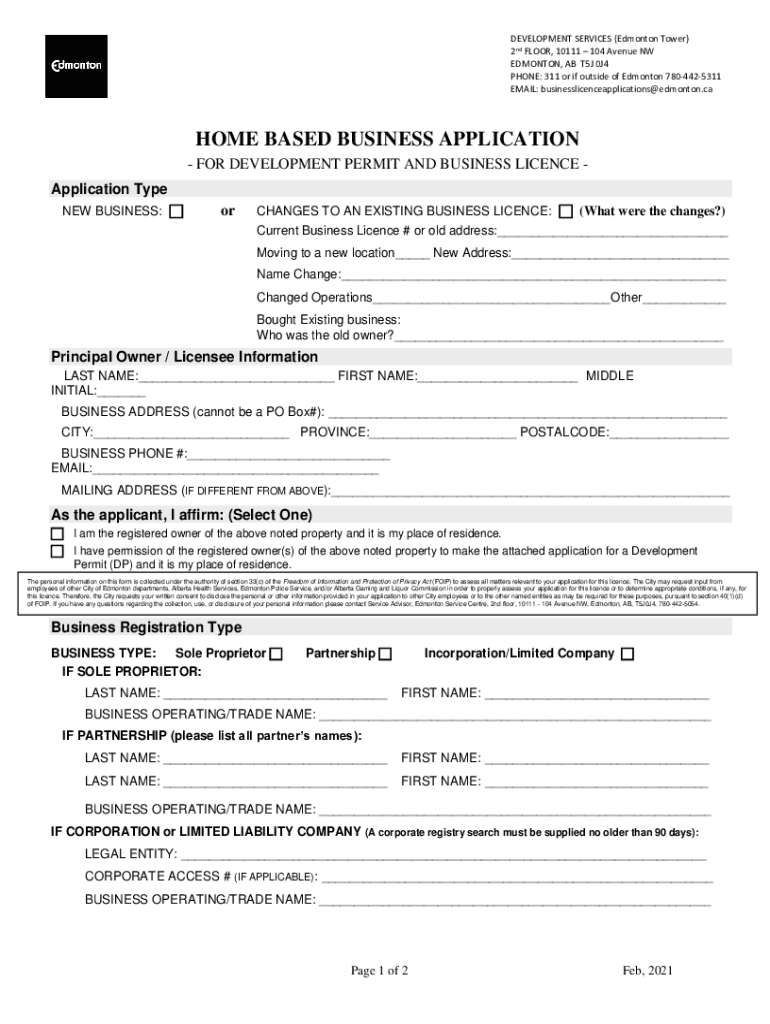
How to use or fill out business application edmonton with our platform

- Click ‘Get Form’ to open the business application edmonton in the editor.
- Begin by selecting the type of application: either 'New Business' or 'Changes to an Existing Business Licence'. Fill in any relevant details such as the current business licence number or old address if applicable.
- Complete the Principal Owner / Licensee Information section. Enter your last name, first name, middle initial, and provide your business address (note that a PO Box is not acceptable).
- Indicate whether you are the registered owner of the property or have permission from the owner. This affirmation is crucial for processing your application.
- Fill out the Business Registration Type section by selecting your business type (Sole Proprietor, Partnership, or Incorporation/Limited Company) and providing necessary details for each type.
- Answer all General Operating Questions thoroughly. These questions help assess your application and may require additional information about property ownership and business operations.
- Review all sections for accuracy before submitting. Ensure that you have included any required fees and signatures.
Start filling out your business application edmonton today using our platform for free!
Fill out business application edmonton online
It's free
See more business application edmonton versions
We've got more versions of the business application edmonton form. Select the right business application edmonton version from the list and start editing it straight away!
Security and compliance
At DocHub, your data security is our priority. We follow HIPAA, SOC2, GDPR, and other standards, so you can work on your documents with confidence.
Learn more


Related forms
Joint Data Controller Agreement Template
The Joint Data Controller Agreement outlines the collaboration between two parties, referred to as Controller 1 and Cont ...
Insurance Contract Template
The document is an Insurance Contract that outlines the terms and conditions between the Insurer and the Policyholder. I ...
Laundry Service Agreement Template
The Laundry Service Agreement outlines the terms and conditions between a service provider and a client for laundry serv ...
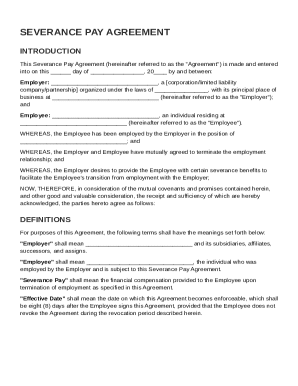
Severance Pay Agreement Template
The Severance Pay Agreement outlines the terms and conditions under which an employee will receive severance pay and ben ...
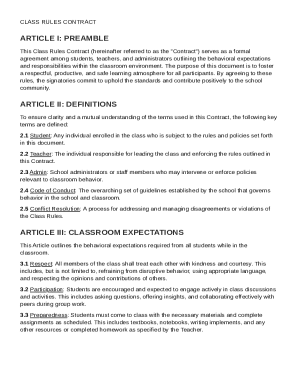
Class Rules Contract Template
The Class Rules Contract is a formal agreement among students, teachers, and administrators that outlines behavioral exp ...
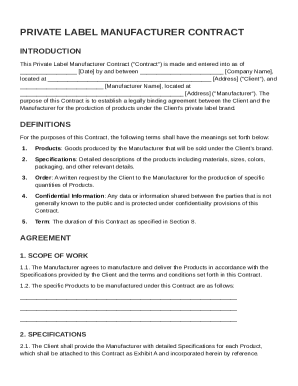
Private Label Manufactur Contract Template
The Private Label Manufacturer Contract establishes a legal agreement between a Client and a Manufacturer for the produc ...
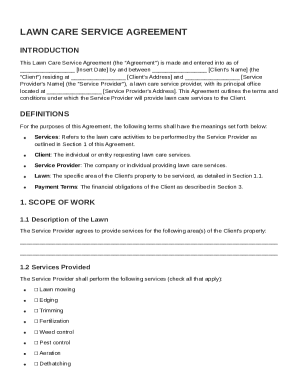
Lawn Care Service Agreement Template
The Lawn Care Service Agreement outlines the terms and conditions between a Client and a Service Provider for lawn care ...
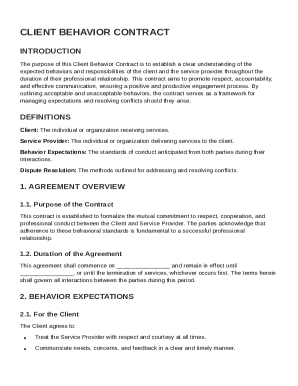
Client Behavior Contract Template
The Client Behavior Contract outlines the expected behaviors and responsibilities of both the client and service provide ...