




Here's how it works

01. Edit your form 89 140 online
Type text, add images, blackout confidential details, add comments, highlights and more.

02. Sign it in a few clicks
Draw your signature, type it, upload its image, or use your mobile device as a signature pad.

03. Share your form with others
Send mississippi annual information return via email, link, or fax. You can also download it, export it or print it out.
How to use or fill out ms annual information return 2021 with DocHub

- Click ‘Get Form’ to open the ms annual information return 2021 in our editor.
- Begin by entering your FEIN and MS Account ID in the designated fields at the top of the form. Ensure these numbers are accurate to avoid processing delays.
- Fill in your name, address, city, state, and zip code in the corresponding sections. This information is crucial for identifying your submission.
- Indicate the type of forms you are submitting (W-2, 1099-R, etc.) by checking the appropriate boxes provided on the form.
- Input your MS Taxable Wages and MS Tax Withheld amounts in their respective fields. Double-check these figures for accuracy.
- Complete any additional required fields such as contact person details and phone number before signing and dating the form at the bottom.
Start using our platform today to easily fill out and submit your ms annual information return for free!
Fill out ms annual information return 2021 online
It's free
It's free
See more ms annual information return 2021 versions
We've got more versions of the ms annual information return 2021 form. Select the right ms annual information return 2021 version from the list and start editing it straight away!
| Versions | Form popularity | Fillable & printable |
|---|---|---|
| 2025 | 4.3 Satisfied (20 Votes) | |
| 2023 | 4.4 Satisfied (38 Votes) | |
| 2022 | 4.3 Satisfied (43 Votes) | |
| 2020 | 4.8 Satisfied (84 Votes) | |
| 2018 | 4.3 Satisfied (89 Votes) | |
| 2014 | 4.4 Satisfied (429 Votes) | |
| 2013 | 4.2 Satisfied (25 Votes) | |
| 2012 | 4.4 Satisfied (249 Votes) | |
| 2011 | 4.4 Satisfied (1561 Votes) | |
| 2006 | 4 Satisfied (46 Votes) |
Security and compliance
At DocHub, your data security is our priority. We follow HIPAA, SOC2, GDPR, and other standards, so you can work on your documents with confidence.
Learn more


Related forms
Software Escrow Agreement Template
The Software Escrow Agreement outlines the terms under which a Depositor will deposit software source code and related m ...
Definitive Agreement Template
This Definitive Agreement outlines the terms and conditions between Party A and Party B for a specified purpose, includi ...
Social Media Market Service Contract Template
The document is a Social Media Market Service Contract between a Client and a Service Provider, outlining the terms for ...
Dispatch Service Agreement Template
The Dispatch Service Agreement outlines the terms and conditions between a Client and a Service Provider for the provisi ...
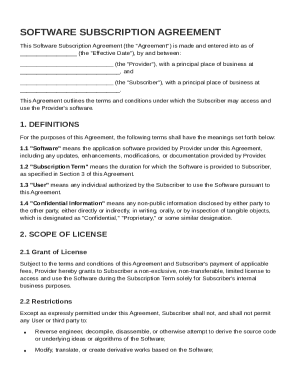
Software Subscription Contract Template
The Software Subscription Agreement outlines the terms and conditions for a Subscriber to access and use software provid ...
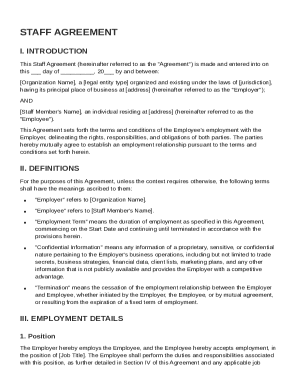
Staff Agreement Template
The Staff Agreement outlines the terms and conditions of employment between an organization (Employer) and an individual ...
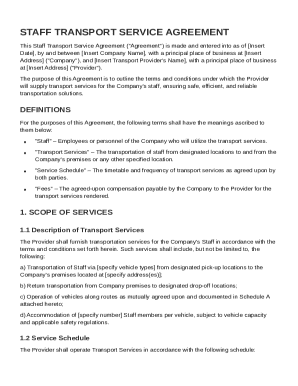
Staff Transport Contract Template
The Staff Transport Service Agreement outlines the terms and conditions between a company and a transport provider for t ...
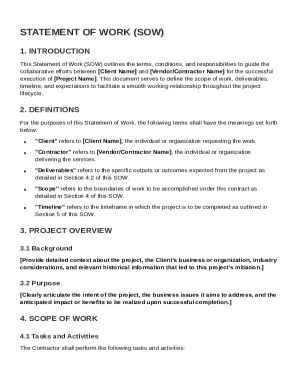
Statement Of Work Contract Template
The Statement of Work (SOW) outlines the collaborative framework between a Client and a Contractor for the execution of ...