




Here's how it works

01. Edit your nevada commerce tax form online
Type text, add images, blackout confidential details, add comments, highlights and more.

02. Sign it in a few clicks
Draw your signature, type it, upload its image, or use your mobile device as a signature pad.

03. Share your form with others
Send nevada commerce tax via email, link, or fax. You can also download it, export it or print it out.
How to use or fill out nv commerce with our platform

- Click ‘Get Form’ to open the nv commerce document in the editor.
- Begin by entering your Tax ID Number or NVBID at the top of the form. This is essential for identifying your business.
- Select your Business Entity NAICS code category from the dropdown menu, ensuring it accurately reflects your business activities.
- Fill in the taxable year range and provide your Business Entity legal name and address in the designated fields.
- If your Nevada gross revenue exceeds $4,000,000, proceed to complete the Gross Revenue section by detailing each source of income as listed (e.g., Sale of inventory, Service performance).
- Calculate total gross revenue by summing all entries from Line 1 through Line 8 and input this value on Line 9.
- Deduct any applicable general business deductions on Lines 12 through 18, then calculate Total Deductions on Line 26.
- Finally, compute your Commerce Tax due based on Nevada Taxable Revenue and complete the signature section at the end of the form.
Start filling out your nv commerce form today for free using our platform!
Fill out nv commerce online
It's free
It's free
Security and compliance
At DocHub, your data security is our priority. We follow HIPAA, SOC2, GDPR, and other standards, so you can work on your documents with confidence.
Learn more


Related forms
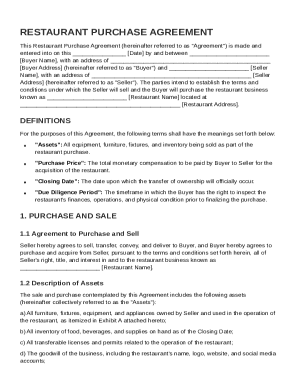
Restaurant Purchase Agreement Template
The Restaurant Purchase Agreement outlines the terms and conditions for the sale of a restaurant business from the Selle ...
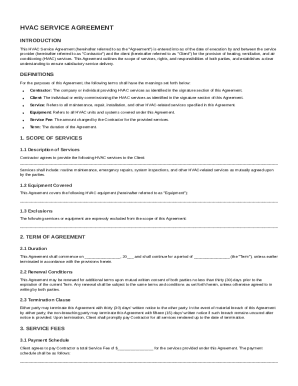
HVAC Service Agreement Template
The HVAC Service Agreement outlines the terms and conditions between a service provider (Contractor) and a client for he ...
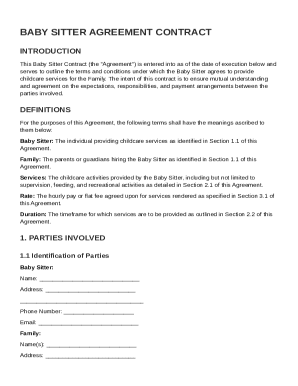
Baby Sitt Contract Template
The Baby Sitter Agreement Contract outlines the terms and conditions for childcare services provided by a Baby Sitter to ...
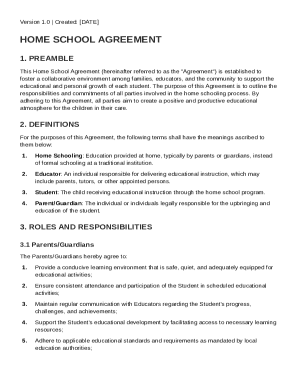
Home School Agreement Template
The Home School Agreement outlines the collaborative responsibilities of parents, educators, and students in a home scho ...
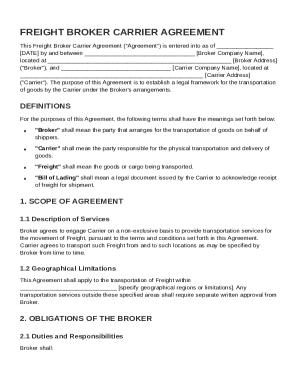
Freight Broker Carrier Agreement Template
The Freight Broker Carrier Agreement establishes a legal framework for the transportation of goods between a broker and ...
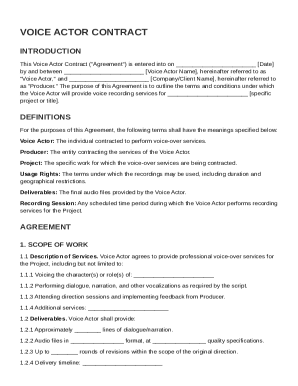
Voice Actor Contract Template
The Voice Actor Contract outlines the terms and conditions for a voice actor's services in a specific project, detailing ...
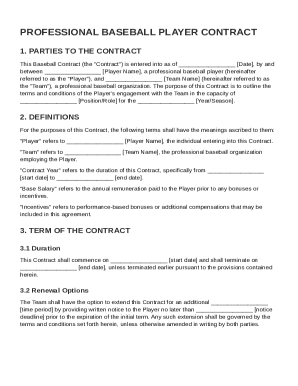
Baseball Contract Template
The document is a Professional Baseball Player Contract outlining the terms and conditions of engagement between a playe ...
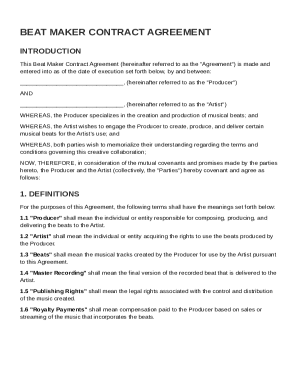
Beat Maker Contract Template
The Beat Maker Contract Agreement outlines the terms and conditions between a Producer and an Artist for the creation, p ...