




Here's how it works

01. Edit your texas department of state health services vital records application online
Type text, add images, blackout confidential details, add comments, highlights and more.

02. Sign it in a few clicks
Draw your signature, type it, upload its image, or use your mobile device as a signature pad.

03. Share your form with others
Send texas birth certificate sample via email, link, or fax. You can also download it, export it or print it out.
How to use or fill out Birth Record FAQs - Texas Department of State Health ... with our platform

- Click ‘Get Form’ to open the Birth Record Amendment Application in the editor.
- Begin by filling in the 'What does the birth certificate show now?' section with the current details as they appear on the existing birth certificate. This is crucial for locating the correct record.
- In the 'What item(s) do you want to amend?' section, list each item you wish to change in the left column and specify how you want it to appear on the new certificate in the right column.
- Complete the Requester Information section, ensuring that your relationship to the subject of the record is clearly indicated. If applicable, include a certified copy of any court orders.
- Sign your application in front of a Notary Public. Ensure you present valid identification during this process.
- Select your payment method and enter any applicable fees for amendments and certificates before submitting your application.
Start using our platform today for free to streamline your document editing and submission process!
Fill out Birth Record FAQs - Texas Department of State Health ... online
It's free
It's free
See more Birth Record FAQs - Texas Department of State Health ... versions
We've got more versions of the Birth Record FAQs - Texas Department of State Health ... form. Select the right Birth Record FAQs - Texas Department of State Health ... version from the list and start editing it straight away!
Security and compliance
At DocHub, your data security is our priority. We follow HIPAA, SOC2, GDPR, and other standards, so you can work on your documents with confidence.
Learn more


Related forms
Live in Property Caretaker Agreement Template
The Live-in Property Caretaker Agreement outlines the terms and conditions under which a caretaker will reside in an emp ...
Recruitment Agency Client Contract Template
The Recruitment Agency Client Contract outlines the terms and conditions under which a recruitment agency will provide s ...
Business Buyout Agreement Template
The Business Buyout Agreement outlines the terms and conditions for the sale of ownership interest in a business between ...
Business Consulting Agreement Template
The Business Consulting Agreement outlines the terms between a Client and a Consultant for the provision of business con ...
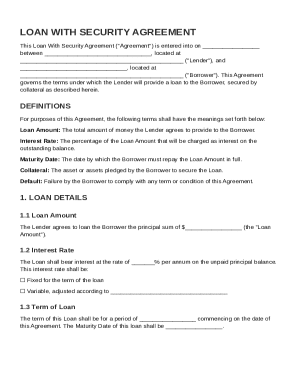
Loan With Security Agreement Template
The document is a Loan With Security Agreement between a Lender and a Borrower, outlining the terms of a secured loan. I ...
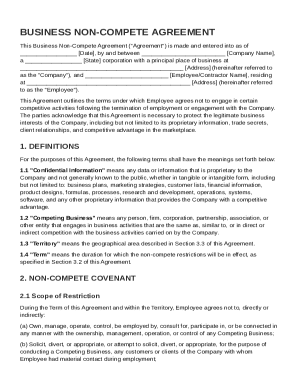
Business Non Compete Agreement Template
The Business Non-Compete Agreement outlines the terms under which an employee agrees not to engage in competitive activi ...
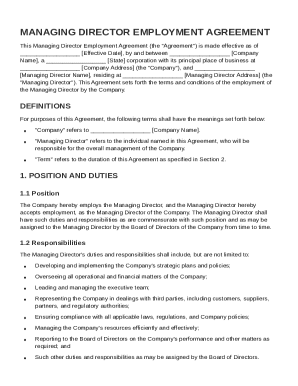
Manag Director Contract Template
The Managing Director Employment Agreement outlines the terms of employment between a company and its Managing Director, ...
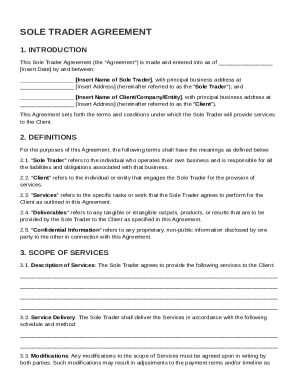
Sole Trader Agreement Template
The Sole Trader Agreement outlines the terms and conditions under which a Sole Trader provides services to a Client. It ...