





Here's how it works

01. Edit your dochub com fillable form online
Type text, add images, blackout confidential details, add comments, highlights and more.

02. Sign it in a few clicks
Draw your signature, type it, upload its image, or use your mobile device as a signature pad.

03. Share your form with others
Send nationwide pet insurance claim form via email, link, or fax. You can also download it, export it or print it out.
How to use or fill out nationwide insurance claim form download with our platform

- Click ‘Get Form’ to open the nationwide insurance claim form in the editor.
- Begin by entering your personal information, including your name, Social Security Number or account number, mailing address, date of birth, phone number, and email address. Ensure all details are accurate for effective communication.
- Select the plan type that applies to you by checking the appropriate box (401(a), 401(k), or 403(b)). This helps categorize your request correctly.
- Indicate the reason for distribution by checking one of the options provided. Refer to the Important Information section if you need clarification on each reason.
- If this is your first distribution request, have your employer complete the authorization section. This step is crucial for processing your request smoothly.
- Choose your distribution source and specify amounts or percentages as required. Make sure to follow any guidelines regarding minimum amounts.
- Select your payment method and provide necessary banking details if opting for direct deposit. Review all entries carefully before submission.
- Finally, sign and date the form at the bottom to certify that all information is correct before submitting it via mail or fax as instructed.
Start using our platform today to fill out your nationwide insurance claim form easily and efficiently!
Fill out nationwide insurance claim form download online
It's free
It's free
See more nationwide insurance claim form download versions
We've got more versions of the nationwide insurance claim form download form. Select the right nationwide insurance claim form download version from the list and start editing it straight away!
Security and compliance
At DocHub, your data security is our priority. We follow HIPAA, SOC2, GDPR, and other standards, so you can work on your documents with confidence.
Learn more


Related forms
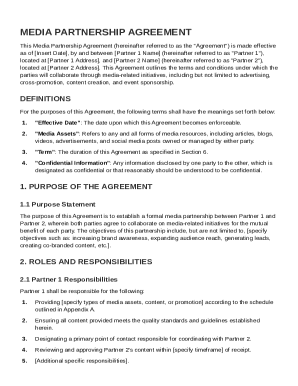
Media Partnership Agreement Template
The Media Partnership Agreement establishes a formal collaboration between Partner 1 and Partner 2 for media-related ini ...
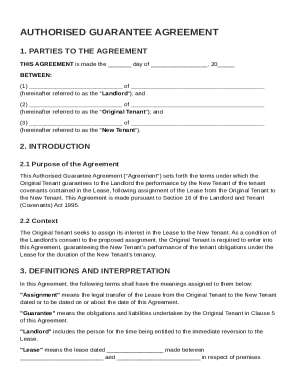
Authorised Guarantee Agreement Template
The Authorised Guarantee Agreement outlines the terms under which the Original Tenant guarantees the performance of tena ...
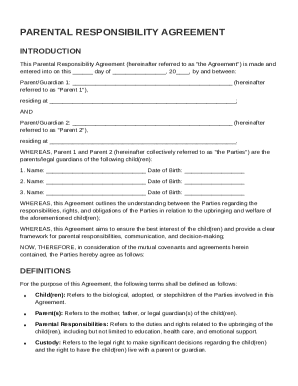
Parental Responsibility Agreement Template
The Parental Responsibility Agreement outlines the responsibilities, rights, and obligations of two parents or guardians ...
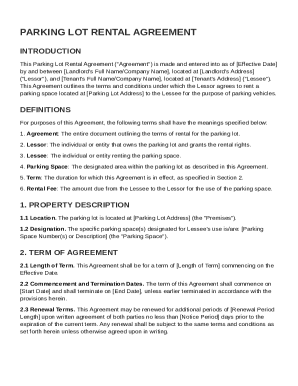
Parking Lot Rental Agreement Template
The Parking Lot Rental Agreement outlines the terms and conditions for renting a parking space between the Lessor and Le ...
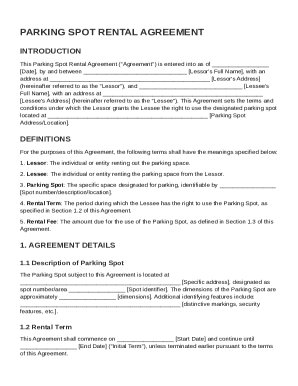
Parking Spot Rental Agreement Template
The Parking Spot Rental Agreement outlines the terms and conditions between a Lessor and a Lessee for renting a designat ...
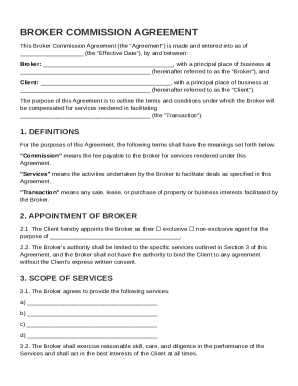
Broker Commission Agreement Template
The Broker Commission Agreement outlines the terms and conditions under which a Broker will be compensated for facilitat ...
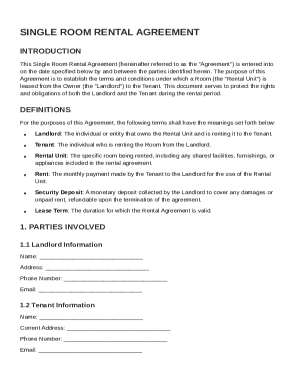
Single Room Rental Agreement Template
The Single Room Rental Agreement outlines the terms and conditions for leasing a room from a landlord to a tenant. It in ...
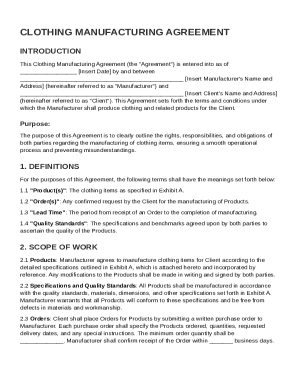
Clothing Manufacturing Agreement Template
The Clothing Manufacturing Agreement outlines the terms and conditions between a Manufacturer and a Client for the produ ...